INSTALLATION 23
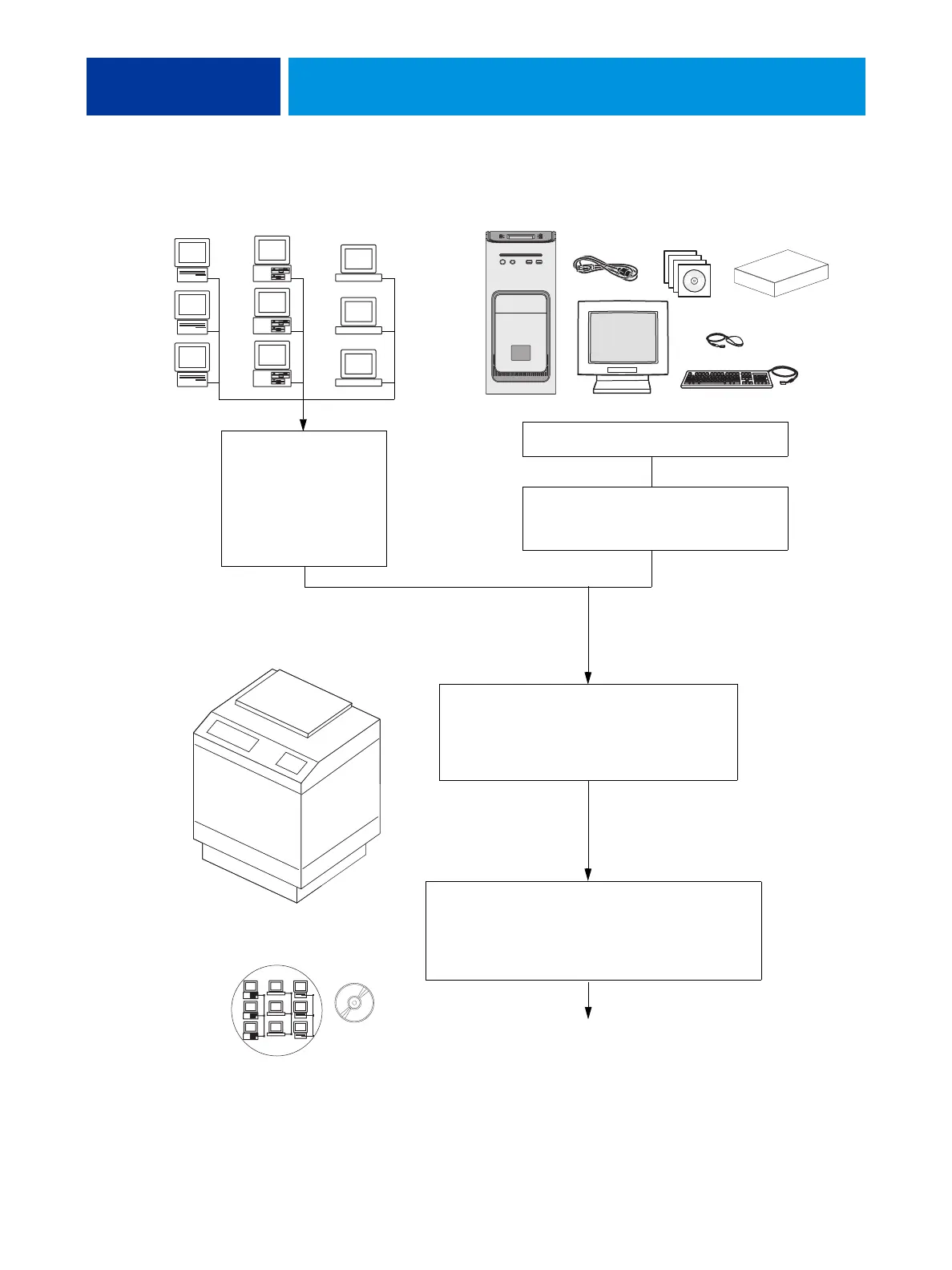
FIGURE 3: Summary of installation steps and references
Copier
ac
computers
computers
workstations
Full imagePRESS Server functionality
Check installation
requirements and verify
site conditions.
If possible, obtain
verification that the
network is operational
(see page 24).
Complete installation (see page 31).
Remind the site administrator to install the current
user software on networked computers that print to
the imagePRESS Server (see Printing and Utilities on
the User Documentation CD).
Networked computers
Unpack the imagePRESS Server (see page 26).
Power cable(s), interface cables, optional monitor,
keyboard, mouse, media pack, interface kit.
If present, connect the optional monitor,
keyboard, and mouse to the
imagePRESS Server (see page 28).
Connect interface cables (see page 29):
• Copier interface cables
•Network cable
• Command/Status Ethernet Crossover cable
imagePRESS Server












 To Next Page