TROUBLESHOOTING 119
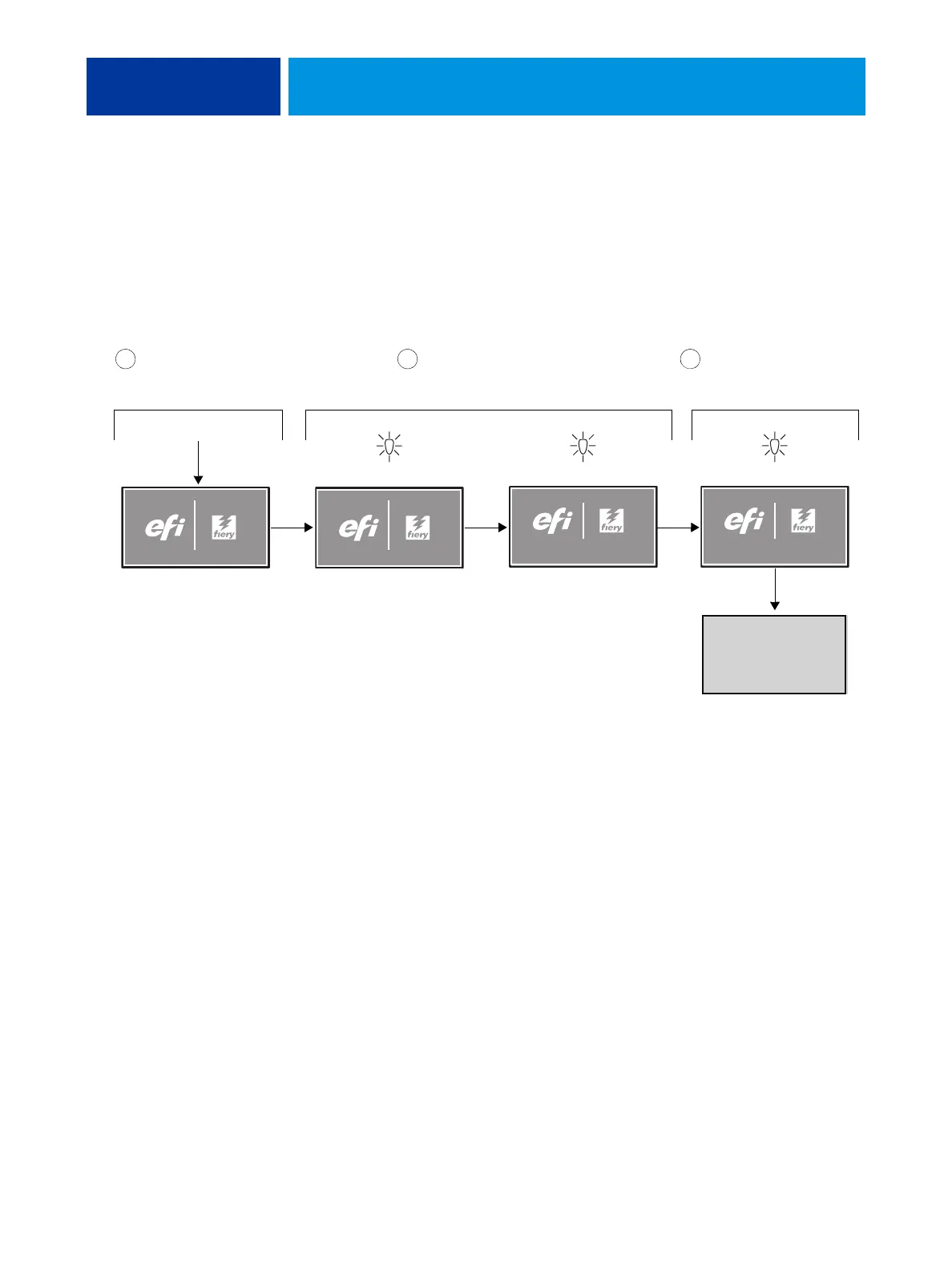
Normal startup sequence
When you turn on or reboot the imagePRESS Server, the system runs the following startup
routine on the imagePRESS Server Control Panel. The sequence takes approximately 2
minutes to complete.
NOTE: The following description is approximate. The screens, times, and sequences that you
observe may vary slightly.
FIGURE 43: Normal startup sequence
STARTING UP...
1 minute
imagePRESS
Server
Code in motherboard BIOS
initializes and configures
areas on the motherboard.
Code in UIB firmware
enables the UIB.
5 seconds 10 seconds 50 seconds
1 2 3
Power on
Activity light
is off
Activity light
blinks orange
STARTING UP...
Activity light
blinks orange
Activity light
blinks green
Windows operating system
establishes communication
with imagePRESS Server
devices.












 To Next Page