USING THE IMAGEPRESS SERVER 41
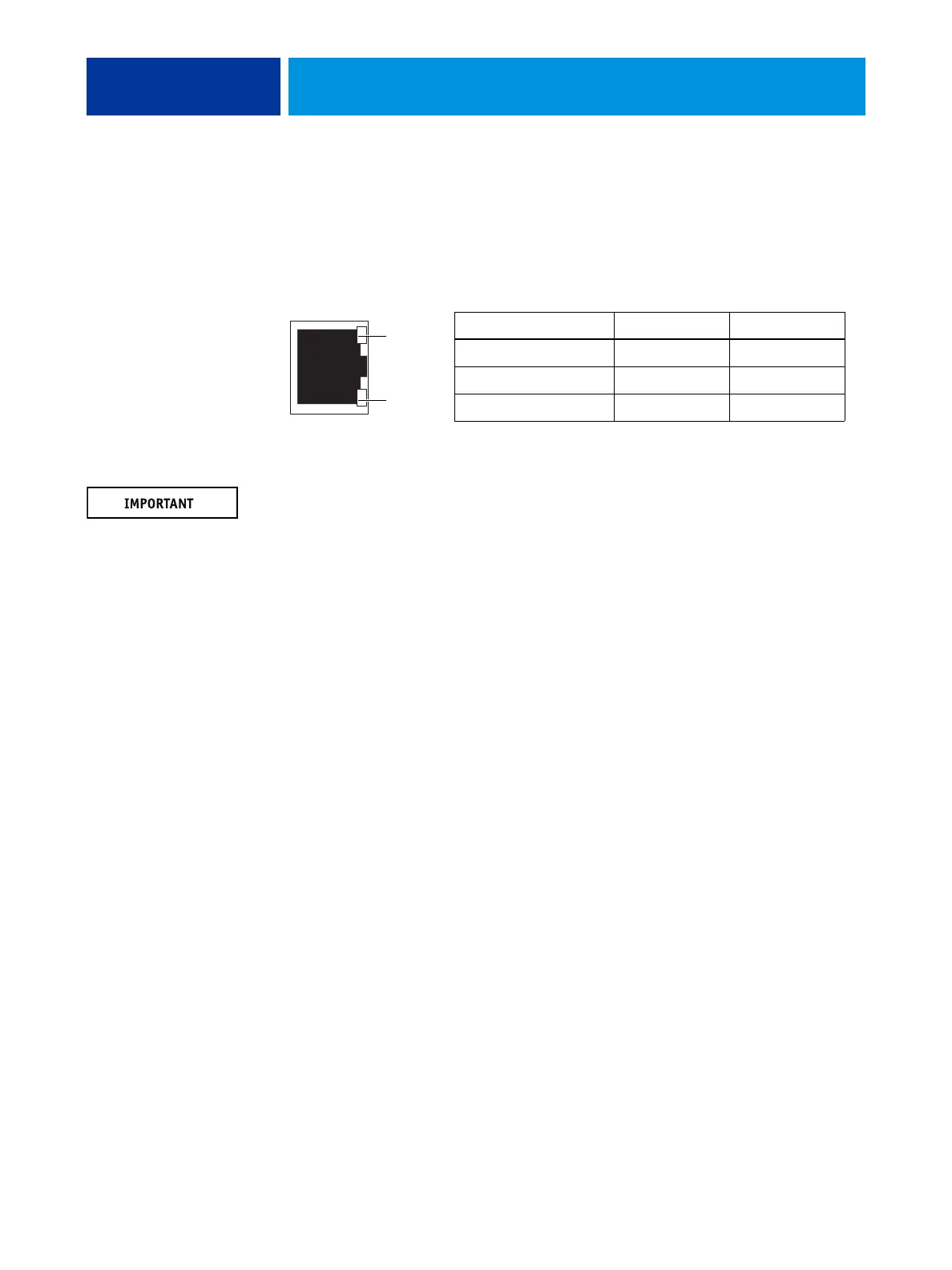
Network Status LEDs
Two LEDs next to the Ethernet connector indicate the network speed. When a data transfer
occurs between the imagePRESS Server and the network, the appropriate LED(s) blink to
indicate network activity. For additional network information, see Configuration and Setup
on the User Documentation CD.
NOTE: The Ethernet network cable at the customer site and the Command/Status Ethernet
Crossover cable included with the imagePRESS Server look similar, but are not
interchangeable. Make sure that you attach the Command/Status Ethernet Crossover cable to
the lower RJ-45 port and the network cable to the upper RJ-45 port on the
imagePRESS Server back panel.
Network link speed LED 1 LED 2
10 Megabits/second Off Green
100 Megabits/second Green Green
1000 Megabits/second Amber Green
LED 2
LED 1
Ethernet network port
(Upper RJ-45)












 To Next Page