Chapter 4
4-58
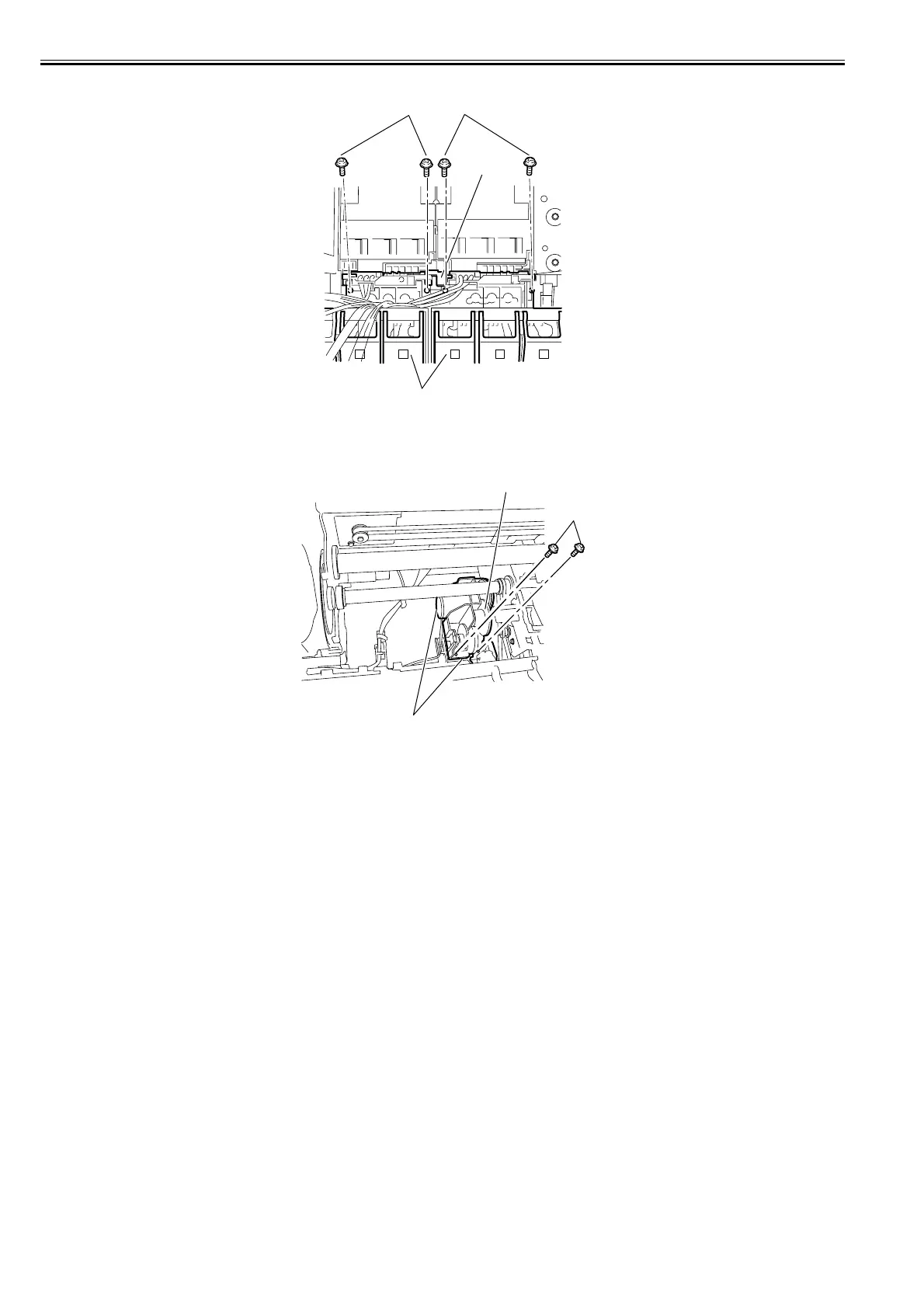
9) Remove the four screws[1] and joint[3], and then remove the two ink tank unit F[2].
F-4-130
b) Removing the valve motor unit
1) When removing the valve motor unit, remove the ink tank cover.
2) Remove the two screws[1], disconnect the the two connectors[2], and then remove the valve motor unit[3].
F-4-131
[2]
[3]
[1]
[1]
[1]
[2]
[3]














 To Next Page