Chapter 1
1-67
[System Setup]
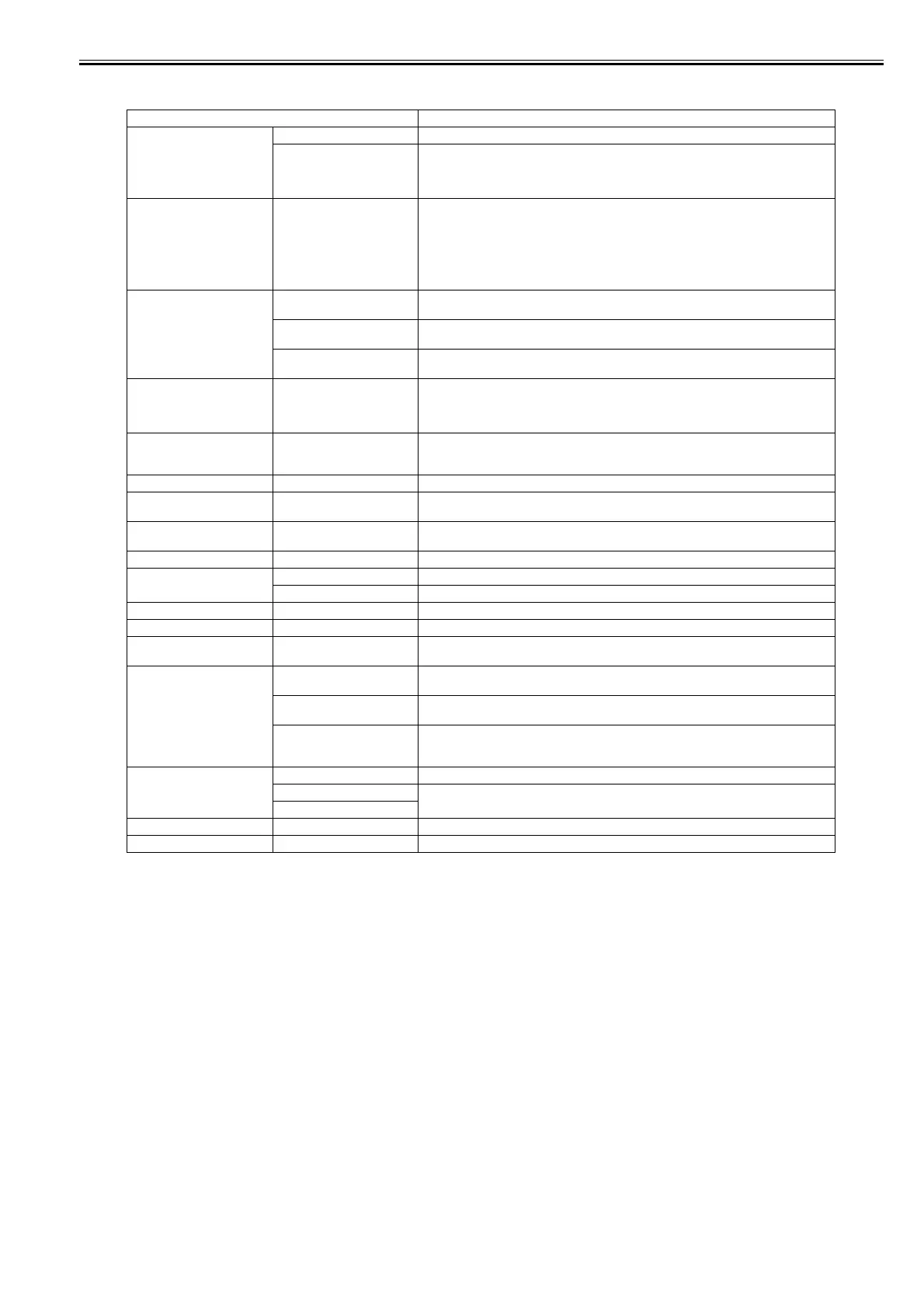
T-1-25
Setting Item Description/Instructions
[Warning] [Buzzer] Set the buzzer. Choose On for the buzzer to sound in case of errors.
[Detect Mismatch] Choose Warning for notification (display of a warning message) during printing if the paper
type specified in the printer menu does not match the paper type in the printer driver. Choose
None to continue print without notification. Choose Pause to have printing paused under these
circumstances. In this case, you can continue printing by pressing the Online button.
[Keep Media Size] Choose On to use the paper size setting as the basis for printing instead of other settings. The
margin setting of the printer menu will be used instead of the margin setting of the printer driver
if the latter is smaller, which may prevent text or images in the margin from being printed.
Choose Off to use the printer driver settings instead. Even if the margin setting of the printer
driver is smaller than that of the printer driver, text or images will not be cut off. However, this
requires longer paper because the actual margin will be equal to the margin setting of the printer
driver plus the margin setting of the printer menu.
[Paper Size Basis] [Sht Selection] If sheet size detection is activated, choose whether ISO A3+ or ANSI B Super is applied when
an inbetween size is detected.
[Sht Selection 1] If roll size detection is activated, choose whether ISO A3 (297 mm) and 300 mm Roll is applied
when an inbetween size is detected.
[Sht Selection 2] If roll size detection is activated, choose whether 10in. (254 mm) or JIS B4 (257 mm) is applied
when an inbetween size is detected.
[TrimEdge Reload] Keeping a roll in the printer for a long time without printing on it may leave a depression on the
leading edge.
When printing quality is most important, we recommend setting this option to On so that the
paper edge is automatically cut before printing.
[Noz. Check Freq.] Specify the timing for automatic checks of nozzle clogging. Choose Off to disable checking.
Choose 1 page to check after each page is printed. Choose 10 pages to check once after every
ten pages are printed.
[Sleep Timer] Specify the period before the printer enters sleep mode.
[Length Unit] Choose the unit of measurement when roll length is displayed. You can switch the unit
displayed for Roll Length Set and the remaining paper amount displayed in the submenu.
[Time Zone] Specify the time zone. Time zone options indicate a main city in this time zone and the
difference from Greenwich Mean Time.
[Date Format] Specify the date format.
[Date & Time] [Date] Set the current date.
[Time] Set the current time.
[Language] Specify the language used on the Display Screen.
[Contrast Adj.] Adjust the contrast of the Display Screen.
[Reset PaprSetngs] Restores settings that you have changed with Media Configuration Tool to the factory default
values.
[Erase HDD Data] [High Speed] The file management information of the data recorded in the hard disk drive is deleted. The time
required is several seconds.
[Secure High Spd.] The random data in the entire hard disk drive is overwrited. The time required is about 40
minutes.
[Secure] The 00 or FF or the random data in the entire hard disk drive is overwrited each once. The verify
check whether the data recorded in the hard disk drive is correct is executed. The time required
is 20 hours.
[Output Method] [Print] Choose how to print.
[Print(auto delete)] Select [Print] to perform normal printing. Select [Print (Auto delete)], print data and remove it
from the hard disk. Select [Save in mail box] to only save data to the box, without printing it.
[Save in mail box]
[Save beforePrint] Select [On] to start printing data when its save is complete.
[Save in Comm.Box] Select [Off] to print data without saving it to the common box.














 To Next Page