5
Specify the print settings as necessary.
● The available settings and paper sizes differ depending on the application you are using.
● You can specify the halftones setting for image les using the operation panel. Specifying the
Halftones Setting for Image Files(P. 400)
6
Click [Print].
➠ Printing starts.
Specifying the Halftones Setting for Image Files
When printing JPEG and TIFF image les by AirPrint, you can change a print setting to select the printing method to
reproduce halftones (the intermediate range between the lighter and darker areas of an image) for optimal image
quality. The factory default setting is <Gradation>.
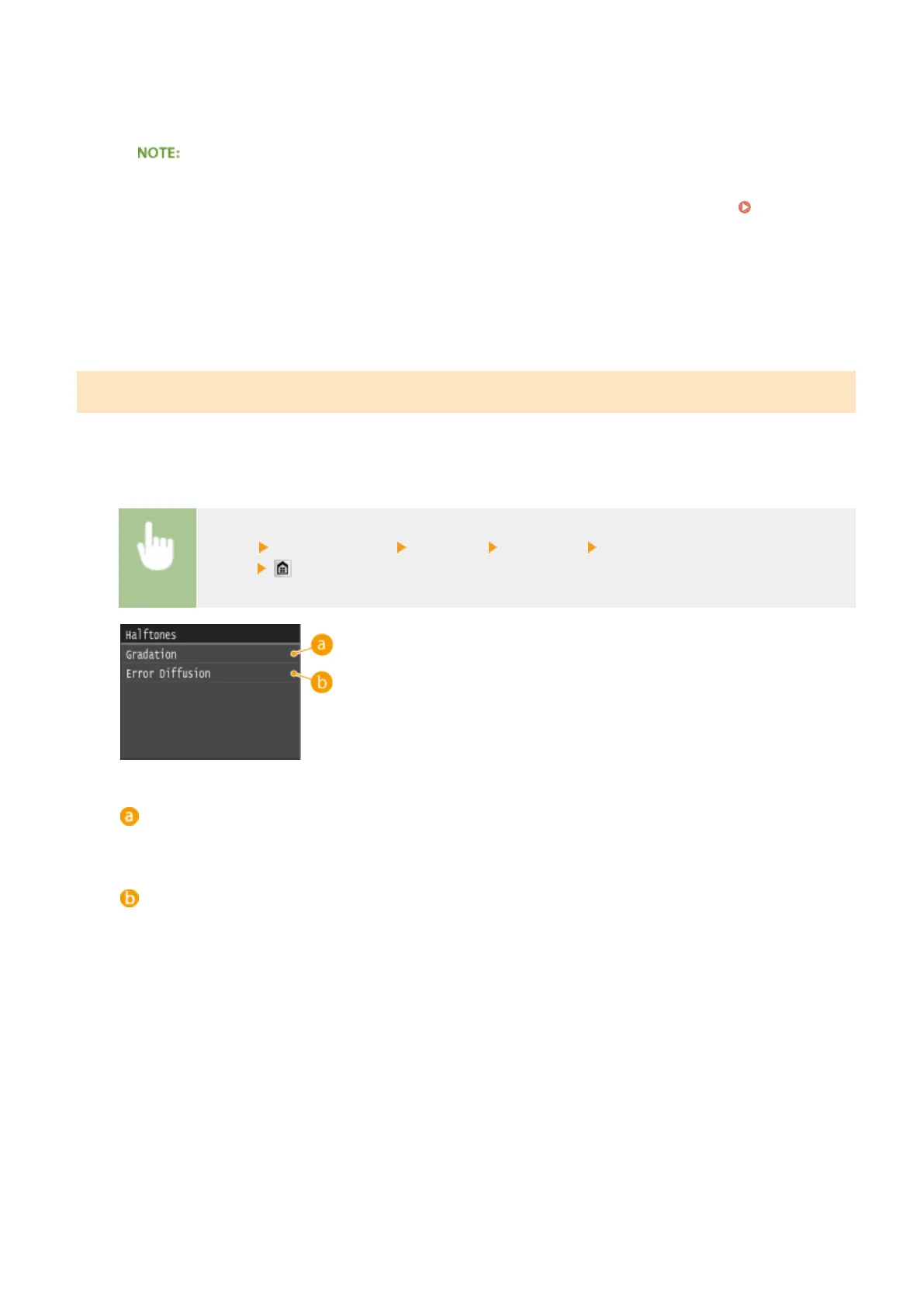
<Menu> <Printer Settings> <Imaging> <Halftones> Select the halftone reproduction
method
<Gradation>
Prints images with ne gradation, such as digital camera images, with a smooth nish.
<Error Diffusion>
Prints images with small text or ne lines with a clear nish.
Can Be Used Conveniently with a Mobile Device
400











 To Next Page