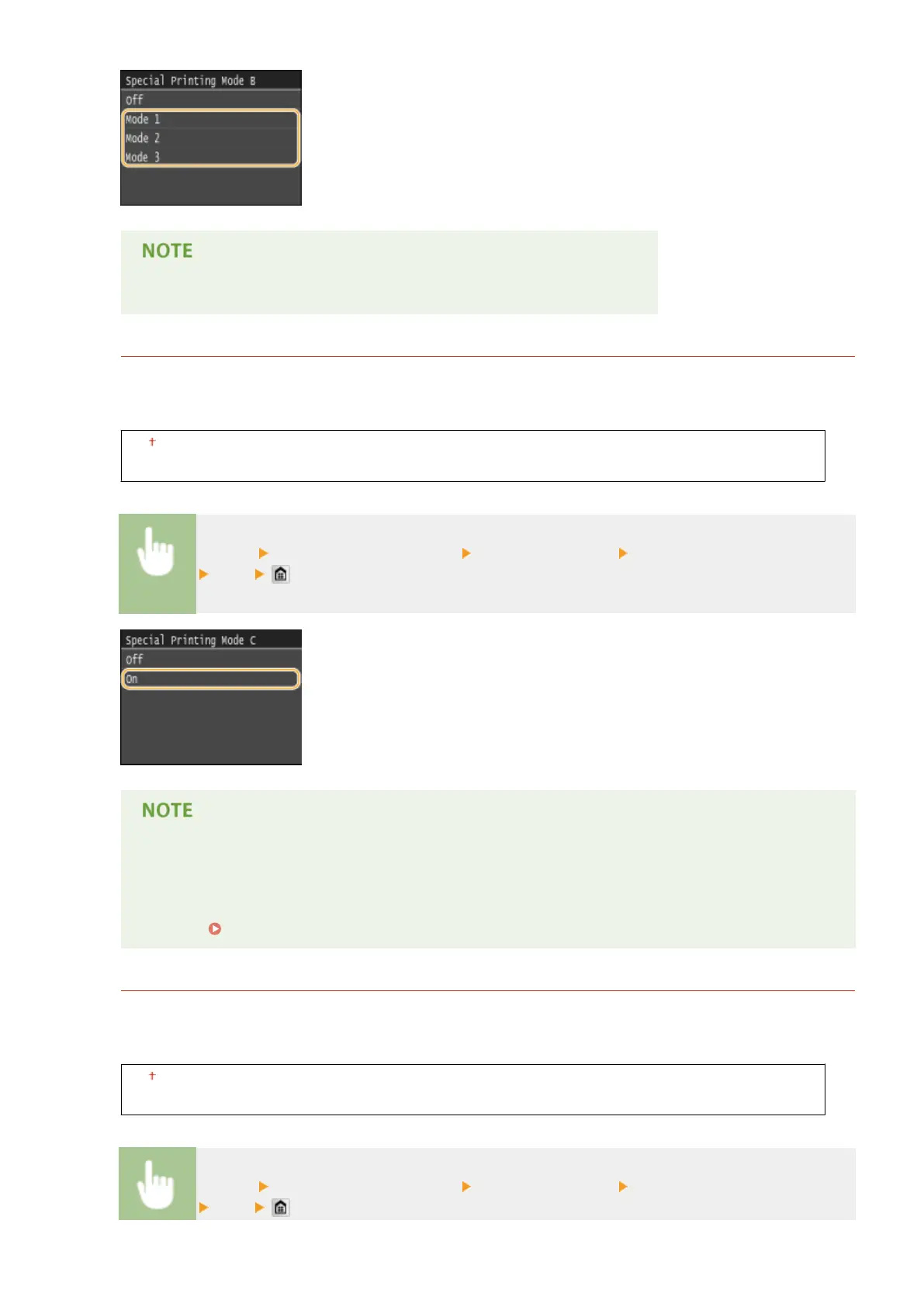
● Printing speed becomes slower when you select stronger improvement.
Special Printing Mode C
When printing received fax documents or reports or lists, blurred smudges may appear on printouts depending
on the paper type or the environmental conditions. In this case, setting this item to <On> may solve the
problem.
Off
On
<Menu> <Adjustment/Maintenance> <Special Processing> <Special Printing Mode C>
<On>
● This item is only effective for printing received fax documents or reports or lists.
● If you set this item to <On>, the printing speed becomes slower.
● If the problem cannot be solved in spite of this item having been set, set <Special Printing Mode D> to
<On>. Special Printing Mode D(P. 705)
Special Printing Mode D
Streaks may appear on printouts depending on the paper type or the environmental conditions. Setting this
item to <On> may solve the problem. Also, setting this item to <On> will reduce the operating noise during
printing.
Off
On
<Menu> <Adjustment/Maintenance> <Special Processing> <Special Printing Mode D>
<On>
Setting Menu List
705











 To Next Page