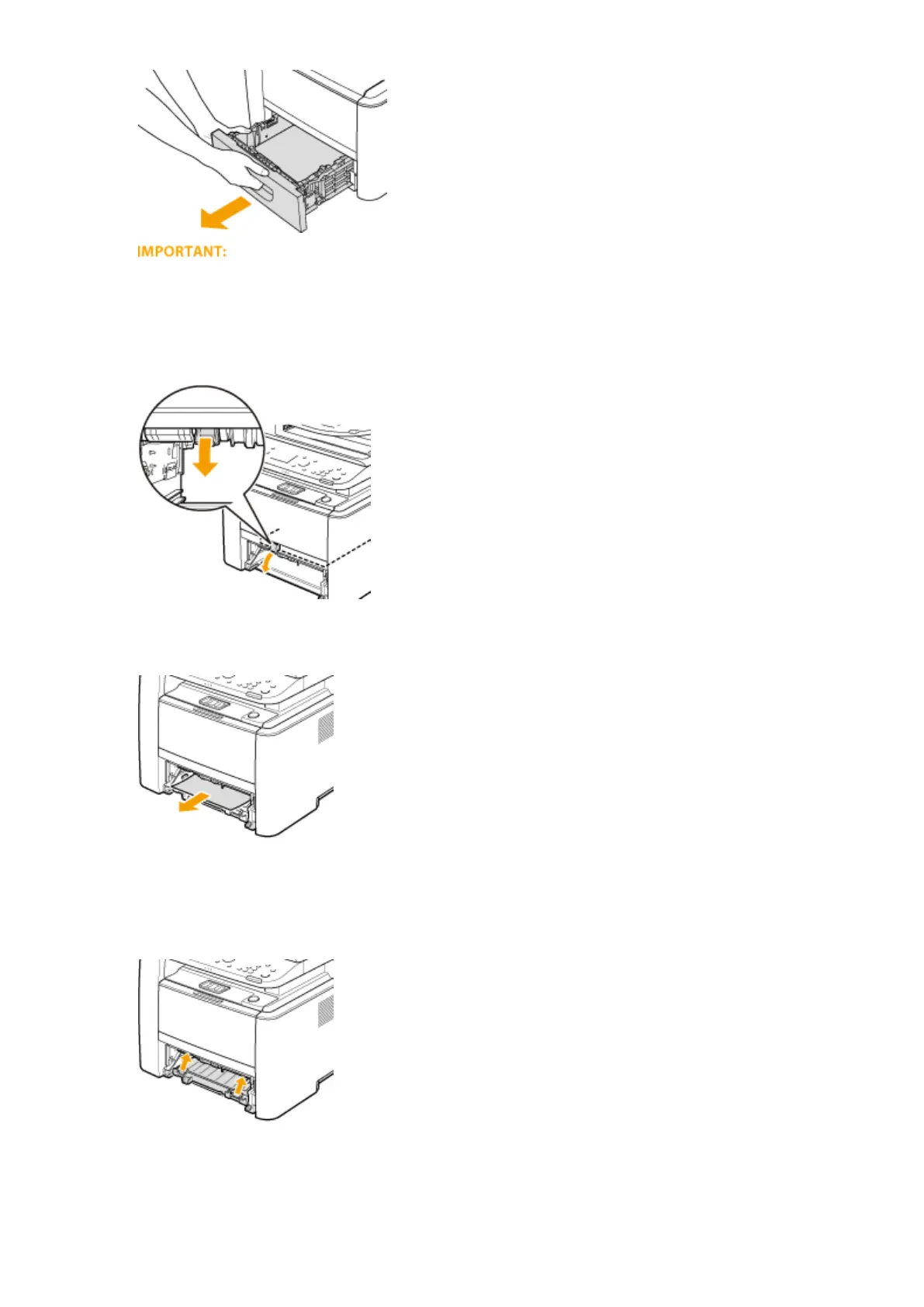
● Make sure to hold the paper drawer with both hands, and pull it out gently. Otherwise, you may damage
the paper drawer by dropping it, if it slides out too easily.
2
Hold the green knob and push down the duplex transport guide.
3
Gently pull out the paper.
4
Holding the left and right side handles of the duplex transfer guide, return the guide
back to position.
● Fully close the guide until it clicks.
5
Set the paper drawer.
Troubleshooting
731











 To Next Page