[Output] Settings - [Align]
Setting Values Description
[Align]
[Auto]
The automatically set value for this setting.
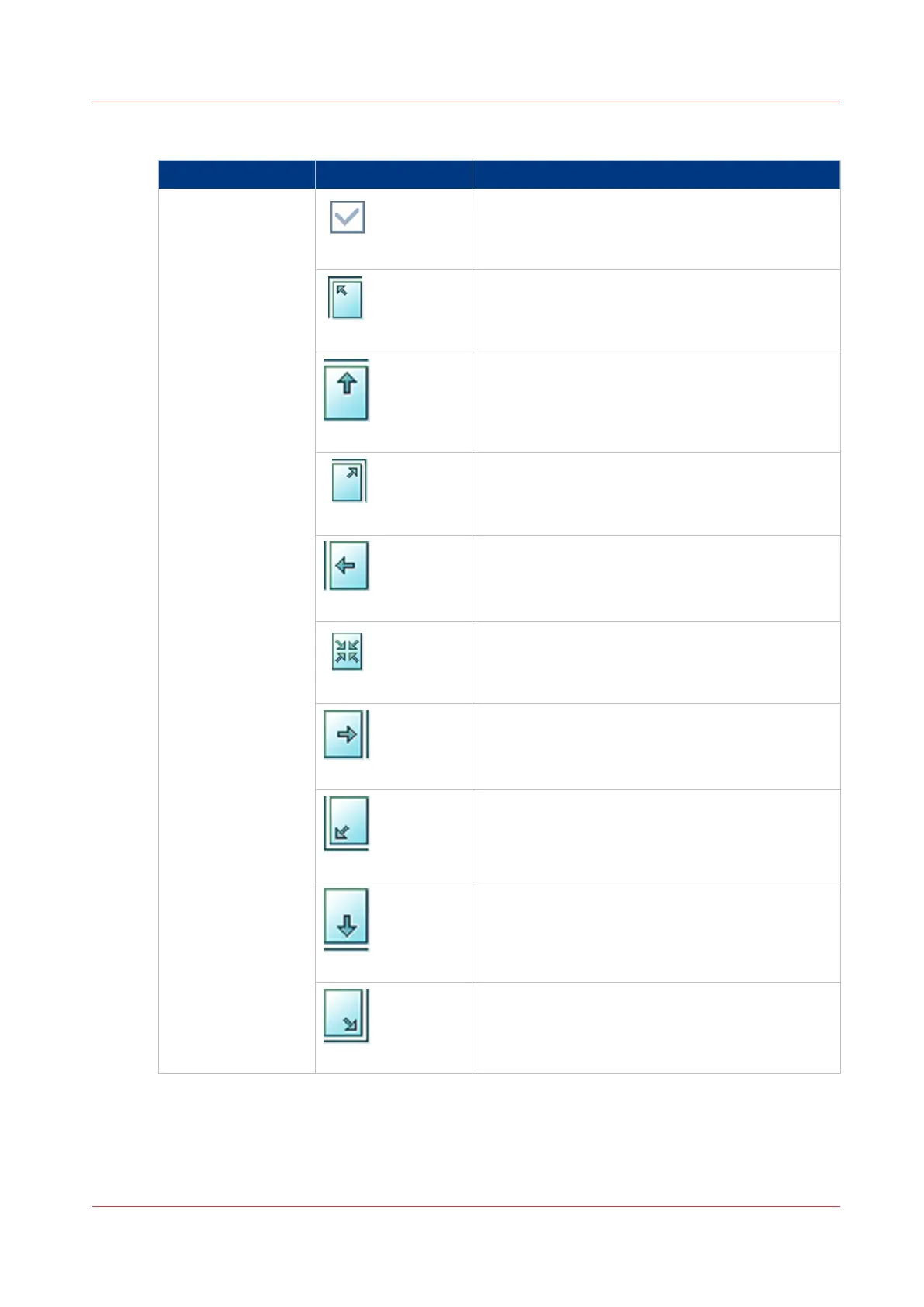
[Top left]
The [Align] setting allows you to indicate the posi-
tion of the image on the sheet. [Top left] moves
the image to the upper left corner of the sheet.
[Top center]
[Top center] moves the image to the center at the
top of the sheet.
[Top right]
[Top right] moves the image to the upper right cor-
ner of the sheet.
[Center left]
[Center left] moves the image to center of the left
side of the sheet.
[Center]
[Center] moves the image to the center of the
sheet.
[Center right]
[Center right] moves the image to the center of the
right side of the sheet.
[Bottom left]
[Bottom left] moves the image to the lower left
corner of the sheet.
[Bottom center]
[Bottom center] moves the image to the center of
the bottom side of the sheet.
[Bottom right]
[Bottom right] moves the image to the lower right
corner of the sheet.
Description of the Copy Job Settings
Chapter 7 - Carry Out Copy Jobs
225
Canon varioPRINT 135 Series


 To Next Page
 Loading...









