Make a Basic Copy
Introduction
A basic copy is a copy for which you only define a few settings before touching the Start button
, such as:
• One-sided or two-sided
• A staple
• The number of copies required.
Before you begin
• Remove staples or paper clips.
• Make sure that the automatic document feeder (ADF) contains maximum 300 sheets (80 g/m²
or 20 lb bond).
• Make sure that the originals are not curled.
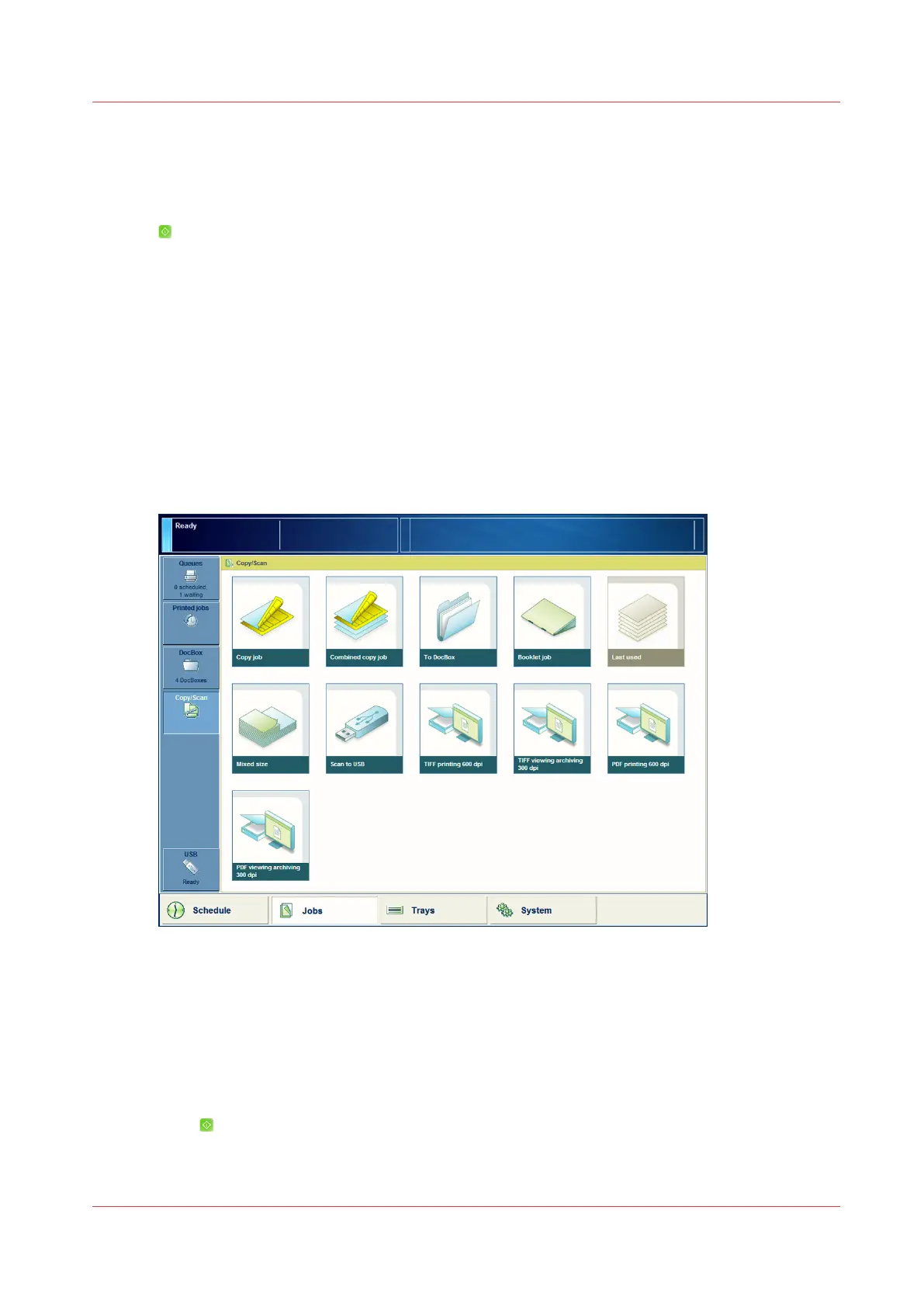
Illustration
[47] Make a basic copy
Procedure
1.
Place the originals face up into the automatic document feeder (ADF), or place one original face
down on the glass plate.
2.
On the control panel, touch [Jobs] -> [Copy/Scan] -> [Copy job].
3.
If required, define the settings and the required number of copies.
4.
Select [Scheduled jobs] in the [Destination] field to start copying immediately.
5.
Press
.
The job is added to the list of [Scheduled jobs].
Make a Basic Copy
Chapter 7 - Carry Out Copy Jobs
235
Canon varioPRINT 135 Series














 To Next Page