The DocBox Function
Introduction to the DocBox Function
Introduction
DocBox is short for Document Box. The DocBox function, which is available through the operator
panel, creates a buffer between the preparation of a job, for example page programming, and the
printing of the job. The DocBox supports the operator by offering comprehensive means to store,
group, edit and reprint documents. These editing options are a subset of the PRISMAprepare job
preparation software.
A DocBox can contain the following jobs:
• Print jobs
• Scan jobs
NOTE
In the Settings Editor, the system administrator can create as many DocBoxes as required, for
example a DocBox for each individual customer or department.
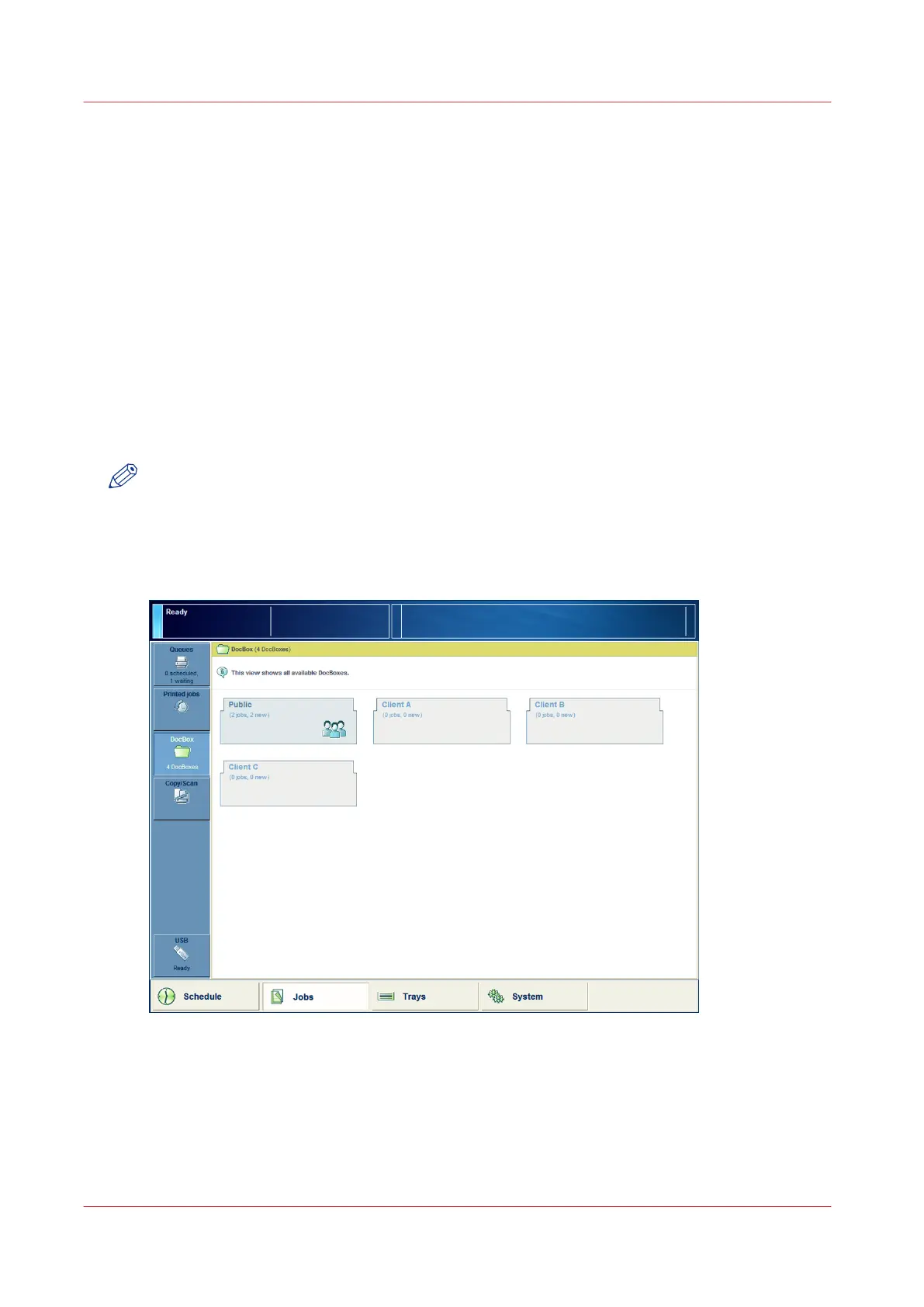
Illustration
[56] The starting page for DocBox jobs
When to Use the DocBox
For example:
• To carry out advanced job preparation actions.
• To correct settings when the proof print is not correct, for example change the print quality or
layout of a document.
The DocBox Function
280
Chapter 9 - Use the DocBox (Option)
Canon varioPRINT 135 Series














 To Next Page