Scan Your Documents
Description of the Scan Job Settings
Introduction
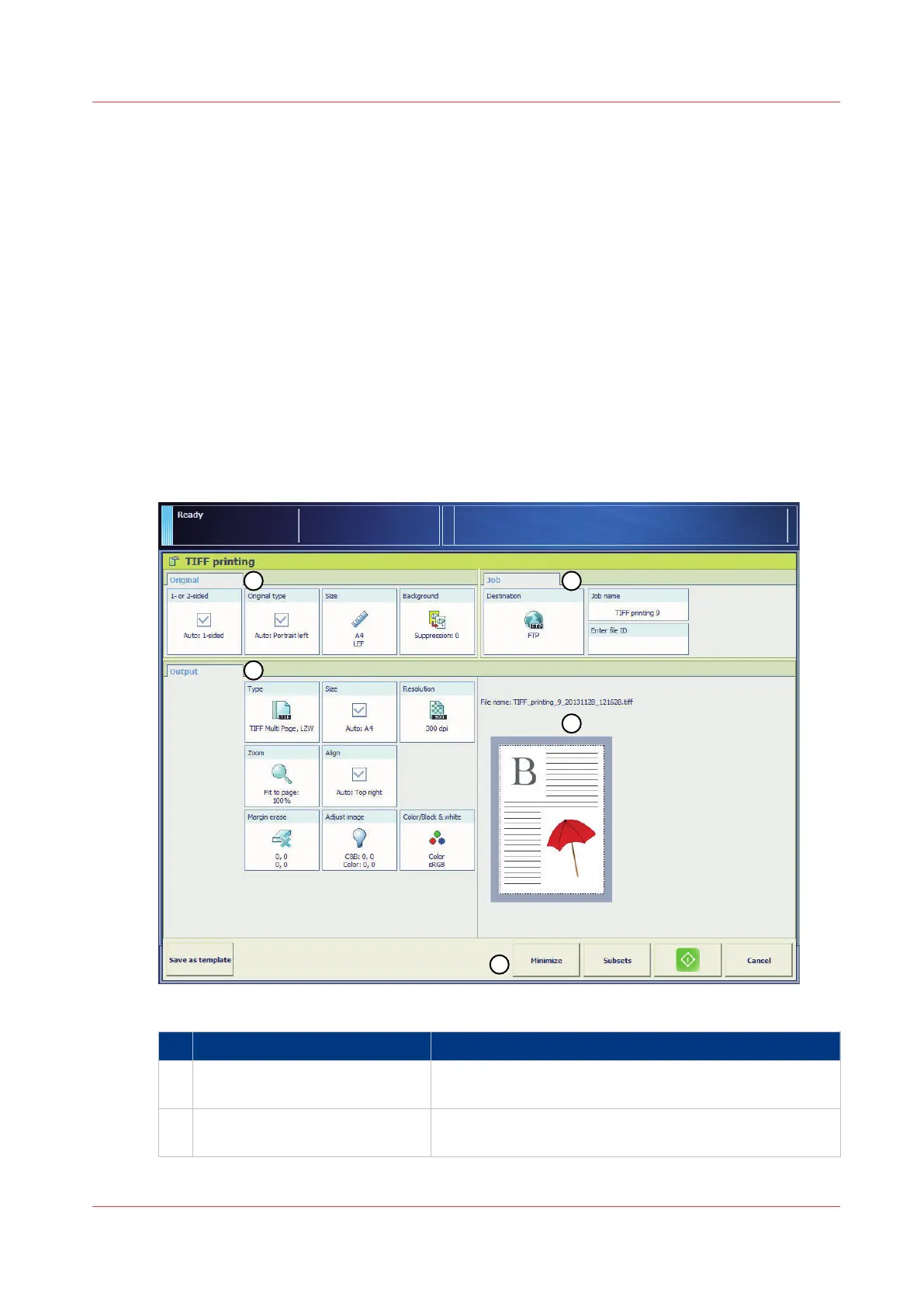
When you make a scan, you can define the following.
• How the original looks.
• How the resulting file must look.
• Generic settings for the whole job.
To improve the productivity, the system defines a number of logical settings for the [Original] and
the [Output] automatically. However, you can overrule these automated settings manually. The
automated settings have the prefix [Auto].
Illustration
[54] The scan job settings
Section
Description
1 [Original] The [Original] section contains the settings to define
how the original looks.
2 [File] The [File] section contains the settings to define how the
resulting file must look.
4
Scan Your Documents
Chapter 8 - Carry Out Scan Jobs
261
Canon varioPRINT 135 Series














 To Next Page