Change the System Language
Illustration
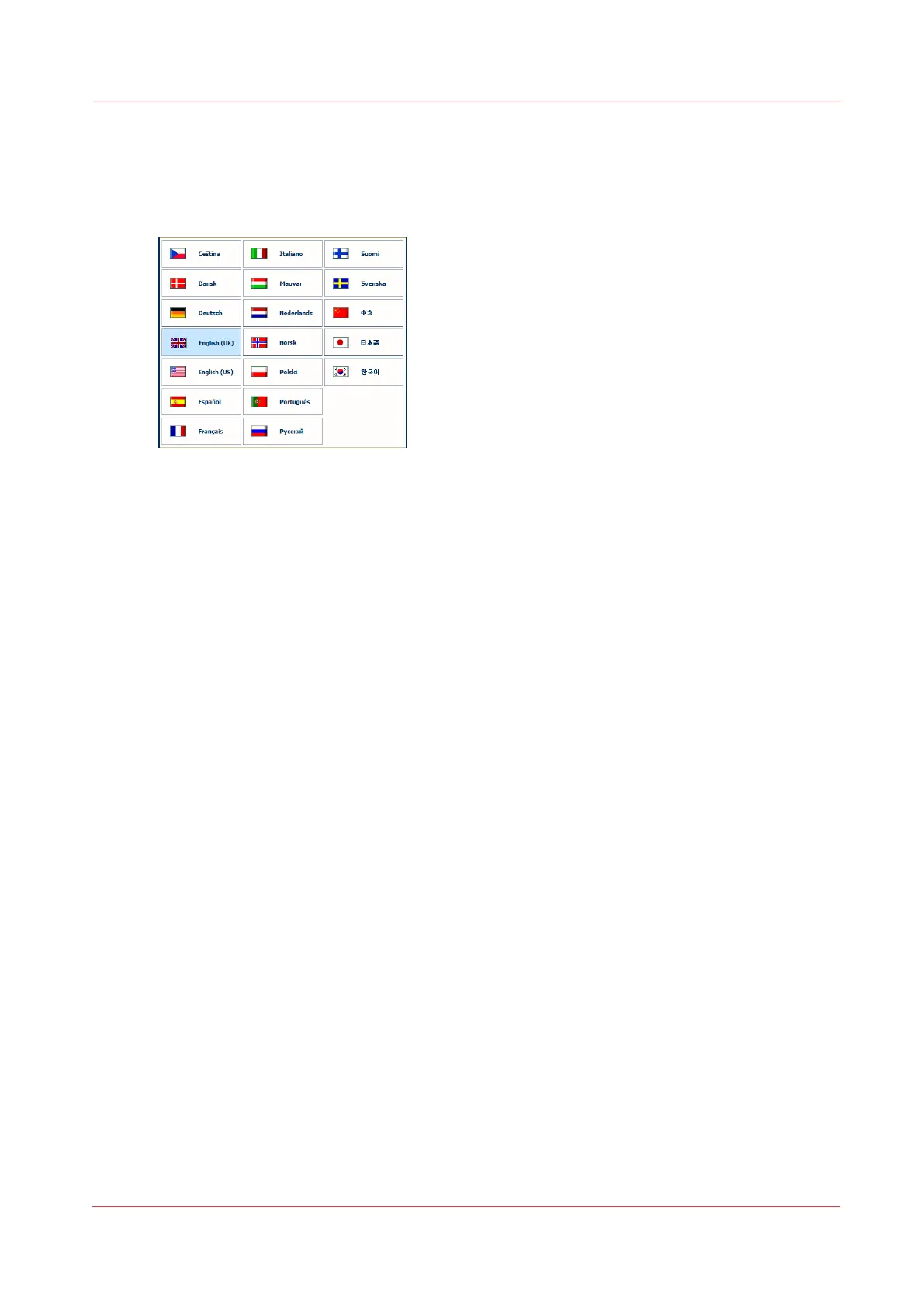
[13] Overview of the available languages
Procedure
1.
On the control panel, touch [System] -> [Setup] -> [Language].
2.
Touch the desired language.
3.
Press [OK].
Change the System Language
Chapter 4 - Adapt Printer Settings to Your Needs
47
Canon varioPRINT 135 Series














 To Next Page