Combine Jobs in a DocBox (Build Function)
Introduction
You can combine a job in a DocBox with other jobs from the same DocBox. The system creates a
new job from the selected jobs. The
icon indicates a built job.
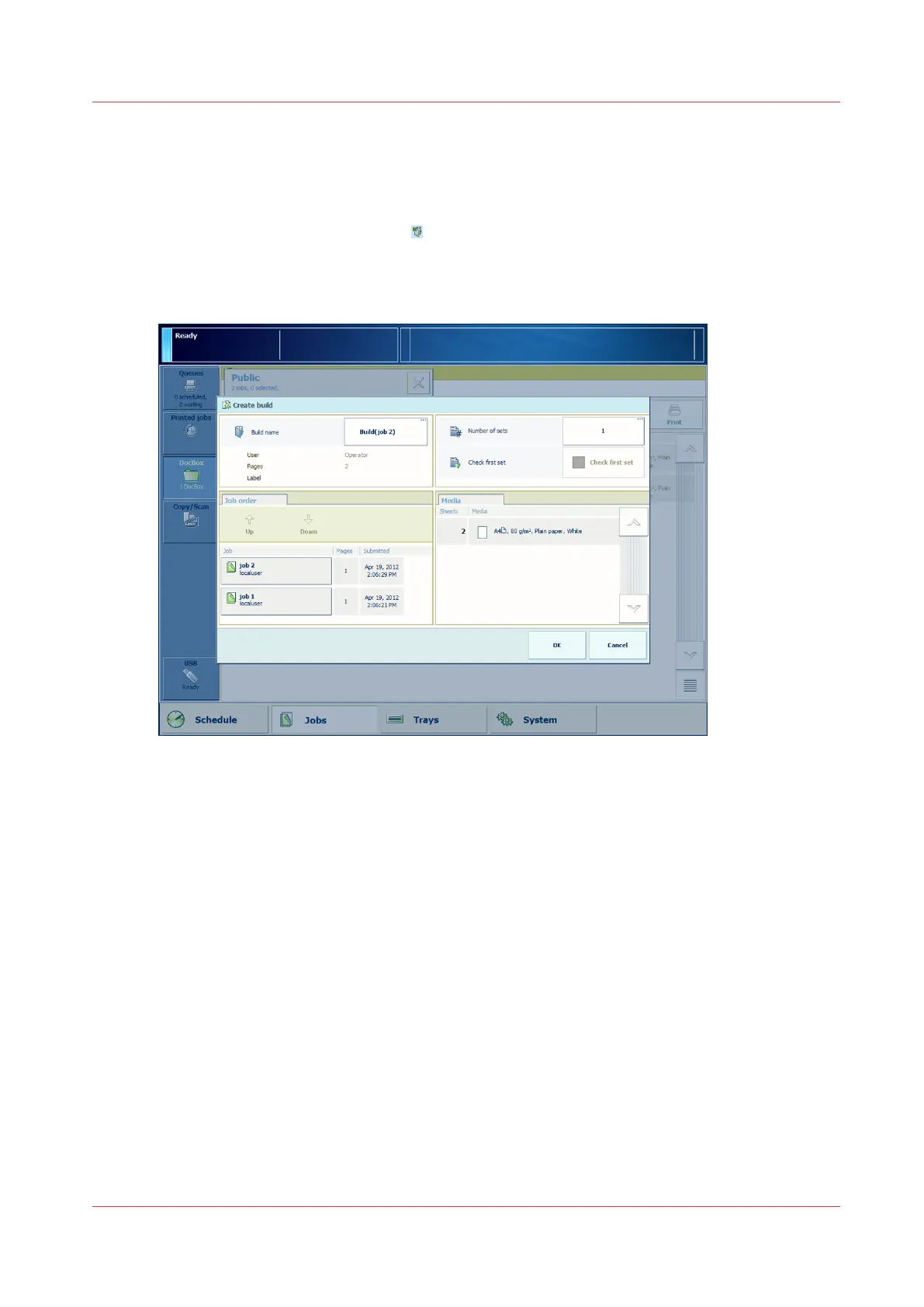
Illustration
[60] The [Create build] window
Procedure
1.
On the control panel, touch [Jobs] -> [DocBox].
2.
Touch the DocBox that contains the jobs you want to combine.
3.
Touch the jobs you want to combine, or use an option from the [Select] menu to select multiple
jobs at once.
4.
Touch the [Build] button or select [Build] from the drop-down menu.
A [Create build] window appears that allows you to make some changes.
5.
If necessary, use the [Up] and [Down] buttons to change the job order.
6.
If necessary, change the generic job settings, such as [Number of sets].
7.
Press [OK].
Combine Jobs in a DocBox (Build Function)
Chapter 9 - Use the DocBox (Option)
301
Canon varioPRINT 135 Series














 To Next Page