Truncate the Job Name
Introduction
In the [Jobs] view, the control panel displays all jobs with their job names. If a job name is too
long, the systems truncates the job name. To enable you to identify your jobs in the lists more
easily, you can define how the system truncates the job names. This allows you to keep the
identifying part of the job name. You can truncate the job name either at the beginning or at the
end of the name.
Illustration
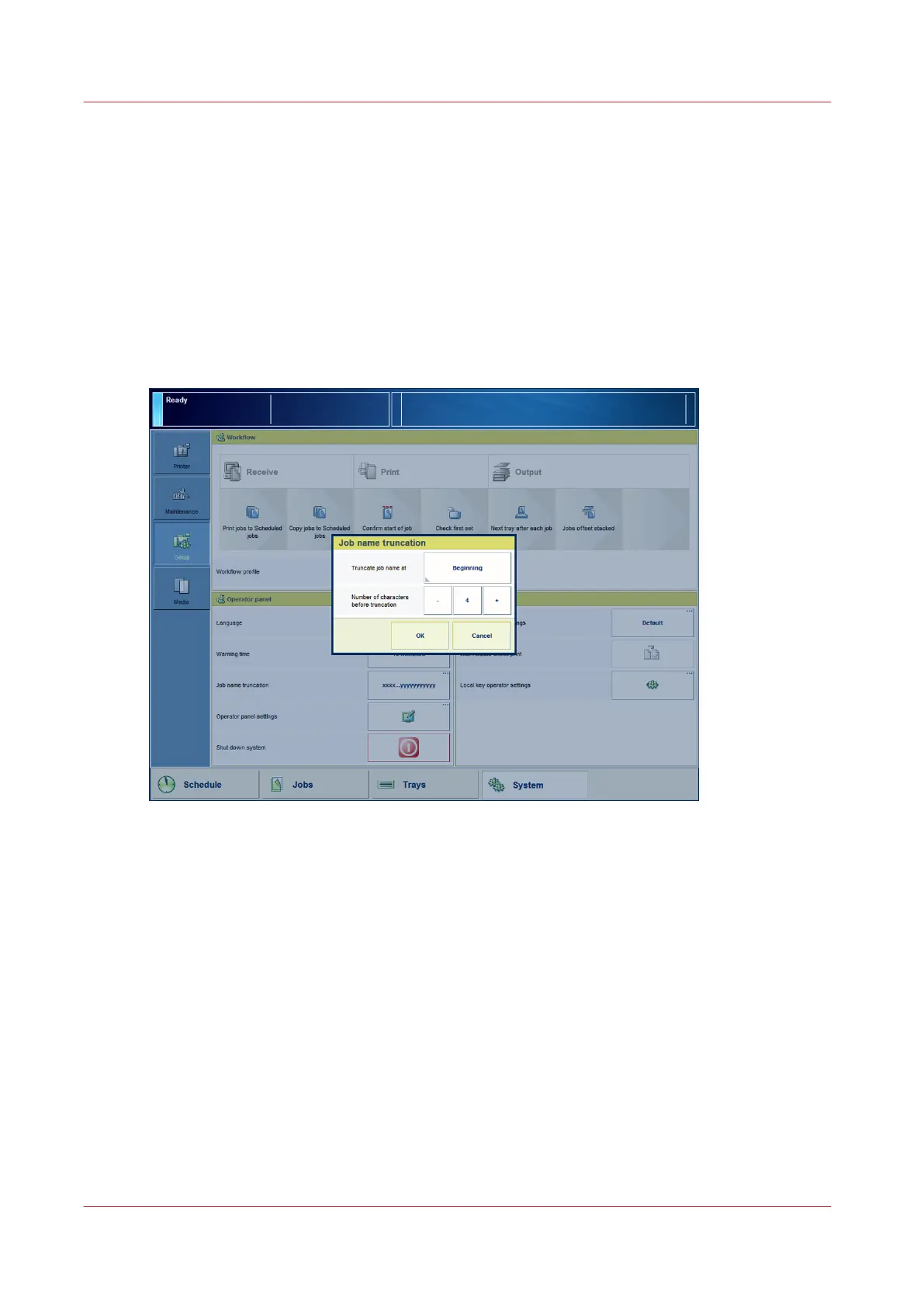
[16] Job name truncation
Procedure
1.
On the control panel, touch [System] -> [Setup] -> [Job name truncation] (under [Operator
panel]).
2.
For [Truncate job name at], select [Beginning] or [End].
3.
Touch the - or + button to indicate the number of characters before truncation.
4.
Press [OK].
Truncate the Job Name
50
Chapter 4 - Adapt Printer Settings to Your Needs
Canon varioPRINT 135 Series














 To Next Page