How to Perform a Media Registration
Media Registration Quick Start
Introduction
This section gives a general description on how to perform a media registration. A detailed
description is given in the sections that follow.
Procedure
1. On the control panel, select the media for which you want to perform the media registration.
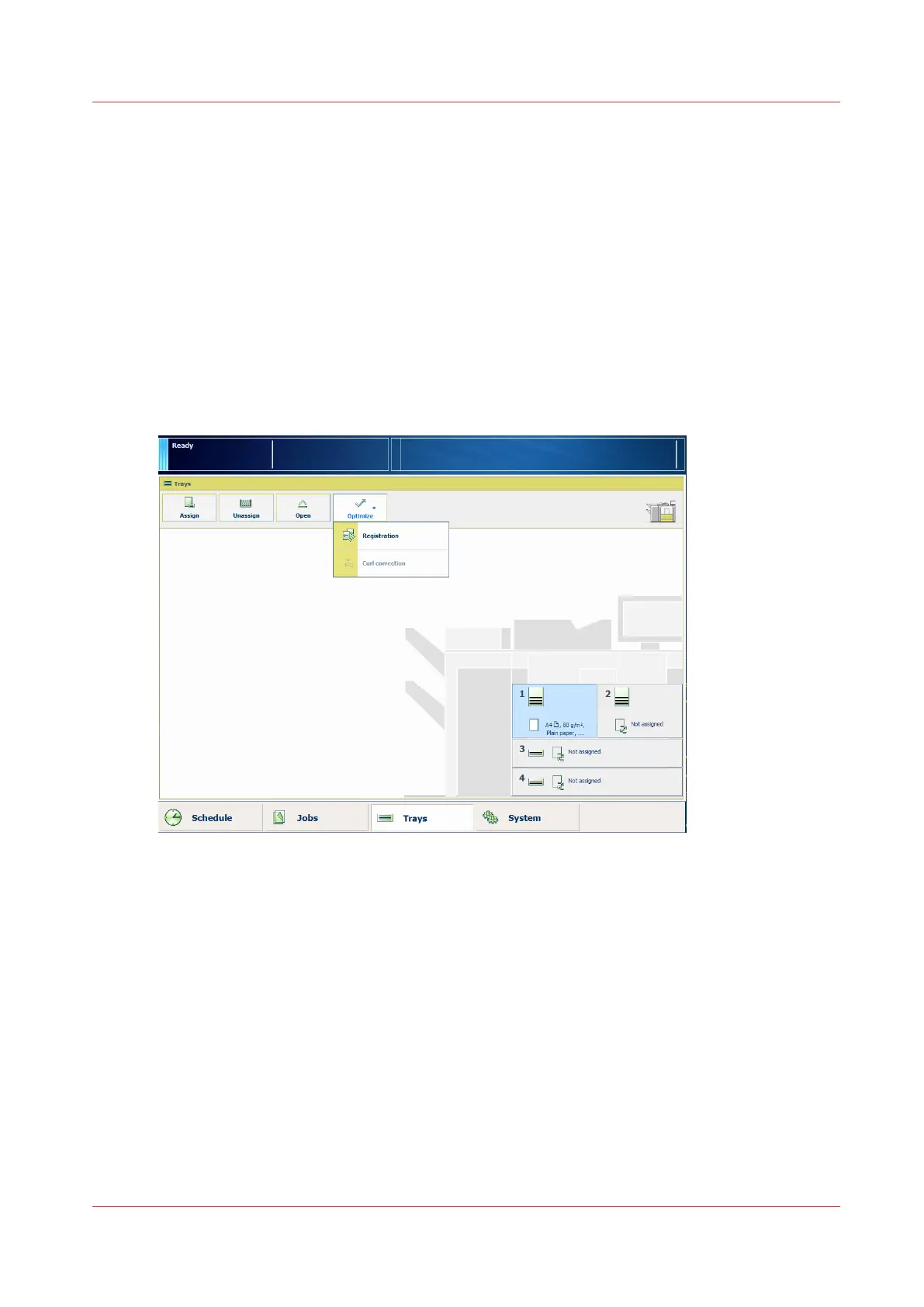
You can start a media registration from the trays view (touch [Trays] -> [Optimize]), or from
the media catalog (touch [System] -> [Media]). There you can select the required media.
[26] Perform the media registration via the trays view
How to Perform a Media Registration
Chapter 5 - Media Handling
85
Canon varioPRINT 135 Series














 To Next Page