Process Special Media
Process Pre-Printed Media and Use of the [Pre-printed mode]
Setting
Introduction
The system is able to handle pre-printed media without problems if the guidelines regarding pre-
printed media and inks are taken into account. In case media or inks are used that are not listed in
the guidelines, the use of pre-printed media can lead to undesired print quality issues. To prevent
print quality issues, a [Pre-printed mode] function is available on the printer. It is advised to
enable the [Pre-printed mode] when there are problems with processing pre-printed media. The
system will then be cleaned at fixed intervals. It is advised to enable the [Pre-printed mode] only
when you process pre-printed media. Afterwards, the function should be disabled.
NOTE
Contact your local authorized dealer for the latest guidelines.
Illustration
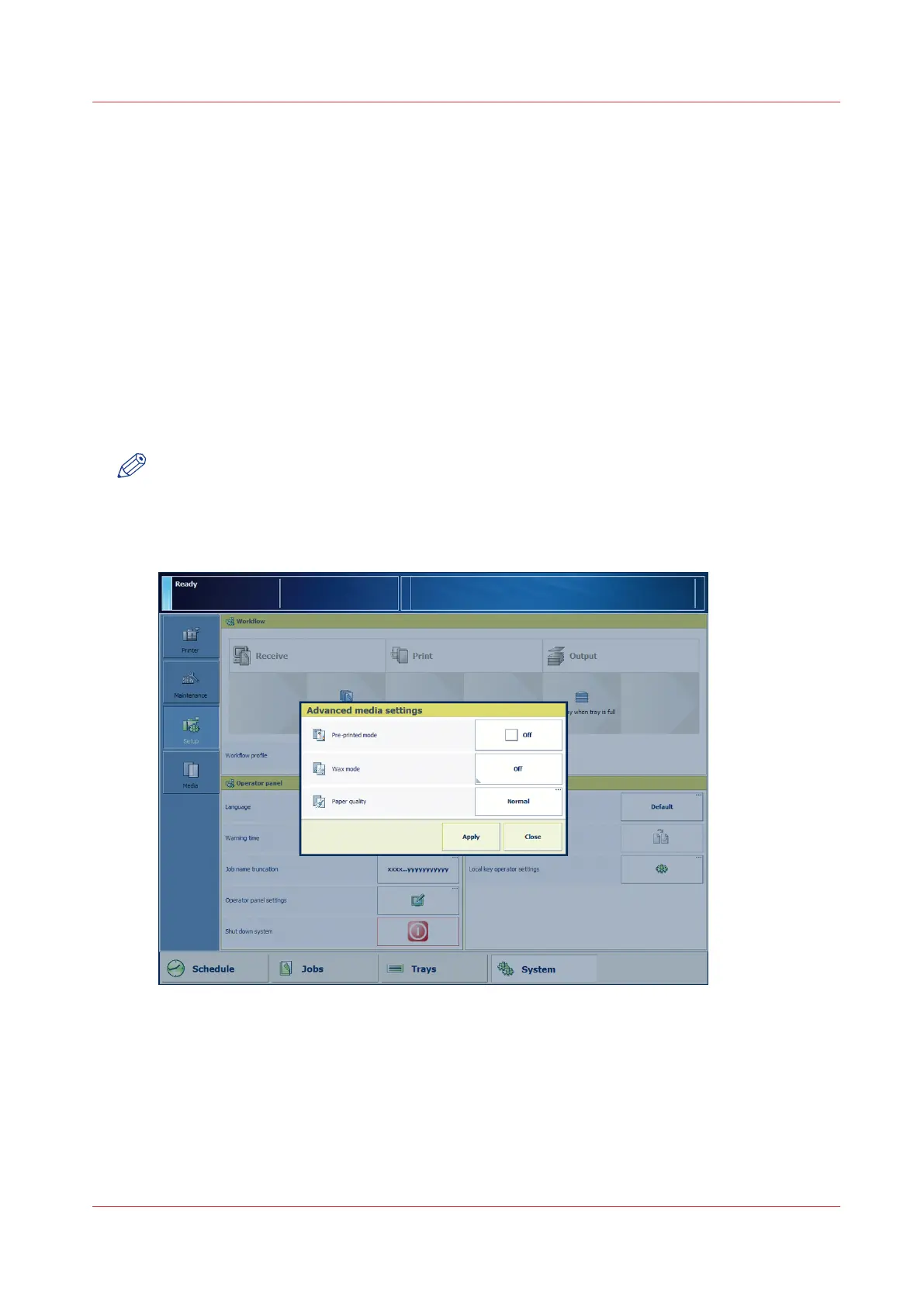
[23] The [Pre-printed mode] setting
Procedure
1.
On the control panel, touch [System] -> [Setup] -> [Advanced media settings] (under [Advanced]).
2.
Touch the [Pre-printed mode] button.
3.
Press [On].
Process Special Media
Chapter 5 - Media Handling
75
Canon varioPRINT 135 Series














 To Next Page