Access the Settings Editor
Introduction
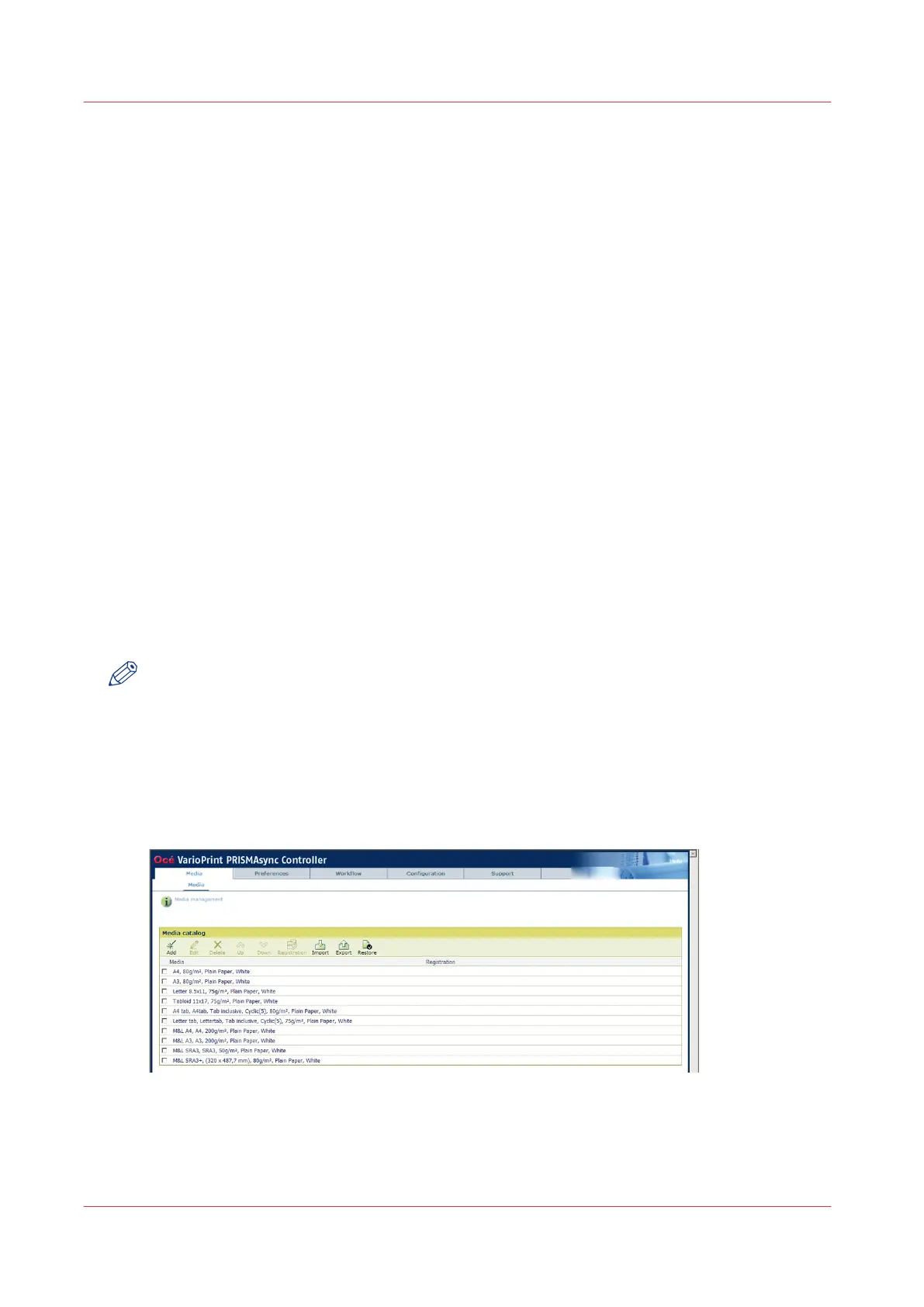
The Settings Editor is a web-based application and therefore accessible via an Internet browser.
The Settings Editor enables you to manage settings or to display information in the following
areas.
• [Media]
• [Preferences]
• [Workflow]
• [Configuration]
• [Support]
• [Transaction printing] (optional)
Before you begin
Make sure you have the following information.
• The IP address or host name of the PRISMAsync controller.
• The key operator password to change all settings except for the settings in the [Configuration]
tab.
• The system administrator password to change all settings including the settings in the
[Configuration] tab.
Procedure
1.
Open your web browser.
NOTE
When the Settings Editor does not display the correct language, you can change the preferred
language in the Internet options of your Internet browser. The desired language must be first in
the list of languages.
2.
In the address bar, enter the IP address or host name of the PRISMAsync controller.
http://<printername or IP address>
https://<printername or IP address>
The Settings Editor application appears.
You can now make the required changes.
Access the Settings Editor
36
Chapter 4 - Adapt Printer Settings to Your Needs
Canon varioPRINT 135 Series














 To Next Page