Introduction to the Counters
Description
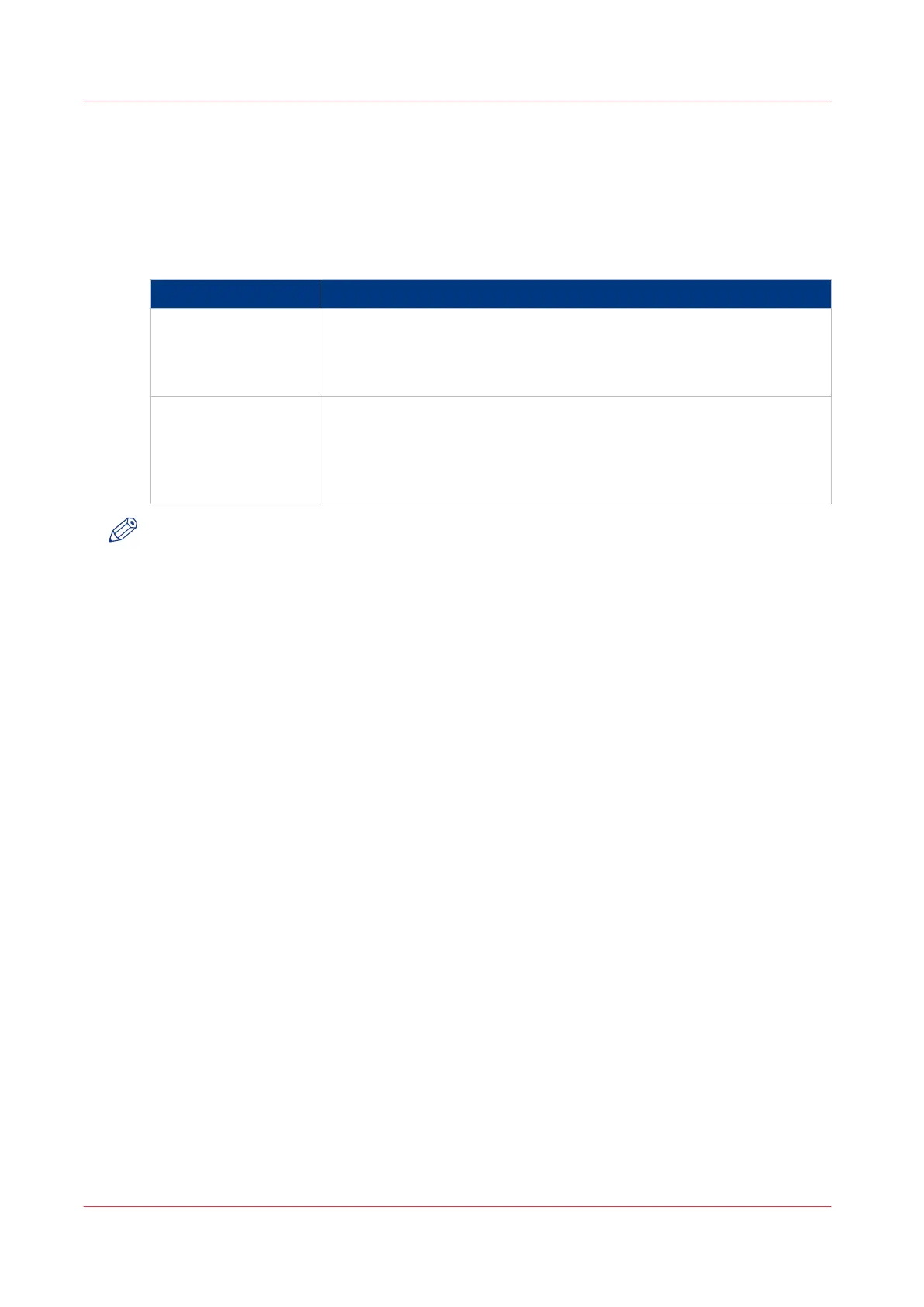
The following table describes the counters in the [Maintenance] section of the [System] view.
Counter information
Type of counter Description
[Billing counters] The [Billing counters] display the total number of normal and large
prints that have been made since the printer was installed. A service
technician can configure the billing counters displayed. You cannot re-
set the billing counters.
[Day counters] The [Day counters] display the number of normal (A4/Letter-like) and
large (A3/Tabloid-like) prints that have been made since the counter
was last reset to 0. You can reset the day counters at the beginning of a
working day or before you start a new job for a specific customer, for
example.
NOTE
The [Billing counters] and the [Day counters] provide information about the number of one-sided
and two-sided prints that have been made on normal and large media. The length of the media
determines whether a media is normal or large. Media with a length of less than 364 mm (14.3")
are referred to and counted as normal media, for example A4/Letter. Media with a length of 364
mm (14.3") or more are referred to and counted as large media, for example A3/Tabloid.
Introduction to the Counters
328
Chapter 14 - Counters
Canon varioPRINT 135 Series














 To Next Page