Clear a Paper Jam in the Registration Unit
When to do
• A red LED lights up at the stacker control panel.
• The printer stops and the printer control panel displays the red maintenance icon
.
• The printer control panel displays a message that indicates a paper jam in the registration unit.
Required tools
Socket wrench 5.5
CAUTION
Only trained personnel is allowed to carry out this action, if supported by your service
organization.
Illustration
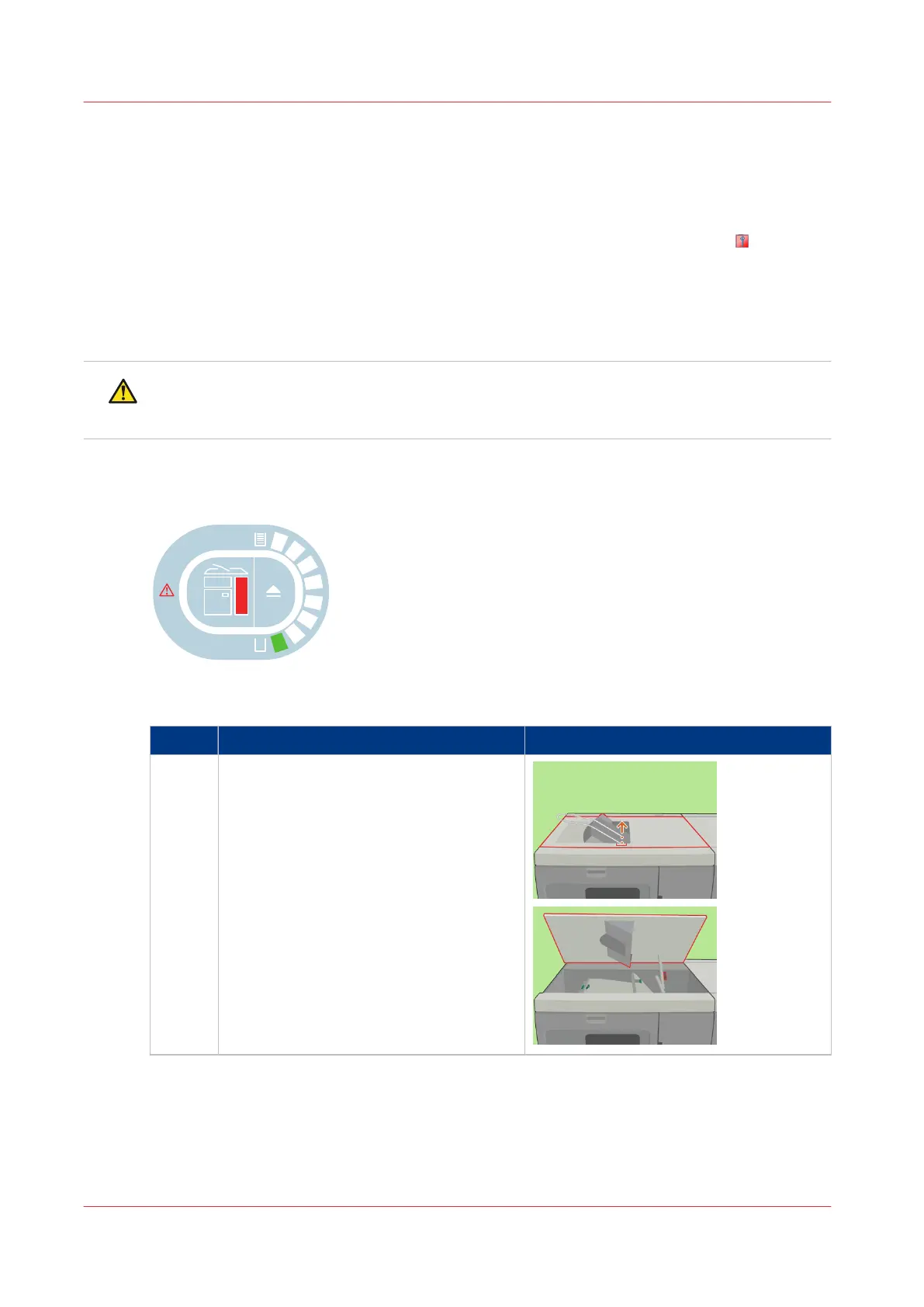
[79] Indication at the stacker control panel
Clear a paper jam in the registration unit
Step Action Illustration
1 Open the top cover.
4
Clear a Paper Jam in the Registration Unit
418
Chapter 18 - Printer Operation Care (POC)
Canon varioPRINT 135 Series














 To Next Page