Replace the Separation Rollers
When to do
The control panel will indicate when the separation rollers of a paper tray must be replaced. The
life of separation rollers is more than 200,000 sheet separations.
Before you begin
1. Touch the paper tray button at the right-hand side of the control panel.
2. On the control panel, touch the tray of which you want to replace the separation rollers.
3. Touch [Open] to open the tray.
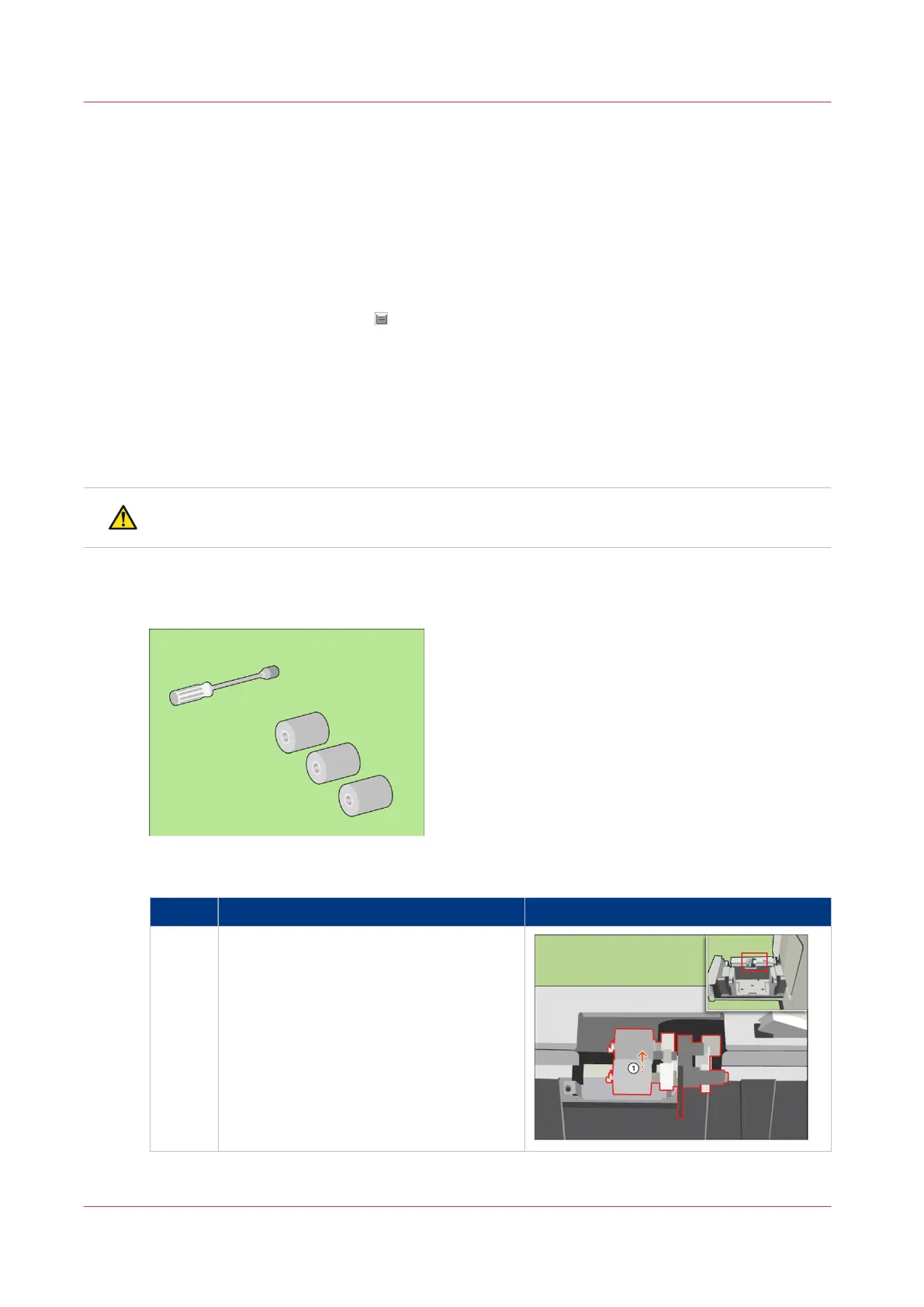
Required tools
Socket wrench
New separation rollers
CAUTION
Only trained personnel is allowed to carry out POC actions.
Illustration
[73] Required tools
Replace the separation rollers
Step Action Illustration
1 [Turn the upper separation roller until the
roller is face up.]
4
Replace the Separation Rollers
376
Chapter 18 - Printer Operation Care (POC)
Canon varioPRINT 135 Series














 To Next Page