Adjust the Size of the Bulk Tray
Introduction
The bulk trays are designed to contain the media that you frequently use a lot. Therefore, the
paper guides inside the bulk trays are set to a fixed media size.
However, if you want to use a different media size with a bulk tray, you must do the following.
• Reposition the paper guides of the bulk tray manually to match the new media size, and
• Assign the changed media size to the corresponding bulk tray.
Before you begin
1. Touch the paper tray button at the right-hand side of the control panel.
2. On the control panel, touch the bulk tray of which you want to adjust the size.
3. On the control panel, touch [Open] to open the selected bulk tray.
Required tools
Socket wrench
Illustration
[22] Required tools
Adjust the bulk tray
Step Action Illustration
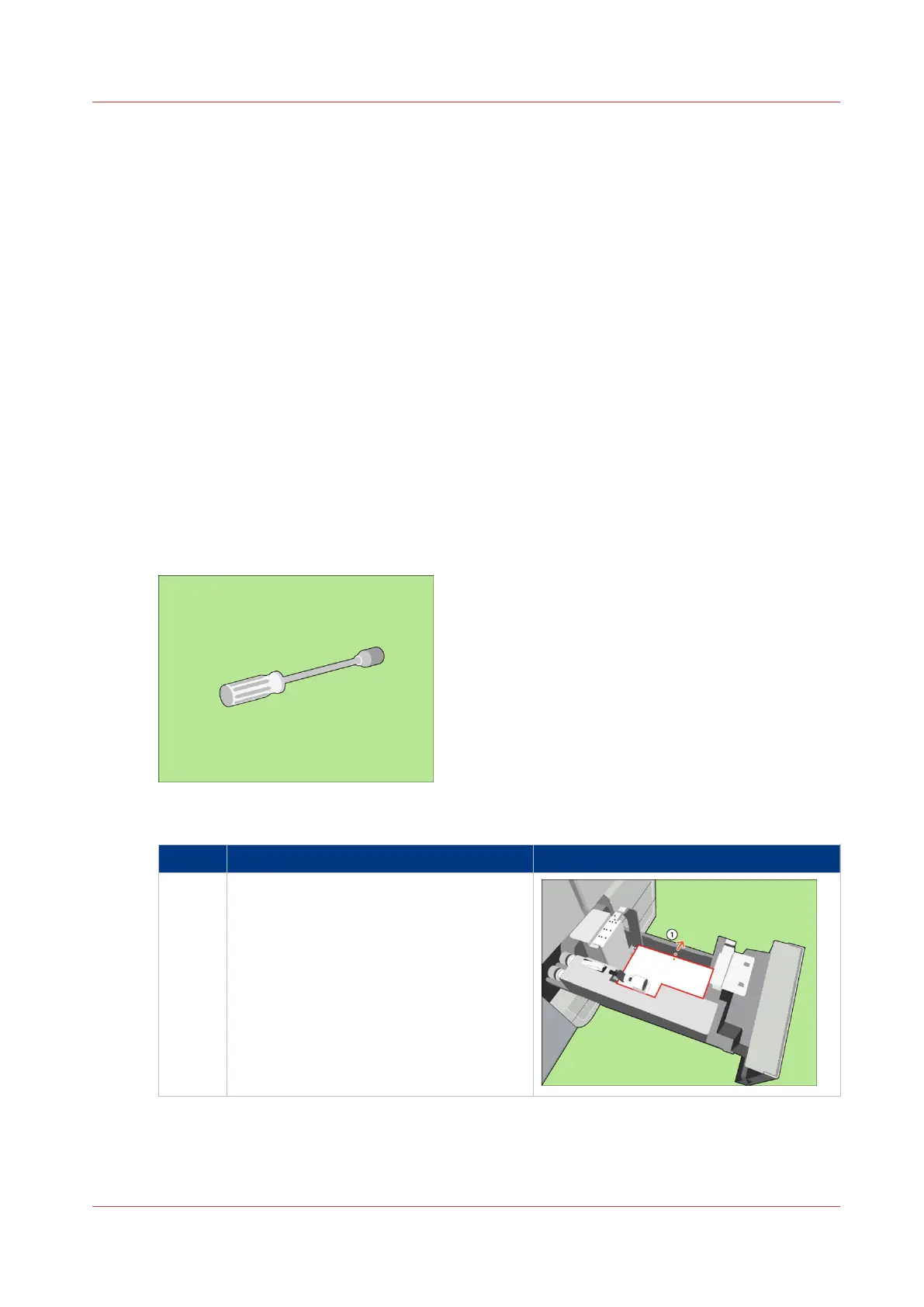
1 [Remove the paper.]
4
Adjust the Size of the Bulk Tray
Chapter 5 - Media Handling
65
Canon varioPRINT 135 Series














 To Next Page