Step Action Remarks
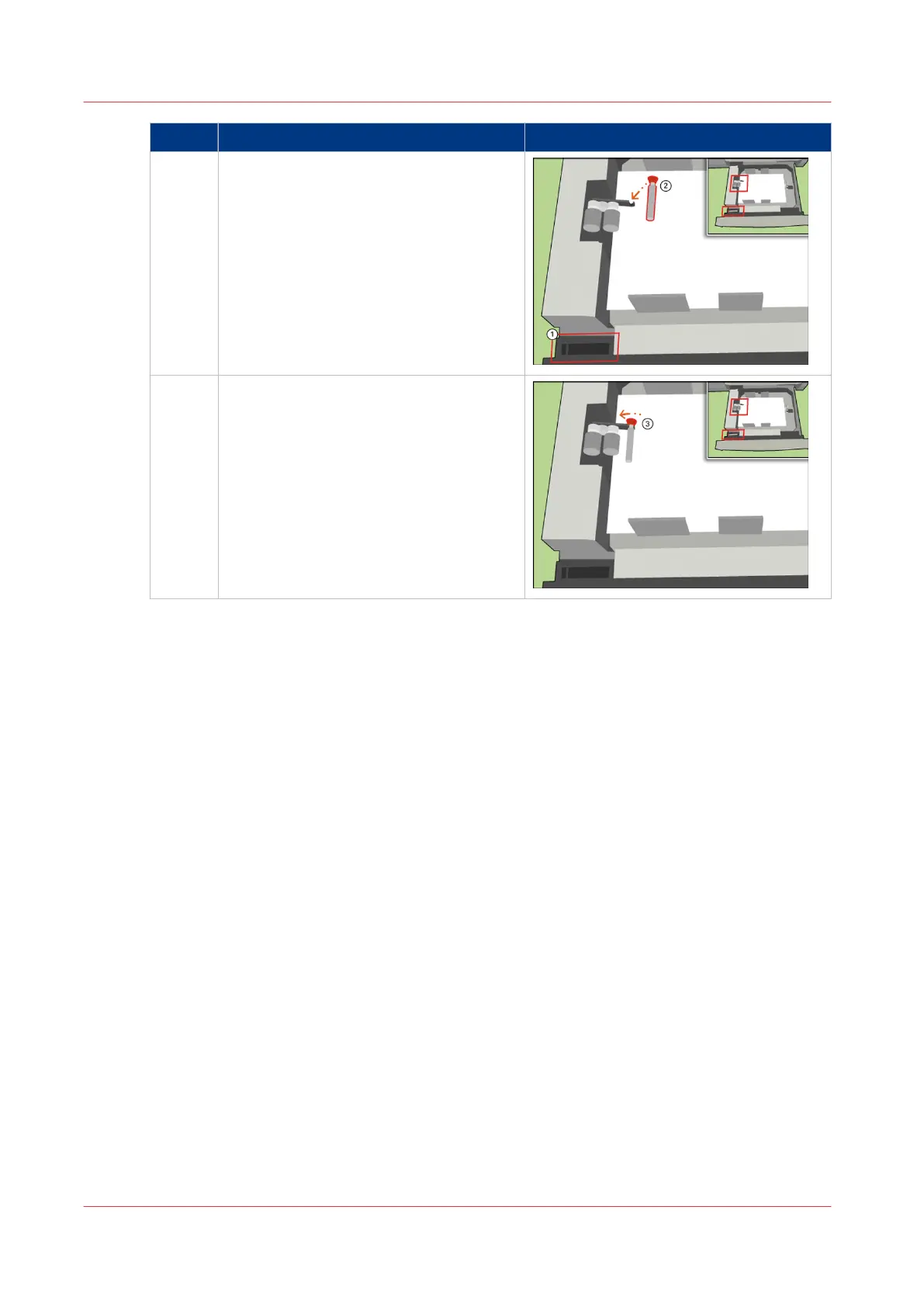
2 [Open the tray (tray 3 or 4) and loosen the
separation enhancer.]
[Place the separation enhancer in the sep-
aration unit.]
3 [Lock the separation enhancer.]
Use the Separation Enhancer
64
Chapter 5 - Media Handling
Canon varioPRINT 135 Series














 To Next Page