Disable the Warning Time
Introduction
When operator interaction is required now or soon, the dashboard and the operator attention
light warn you. However, you can disable this warning function.
[15] Disable the warning time
Procedure
1.
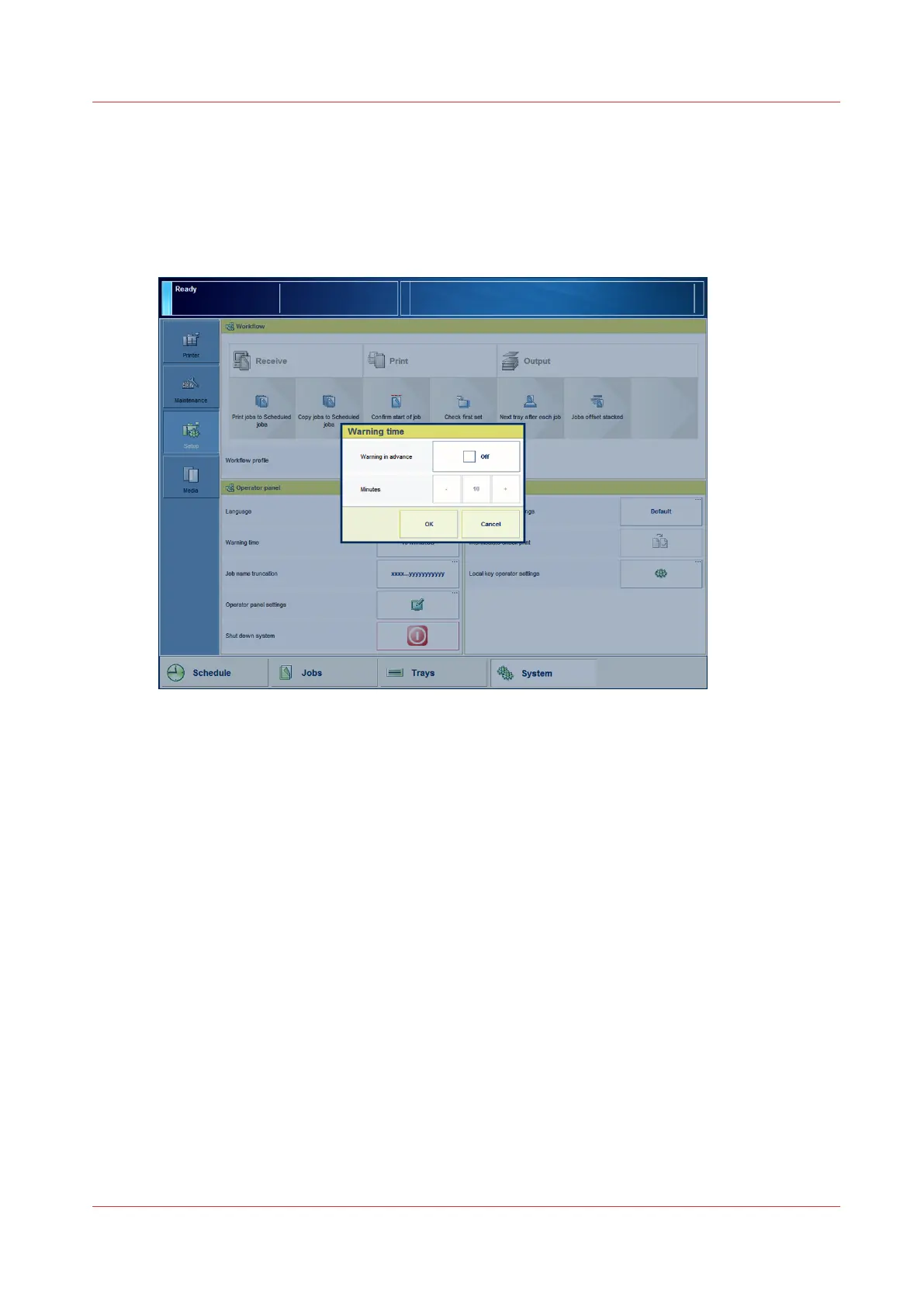
On the control panel, touch [System] -> [Setup] -> [Warning time] (under [Operator panel]).
When the box for [Warning in advance] has a check mark and states [On], the function is enabled.
2.
Touch the [Warning in advance] button.
The check mark disappears. The status [On] changes into [Off].
3.
Press [OK].
Disable the Warning Time
Chapter 4 - Adapt Printer Settings to Your Needs
49
Canon varioPRINT 135 Series














 To Next Page