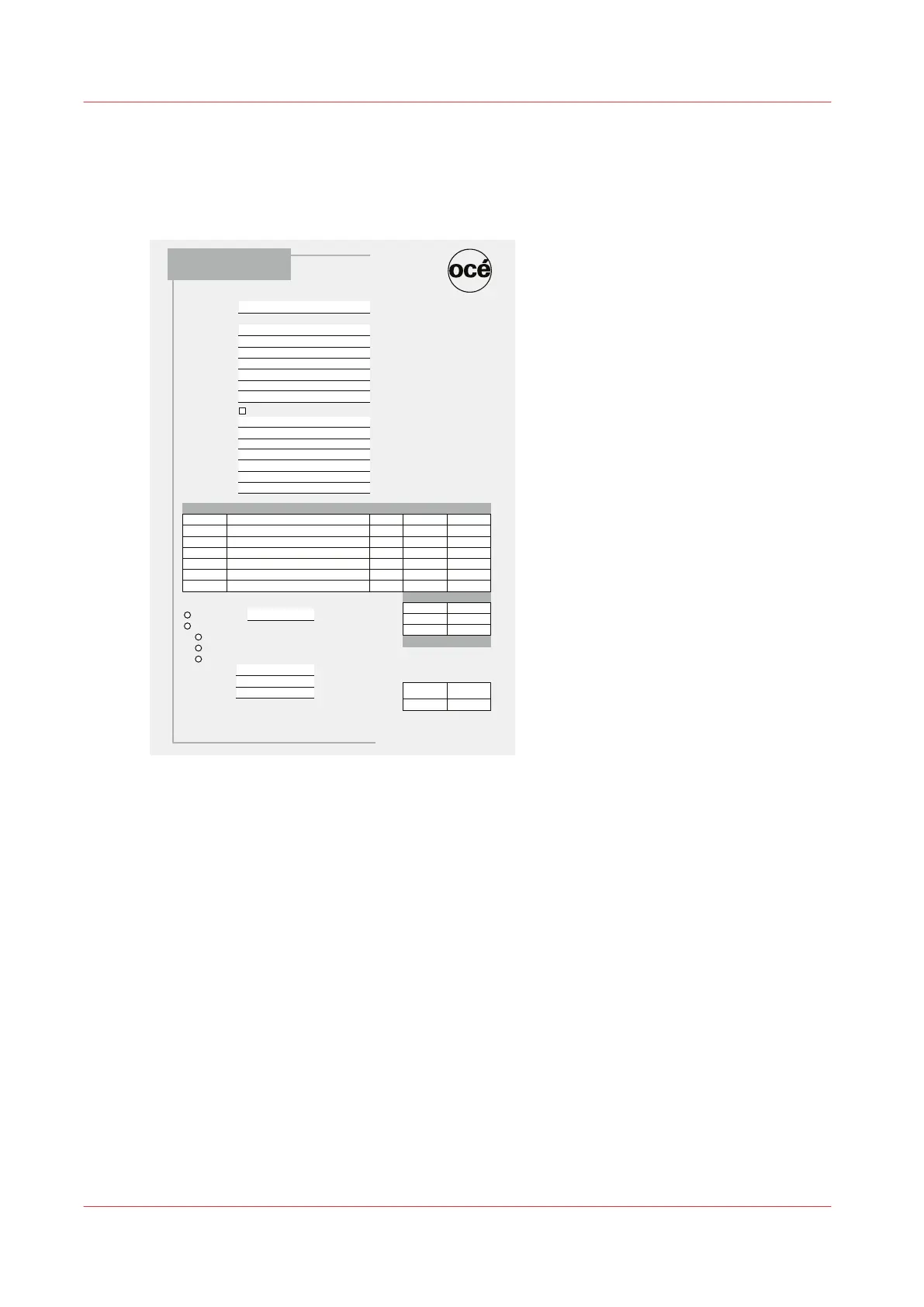
Example 2 - Forms
When you print text on forms, the text must be printed in the designated area. For example, an
address or a date must be printed at the correct position. Here you see an example where the
printed date is not positioned correctly.
23-10-2012
Océ Technologies B.V.
St-Urbanusweg
Venlo, Limburg
Netherlands
5900 MA
Phone: 111-222-3333
Fax: 111-222-4444
www.oce.com
Date:
Ordered By
Company:
Address:
State/Province:
Zip/Postal Code:
Phone:
Fax:
Contact Name:
Deliver To
Same as Above
Company:
Address:
State/Province:
Zip/Postal Code:
Phone:
Fax:
Contact Name:
Item Description Quantity Unit Price Amount
Sub-total
Grand Total
Payment
Check payable to
Credit Card
American Express
Mastercard
Visa
Card Number:
Expiration Date:
Cardholder Name:
Data is not secure.
Internal Use Only
Order
Completed:
Ship Date:
Order Form
Examples of when to Perform Media Registration
84
Chapter 5 - Media Handling
Canon varioPRINT 135 Series














 To Next Page