Section Description
3 [Job] The [Job] section enables you to define generic proper-
ties for the whole job.
4 Preview The preview section shows the result of the settings de-
fined for the output.
5
Action buttons
The buttons in this section allow you to select actions,
for example, save settings to a template, cancel a job, or
start scanning.
With the optional [Page programming] function, you can
insert pages and define the media and finishing settings
for the page ranges in a job. The optional [Page pro-
gramming] function is available when you scan subsets
into one file.
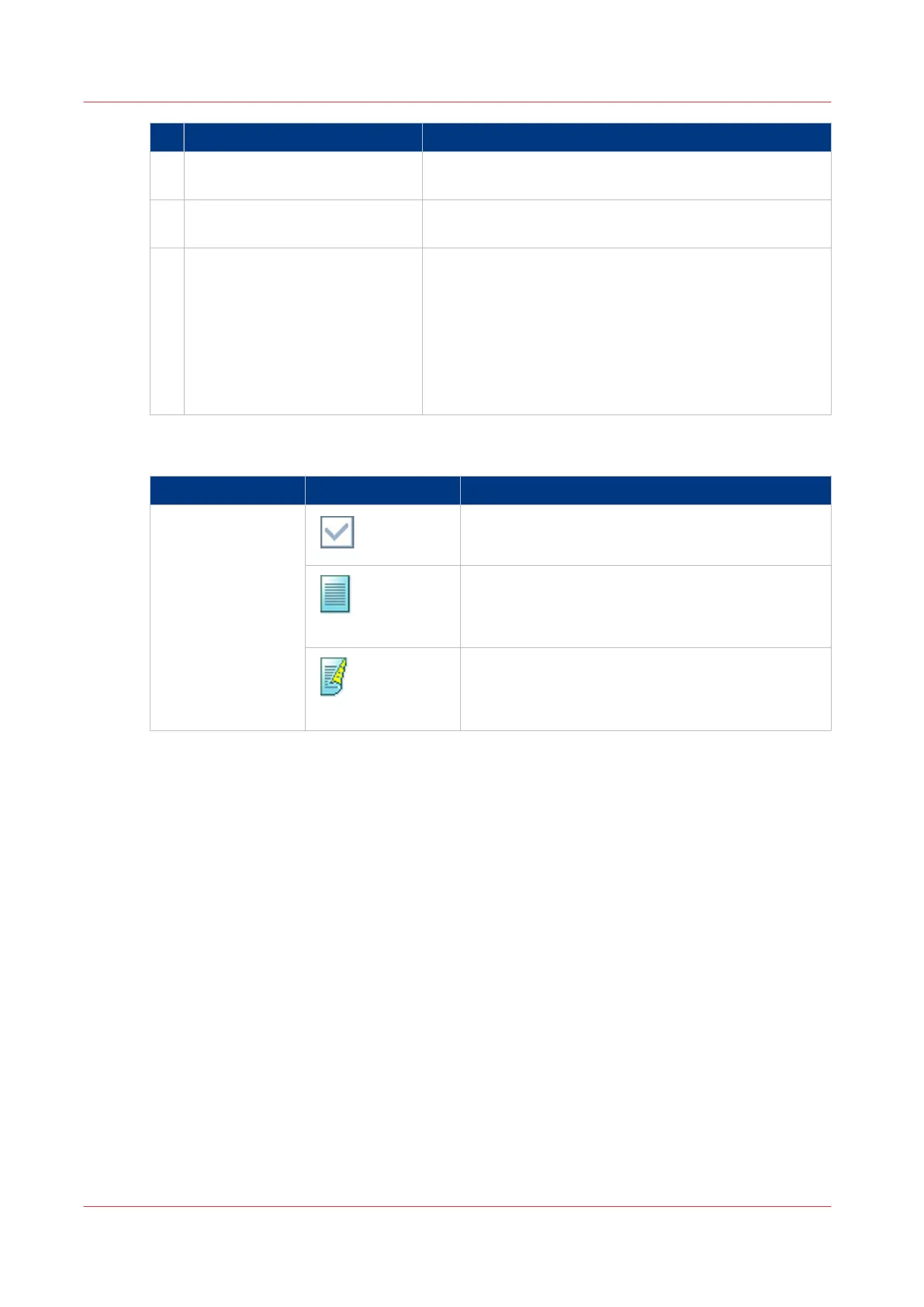
[Original] Settings - [1- or 2-sided]
Setting Values Description
[1- or 2-sided] The automatically set value for this setting.
[1-sided]
Only the front side contains an image or text.
[2-sided]
Both the front side and the back side contain an im-
age or text.
Description of the Scan Job Settings
262
Chapter 8 - Carry Out Scan Jobs
Canon varioPRINT 135 Series














 To Next Page