[Original] Settings - [Original type]
Setting Values Description
[Original type] The automatically set value for this setting.
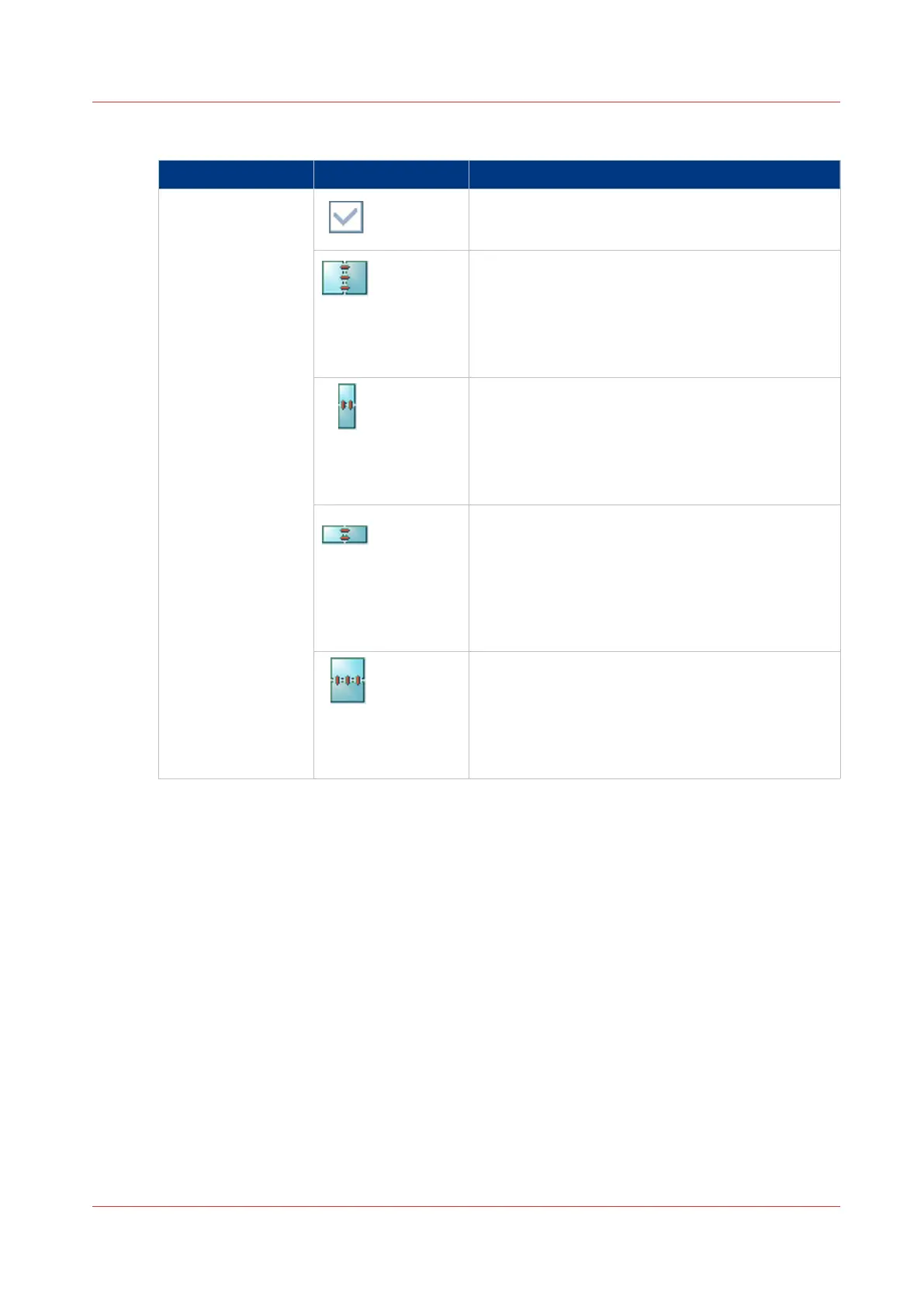
[Portrait left]
• The original has a vertical format (height >
width).
• The binding edge is at the left-hand side.
• When you turn a sheet over the binding edge,
the image or text on the back of the sheet is in
readable form.
[Portrait top]
• The original has a vertical format (height >
width).
• The binding edge of the original is at the top.
• When you turn a sheet over the binding edge,
the image or text on the back of the sheet is in
readable form.
[Landscape left]
• The original has a horizontal format (width >
height).
• The binding edge of the original is at the left-
hand side.
• When you turn a sheet over the binding edge,
the image or text on the back of the sheet is in
readable form.
[Landscape top]
• The original has a horizontal format (width >
height).
• The binding edge of the original is at the top.
• When you turn a sheet over the binding edge,
the image or text on the back side of the sheet is
in readable form.
Description of the Scan Job Settings
Chapter 8 - Carry Out Scan Jobs
263
Canon varioPRINT 135 Series














 To Next Page