[File] Settings - [Margin erase]
Setting Values Description
[Margin erase] [Binding edge] Margins of a document sometimes contain notes
or punch holes, for example. The machine allows
you to hide these elements on the copy. With the +
and - buttons of the [Binding edge] setting you can
define how much margin of the original you want
to erase. You can enter a value up to 100 mm /
3.94".
[File] Settings - [Exposure]
Setting Values Description
[Exposure] [Dark] You can adjust the settings for light areas and dark
areas on the print separately.
• When an area on the output must be darker,
then select a value of -1 to -3.
• When the area must be lighter, then select a val-
ue of 1 to 3.
[Light] • When the area must be darker, then select a val-
ue of -1 to -3.
• When an area on the output must be lighter,
then select a value of 1 to 3.
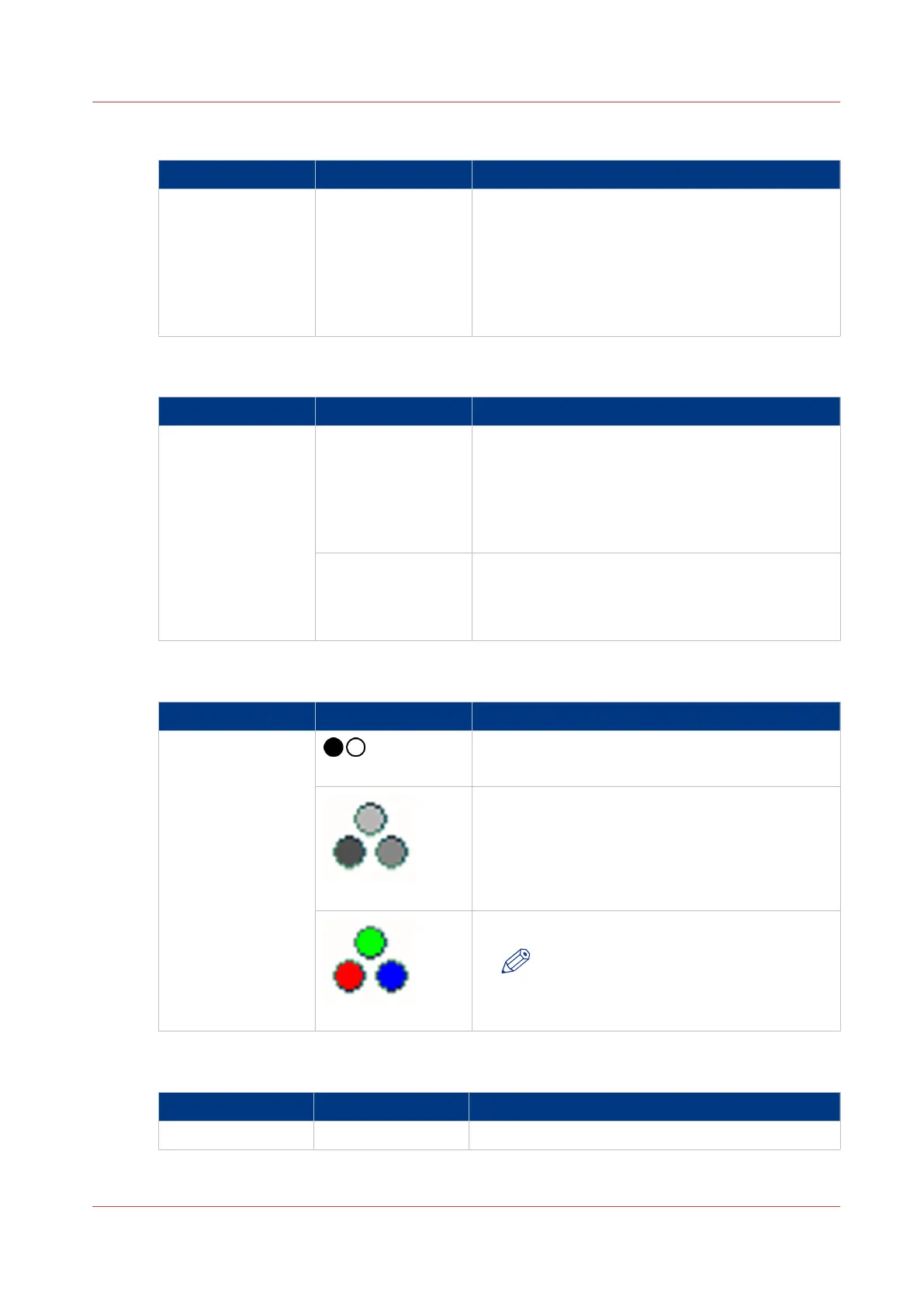
[File] Settings - [Color/Black & white]
Setting Values Description
[Color/Black &
white]
[Black and white]
Select this setting to make black & white scans.
[Grayscale]
Select this setting to make grayscale scans. When
you select this option, the [Image type] and
[Zoom] functions are disabled. The file type auto-
matically changes into the preferred settings.
[Color]
Select this setting to make color scans.
NOTE
To make color scans, the color scanning
option must be licensed.
[Job name]
Setting
Values Description
[Job name] For scan to USB, you can enter a job name.
Description of the Scan Job Settings
Chapter 8 - Carry Out Scan Jobs
267
Canon varioPRINT 135 Series


 To Next Page
 Loading...









