Step Action Illustration
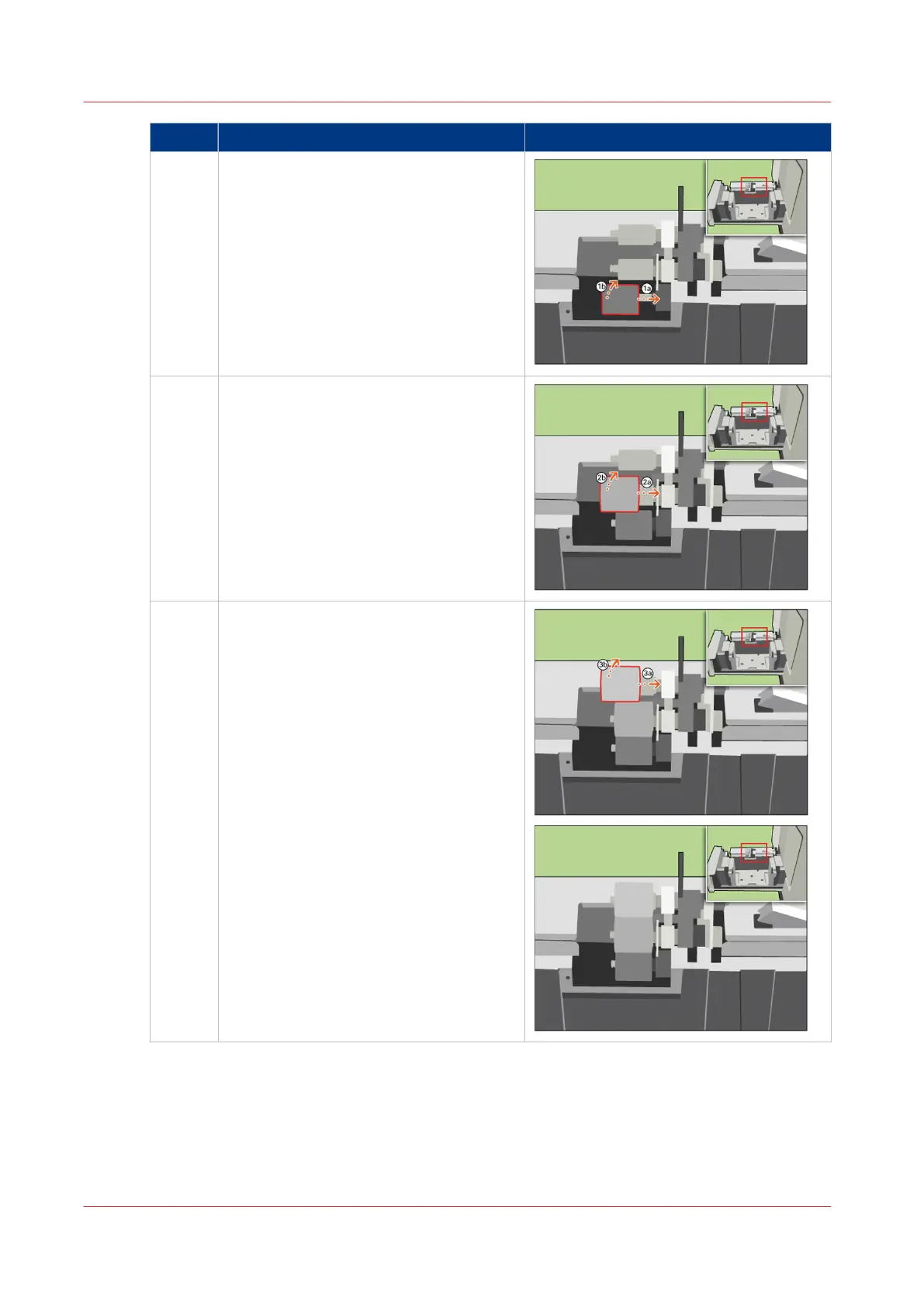
8 [Place a new lower separation roller. Turn
the roller into position.]
9 [Place a new middle separation roller.
Turn the roller into position.]
10 [Place a new upper separation roller. Turn
the roller into position.]
4
Replace the Separation Rollers
380
Chapter 18 - Printer Operation Care (POC)
Canon varioPRINT 135 Series


 To Next Page
 Loading...









