Step Action Illustration
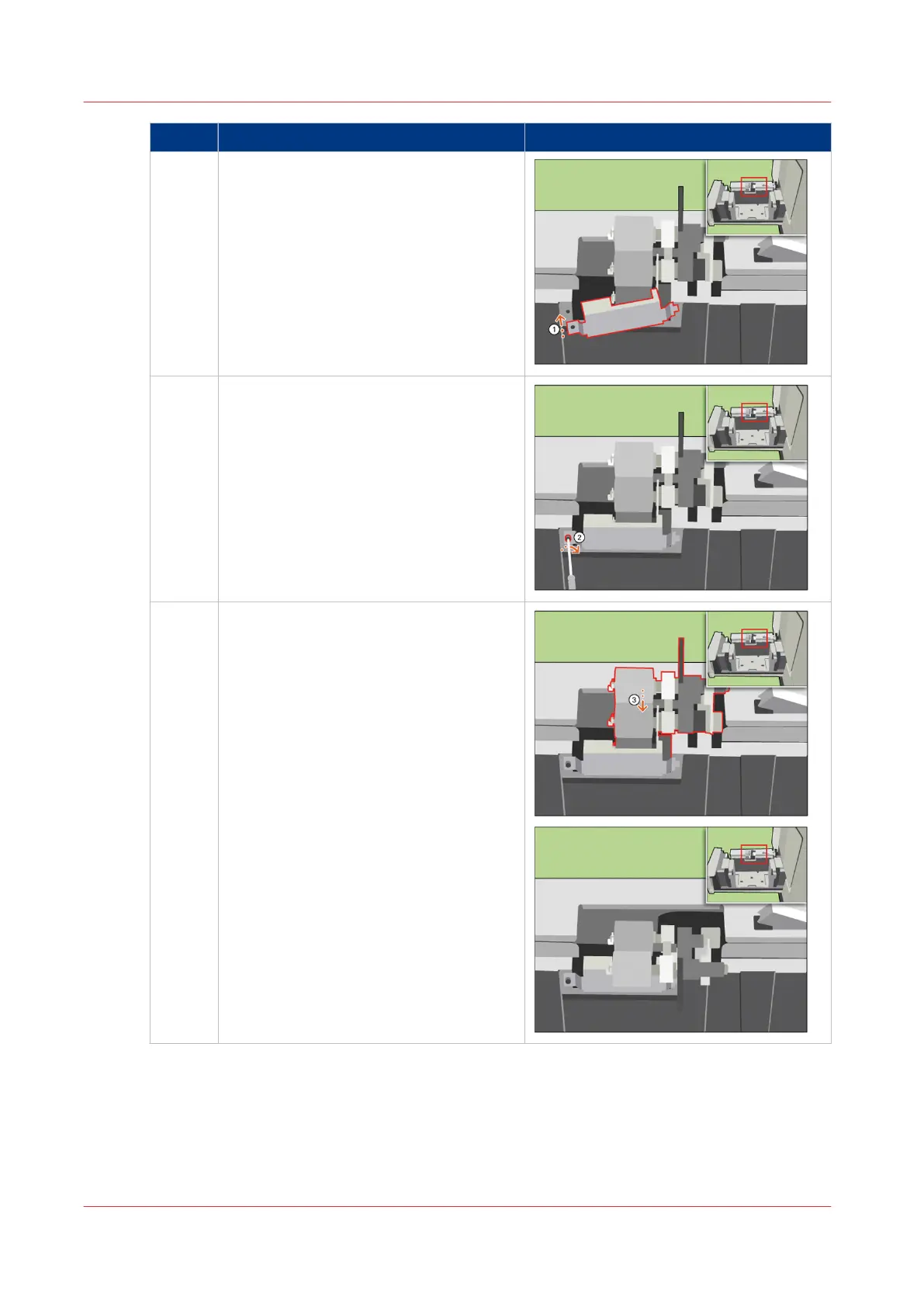
12 [Place the cover plate back.]
13 [Use the socket wrench to tighten the cov-
er plate.]
14 [Turn the upper separation roller back in-
to position.]
4
Replace the Separation Rollers
382
Chapter 18 - Printer Operation Care (POC)
Canon varioPRINT 135 Series


 To Next Page
 Loading...









