Step Action Illustration
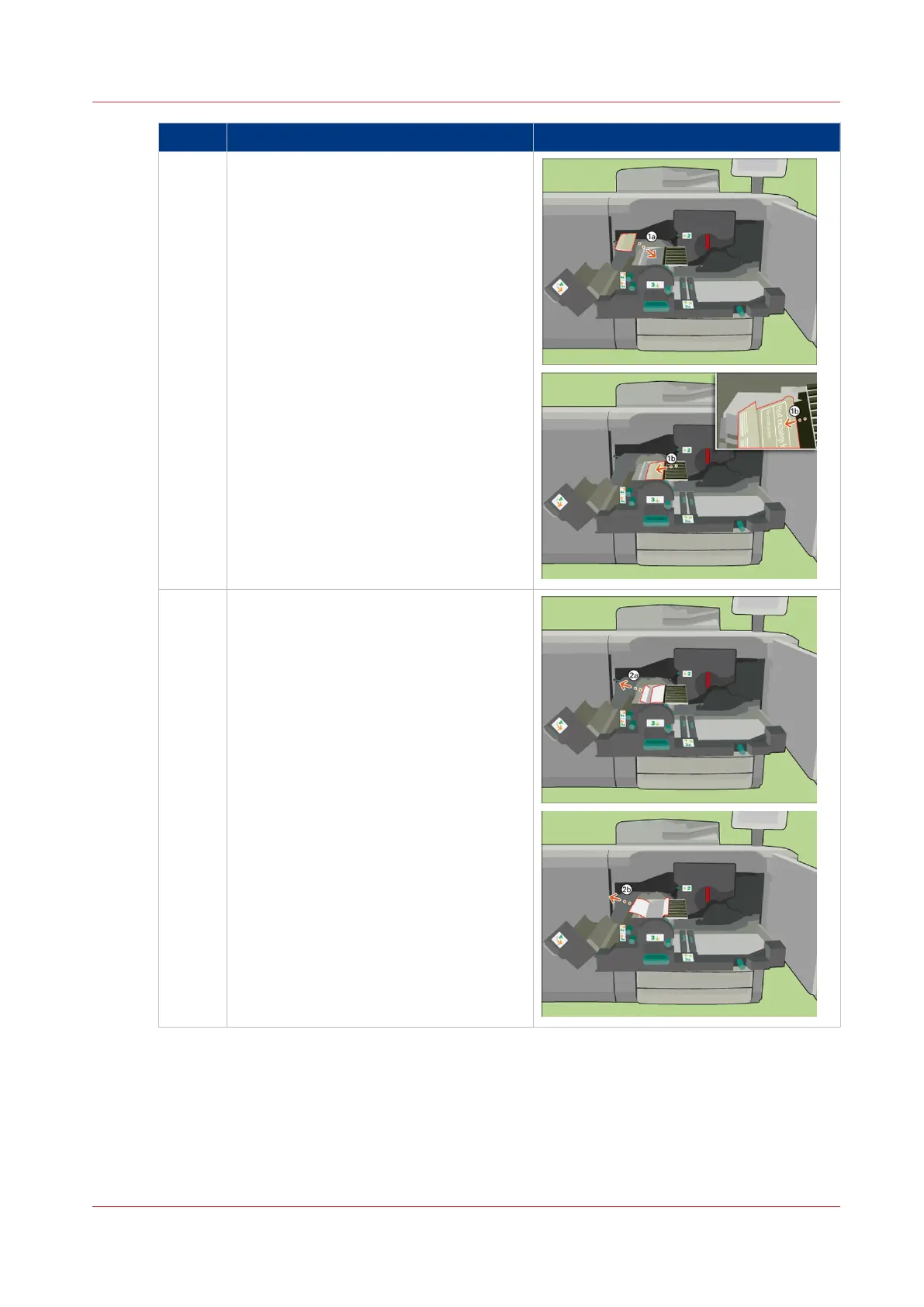
11 [Place the wrapper with the new foils in
the heat exchanger.]
12 [When the new foils are in place, remove
the wrapper.]
[Caution: Do not touch the foils to keep
the new foils clean.]
4
Replace the Heat Exchanger Foils
Chapter 18 - Printer Operation Care (POC)
389
Canon varioPRINT 135 Series


 To Next Page
 Loading...









