Step Action Illustration
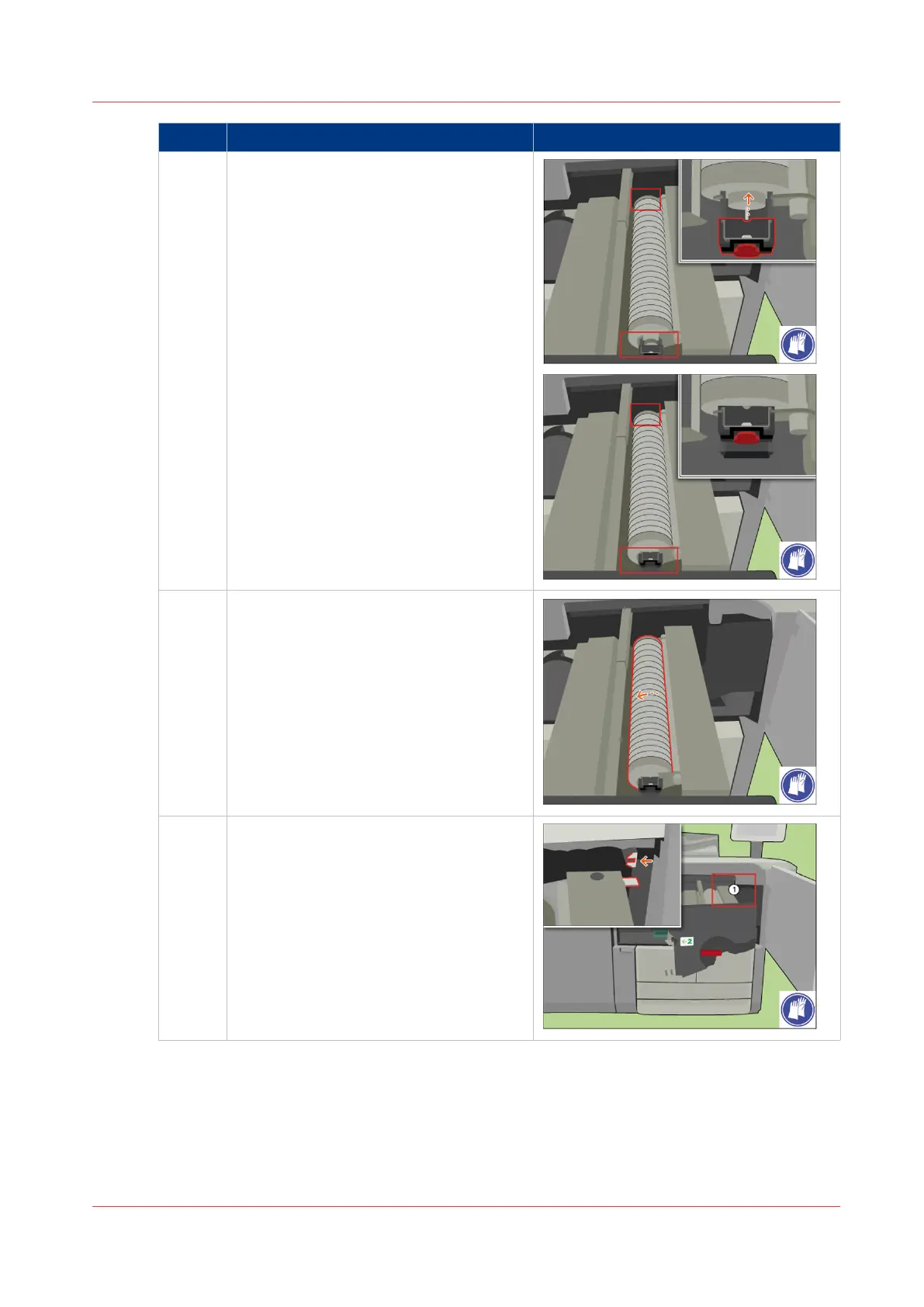
9 [Slide both fixation caps over the cleaner
ends until the caps click in place.]
10 Check if the spiral cleaner can rotate free-
ly.
11 [Align the TTF with the rail.]
4
Replace the Spiral Cleaner
Chapter 18 - Printer Operation Care (POC)
399
Canon varioPRINT 135 Series


 To Next Page
 Loading...









