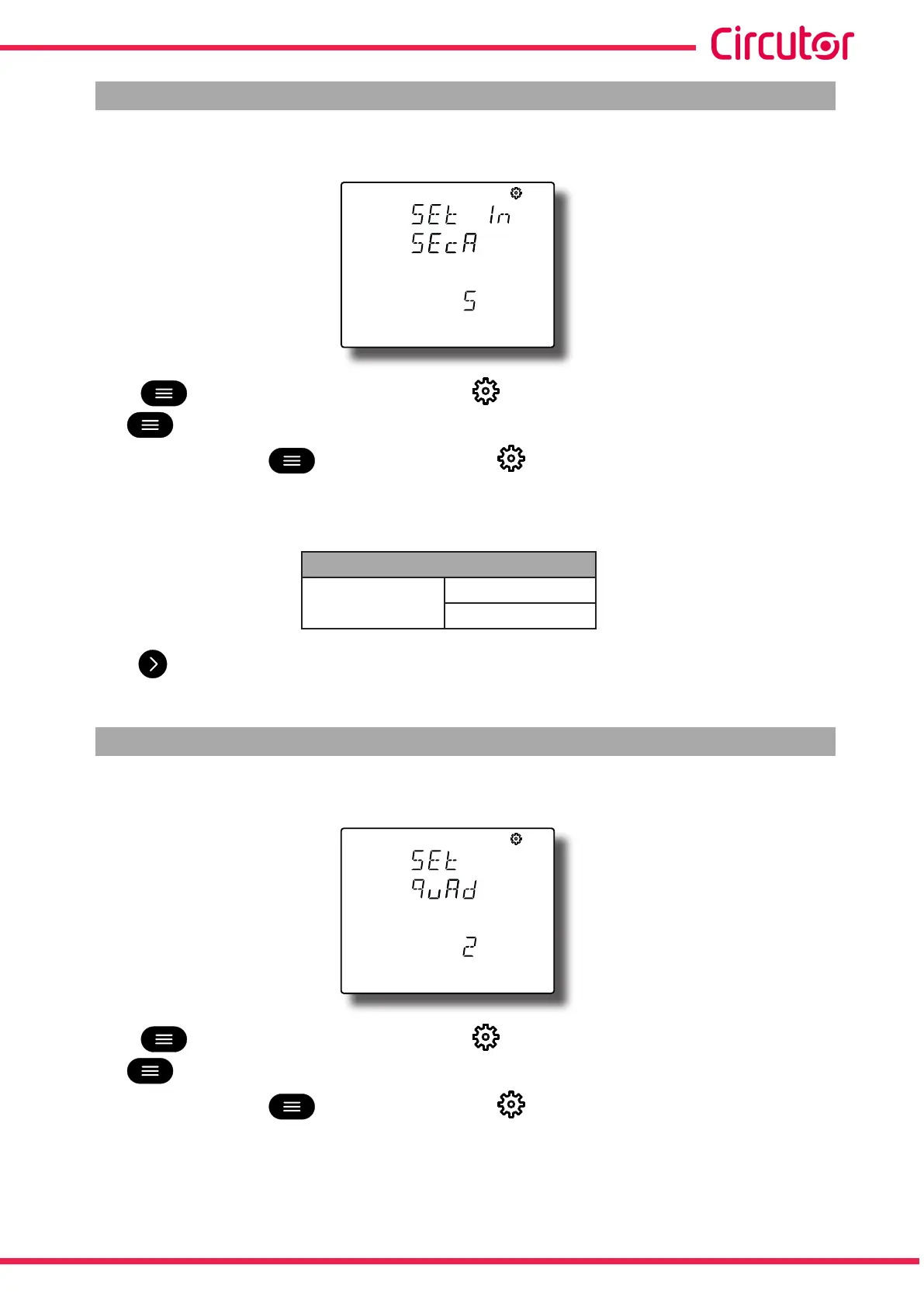
6.6.- SECONDARY NEUTRAL CURRENT (CVMC11ITFINxxxICT2 Model
The neutral current transformer secondary is programmed on this screen.
Press key for 3 seconds to edit the value. The icon appears at the top of the screen.
The key jumps between the possible options.
To validate the data, press for 3 seconds and the icon will disappear from the display.
Configuration values
Table 27:Configuration values: Secondary neutral current.
Secondary neutral current
Possible values
1 A
5 A
Press key to access the next programming step.
6.7.- NUMBER OF QUADRANTS
The quadrant number on which the device takes the measurement is selected on this screen.
Press key for 3 seconds to edit the value. The icon appears at the top of the screen.
The key jumps between the possible options.
To validate the data, press for 3 seconds and the icon will disappear from the display.
61
Instruction Manual
CVM-C11














 To Next Page