Configuration values
Table 29: Configuration values: Integration period.
Integration period
Minimum value 0 minutes
Maximum value 60 minutes
Note: Programming the value 0 disables the calculation of the maximum demand.
Press key to access the next programming step.
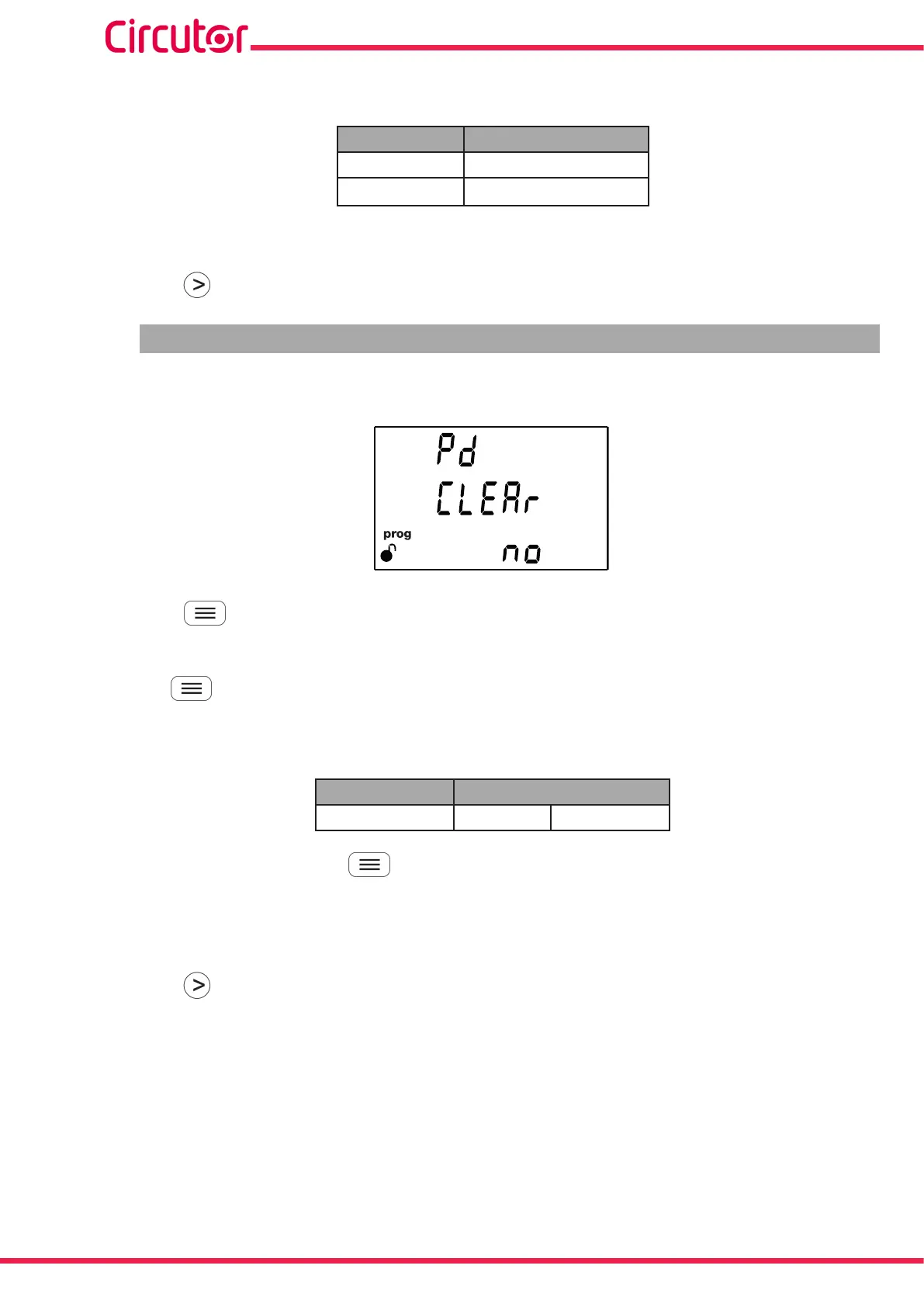
6.10.- DELETING MAXIMUM DEMAND
On this screen you select whether or not to delete the maximum demand.
Press the key for 3 seconds to enter the edit mode. The prog icon will flash on the left of the
screen.
Use the key to browse the available options.
Configuration values
Table 30: Configuration values: Deleting Maximum demand.
Deleting maximum demand
Possible values Yes No
To validate the value, press the key for 3 seconds; the prog icon will stop flashing.
Select Yes to force the device to automatically delete all maximum demand data; the No option will be
displayed again on the screen.
Press key to access the next programming step.
62
CVM-E3-MINI
Instruction Manual














 To Next Page