126
When the preview completes and everything looks good you can press the “Start”
button. StackShot 3X will ask you if you want to return to the beginning (answer “Okay”
here or else it won’t start!).
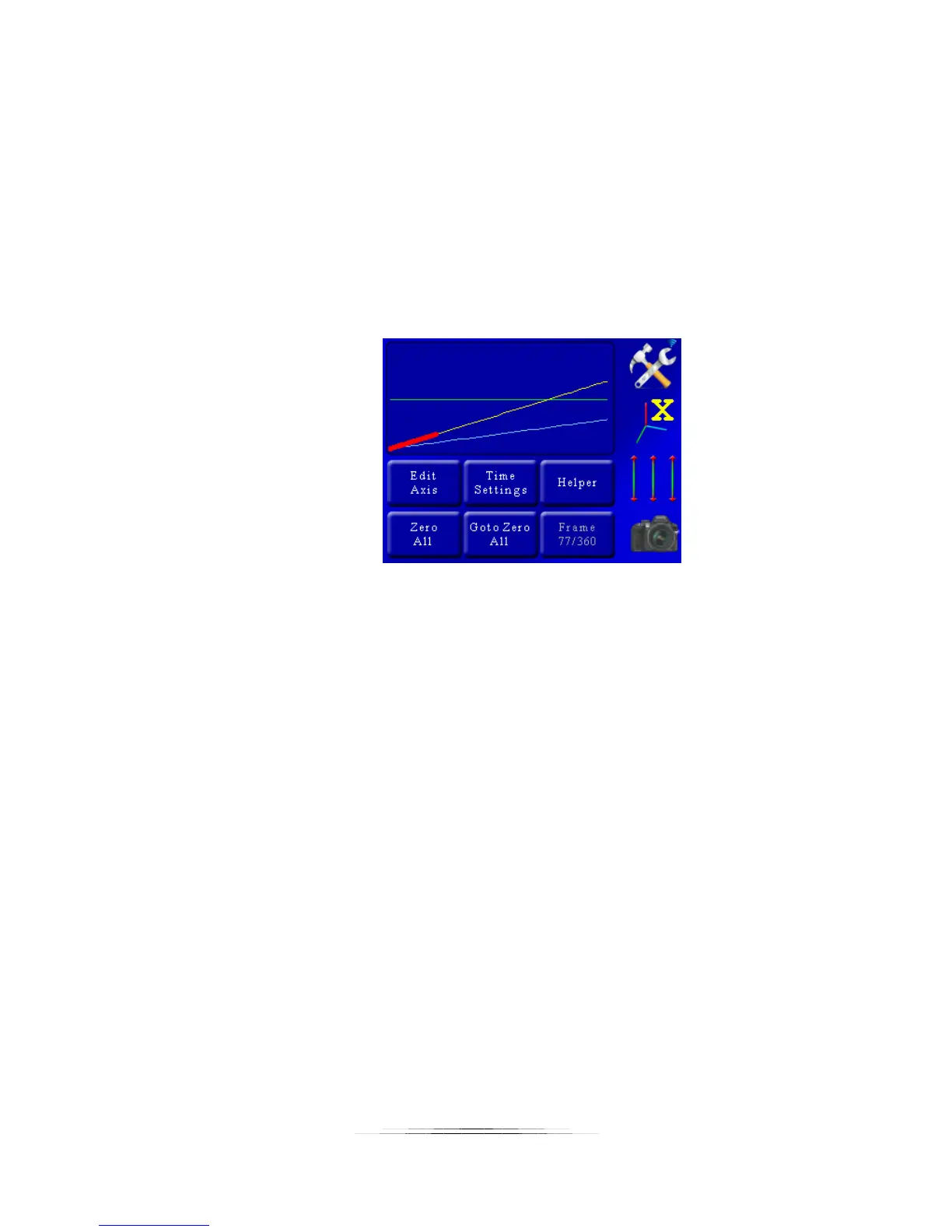
Once you press “Start” you’ll see the progress updated on the display.
As the process begins, you’ll see the bottom-right button (where “Start” was displayed
previously) showing you the current status. It will show which lead-in/lead-out frame,
and of course which active frame it is shooting.
Here is the display part-way through our 360 frames of motion:
The currently selected axis will turn bold red as it progresses through the motion profile.
In total we’ll have 10 frames of lead-in, 360 frames of motion, and 10 frames of lead-out
– a total of 380 frames.



 To Next Page