125
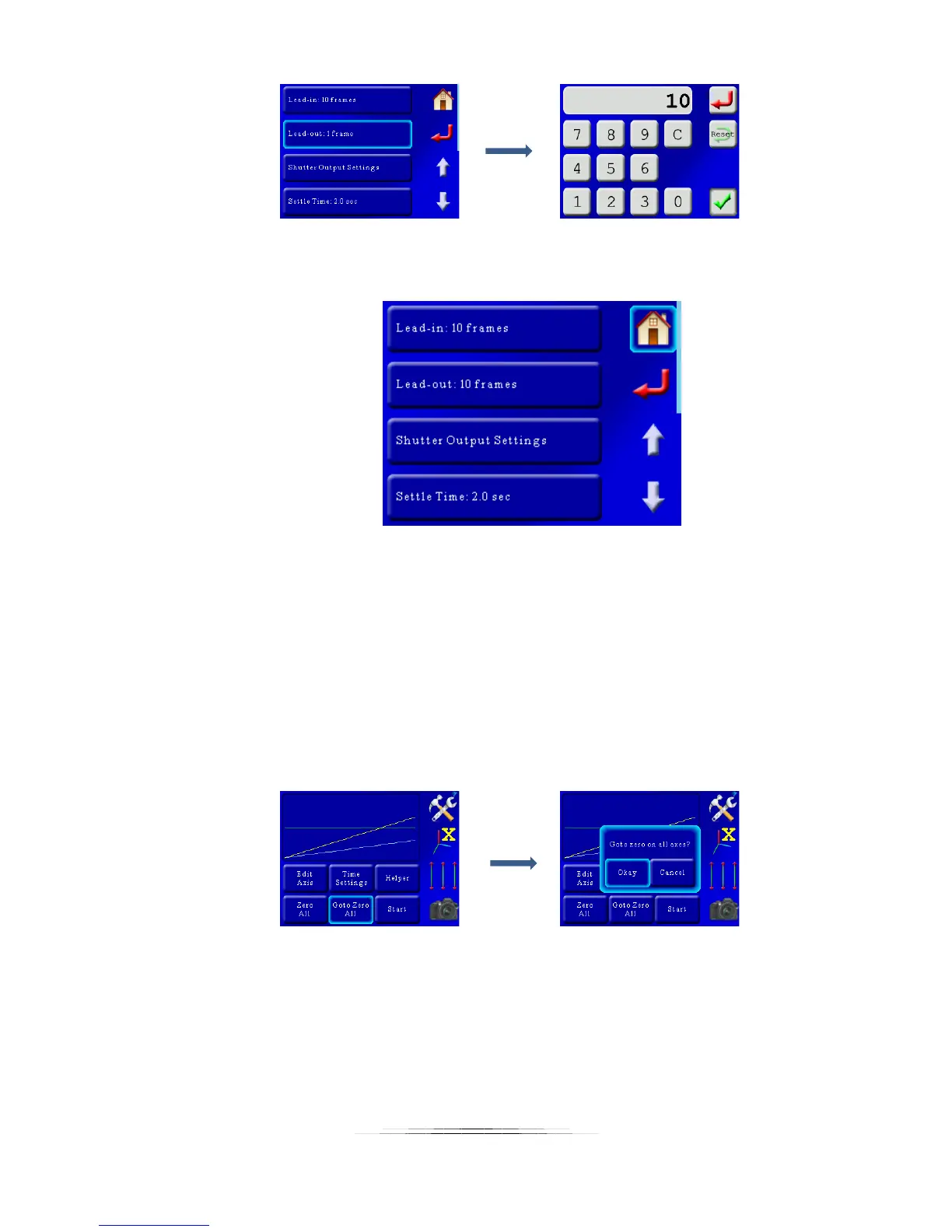
Now we see that our lead-in and lead-out frames are set to 10, we can press the home
button to take us back to the main screen.
Are we done? Maybe. Our motion profile is set, the lead-in/lead-out is set. Wouldn’t it
be nice to see a real-time video of what our time lapse framing would look like? No
problem! To do this we’ll first send the pan/tilt setup to its starting position. This is
done by pressing the “Goto Zero All” button. You’ll get a pop-up asking if you really
want to do this, which of course we’ll say yes! Be sure to press the “Goto Zero All”, and
NOT the “Zero All”. “Zero All” will use your current position as the starting point – and
since our gear is currently sitting at the end – we’d have to go through the helper one
more time. So let’s press the “Goto Zero All” and select “Okay”:
The axes will return to their starting position and be waiting – but that’s right! We want
to do a preview. To start the real-time motion you just have to press and hold the
“Start” button until you feel the haptic feedback or see the motion start. One
suggestion: If your camera has a live-view video recording option it’s a good idea to
start it before beginning the preview (and then stop it at the end!). Then you can play
back the video and double-check for any framing issues.



 To Next Page