61
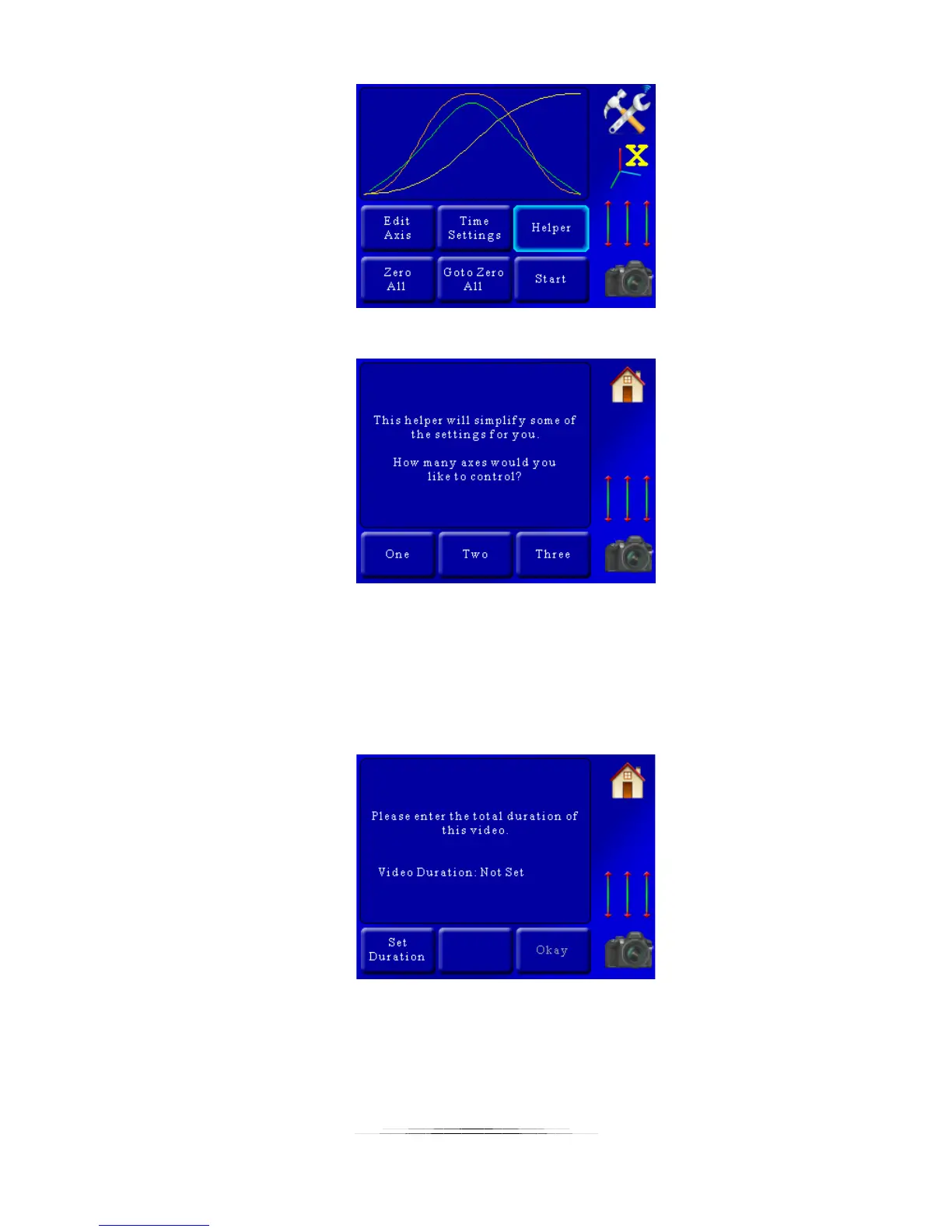
You’ll then be prompted for how many axes you plan to control:
We’re going to use all three for this example so we’ll press the “Three” button. If at any time
you want to abort the helper press the “Home” button.
Once we’ve pressed the “Three” button we’re asked another question. It depends on which
mode you’re in. For “Video: Continuous” mode you be asked to enter the total duration of the
video:
Since this is real-time video, the “Duration” is how long you would like the motors to move.
Press the “Set Duration” button and enter how long you would like this video to last. In this
example we’ll enter 30 seconds:



 To Next Page