62
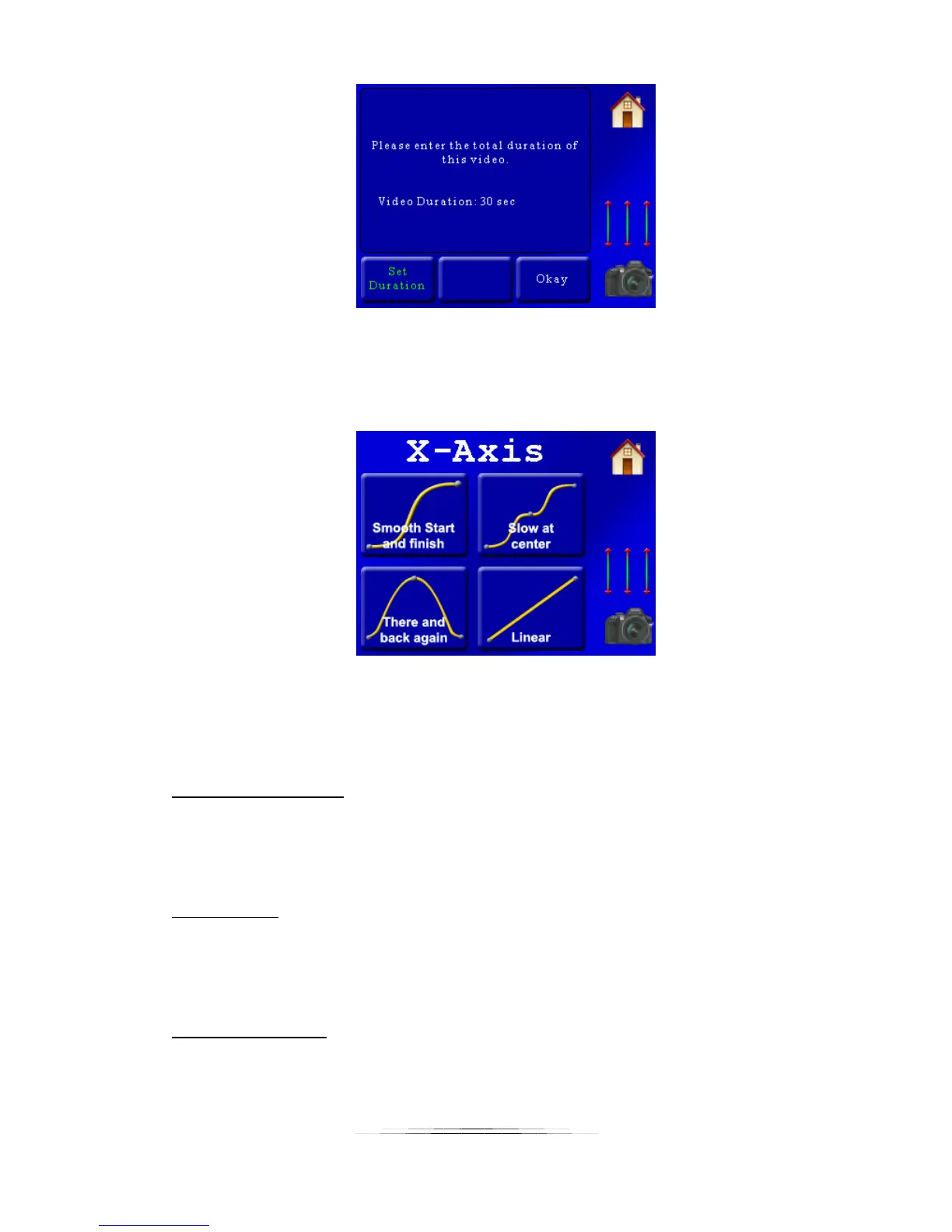
If you’re happy with the duration press the “Okay” button to continue to the next screen.
Now that the timing is set you’ll be asked about the specific axes:
At the top of this screen you can see that this question is about the “X-Axis” (can’t miss that!).
The helper is asking you which type of motion profile you would like to follow. There are four
available:
Smooth Start and finish:
This motion profile starts off slow and ends slow, while speeding up in the middle. The motion
is fluid throughout the move. Imagine using this on a pan. It would slowly start, increase speed
in the middle, and then slow down at the final destination.
Slow at center:
This is similar to “Smooth start and finish”, except that the motion slows down to a crawl at the
center of the motion profile. It’s a good way to draw attention to something going on at the
center of the scene.
There and back again:
This profile has the axis end up right back where it started. When would you use this? Let’s say
you used this on an axis set up to control tilt – While panning left to right the “there and back
again” on the tilt axis could walk up a rock peak or follow the contour of a road. Like the



 To Next Page