63
“smooth start and finish” it will ease in slowly and ease out slowly. The helper will later ask you
for the maximum travel (which is at the peak of this curve). That is how far it will travel before
returning back to the starting position.
Linear:
The speed for this axis is completely constant (no ramping at all). If you don’t want to ease-
in/ease-out of the scene you are shooting you can use this profile to keep the pan/tilt/slide
constant. If using this in the “Video: Continuous” mode there will be jerk when you start
because the velocity is constant for the move.
Once you decide which motion profile you would like to use simply press it’s corresponding
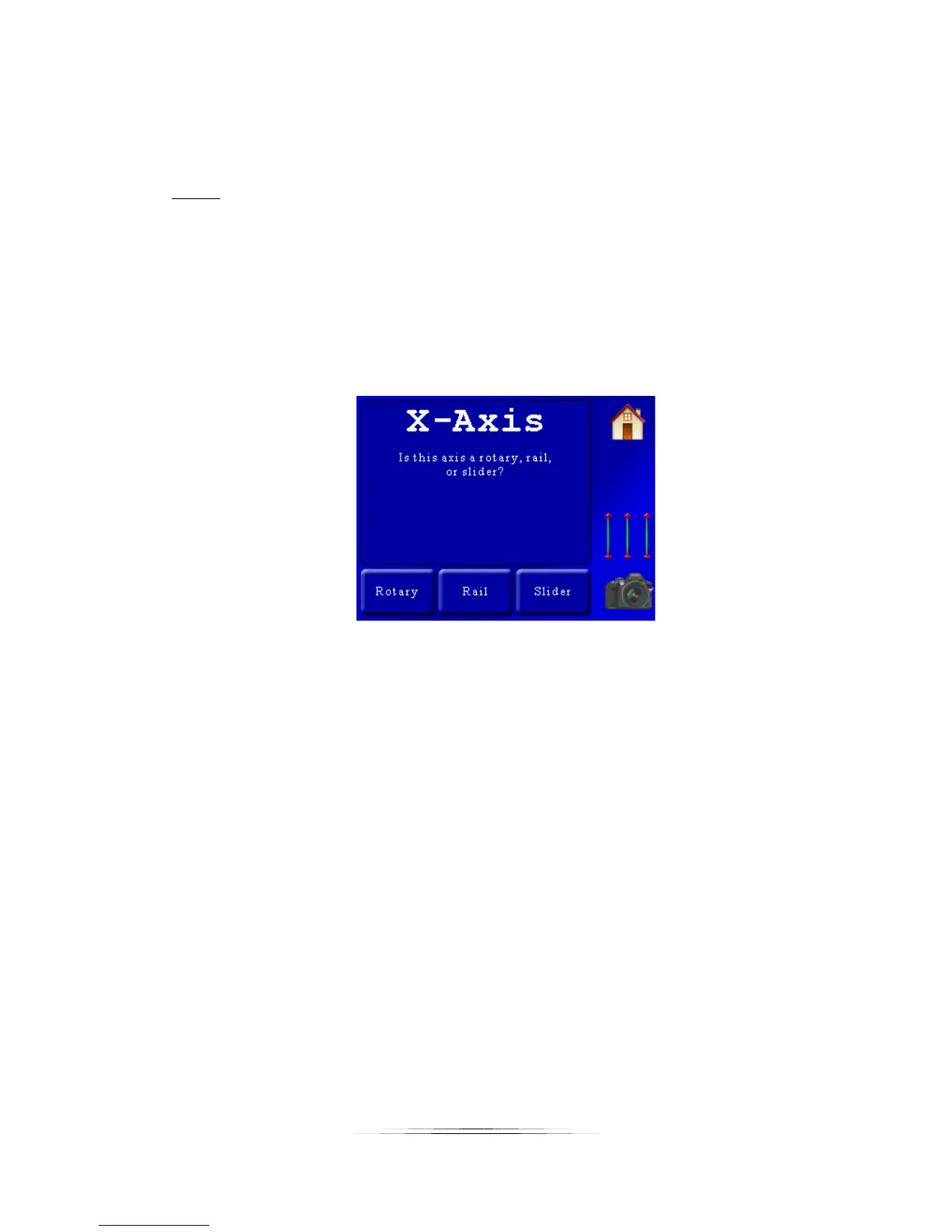
button. In this example we’ll choose the “Smooth start and finish”. We’ll then be asked the
following:
StackShot 3X needs to know what type of gear you have connected to each axis. Double-check
your cables since it is easy to swap the pan/tilt. In this example, we have the X-Axis attached to
a rotary table so we’ll press the “Rotary” button.
We’re then immediately asked for the same questions for the Y-axis and Z-axis (because we told
the helper we planned on using three axes):
Y-axis motion profile (Smooth start/finish, linear, etc)
Y-axis attached gear (Rotary, rail, slider)
Z-axis motion profile
Z-axis attached gear
If at the beginning you selected only one axis then the prompts for the Y-axis and Z-axis
wouldn’t appear.
In this example we’re selecting the following options:
X-axis: Smooth start and finish
X-axis: Rotary
Y-axis: Smooth start and finish
Y-axis: Rotary



 To Next Page