67
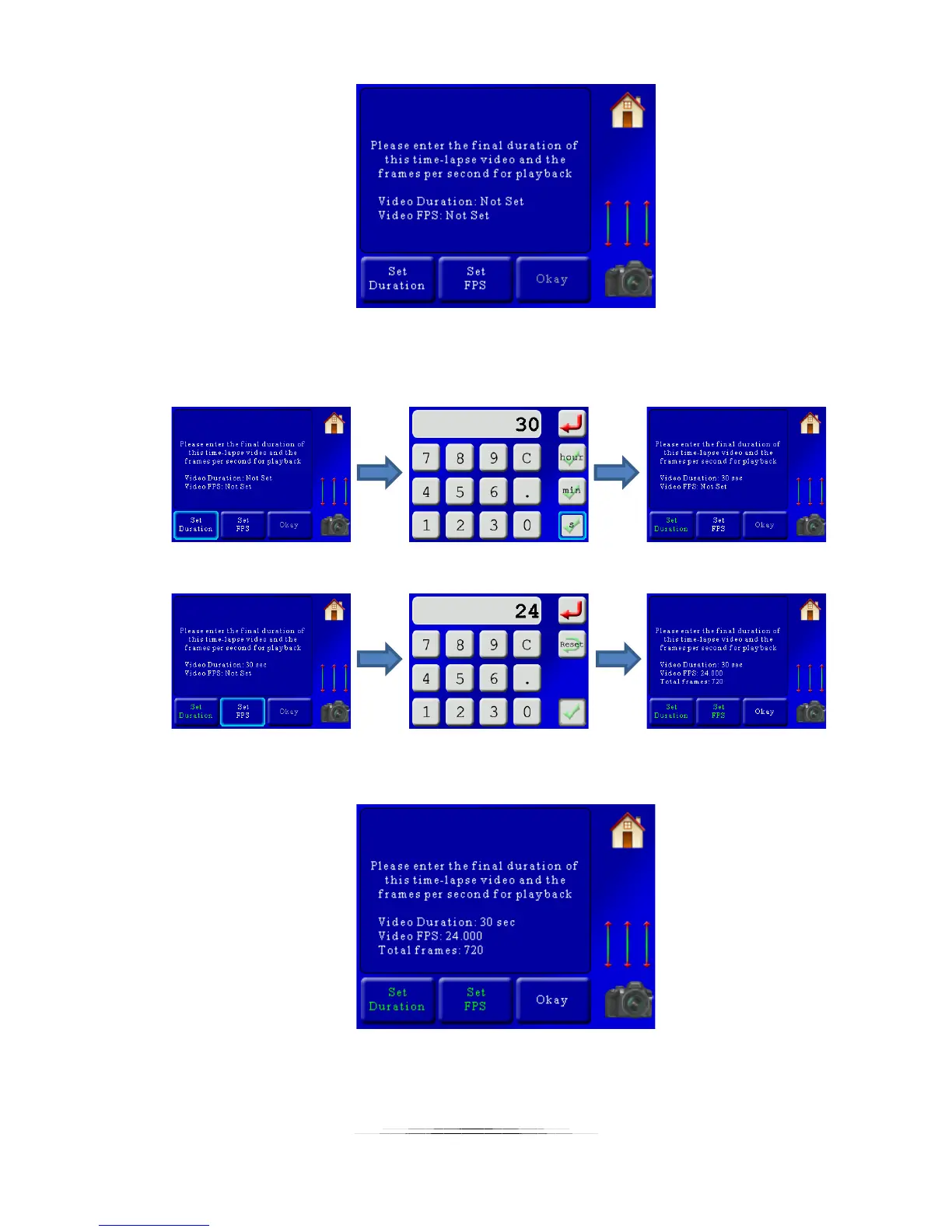
You will need to enter the final duration (playback duration) and the frames per second. This
will calculate the number of frames required. For this example we’ll set the duration to 30
seconds (of playback), and have the frames per second (FPS) set to 24:
You’ll see a summary once both the duration and FPS are set:
Here you can see in this example a total of 720 frames will be required to get a 30 second video
at 24 frames per second. If you would like to continue press the “Okay” button. You can also



 To Next Page