84
7.12.2.1 Rotary Table Settings
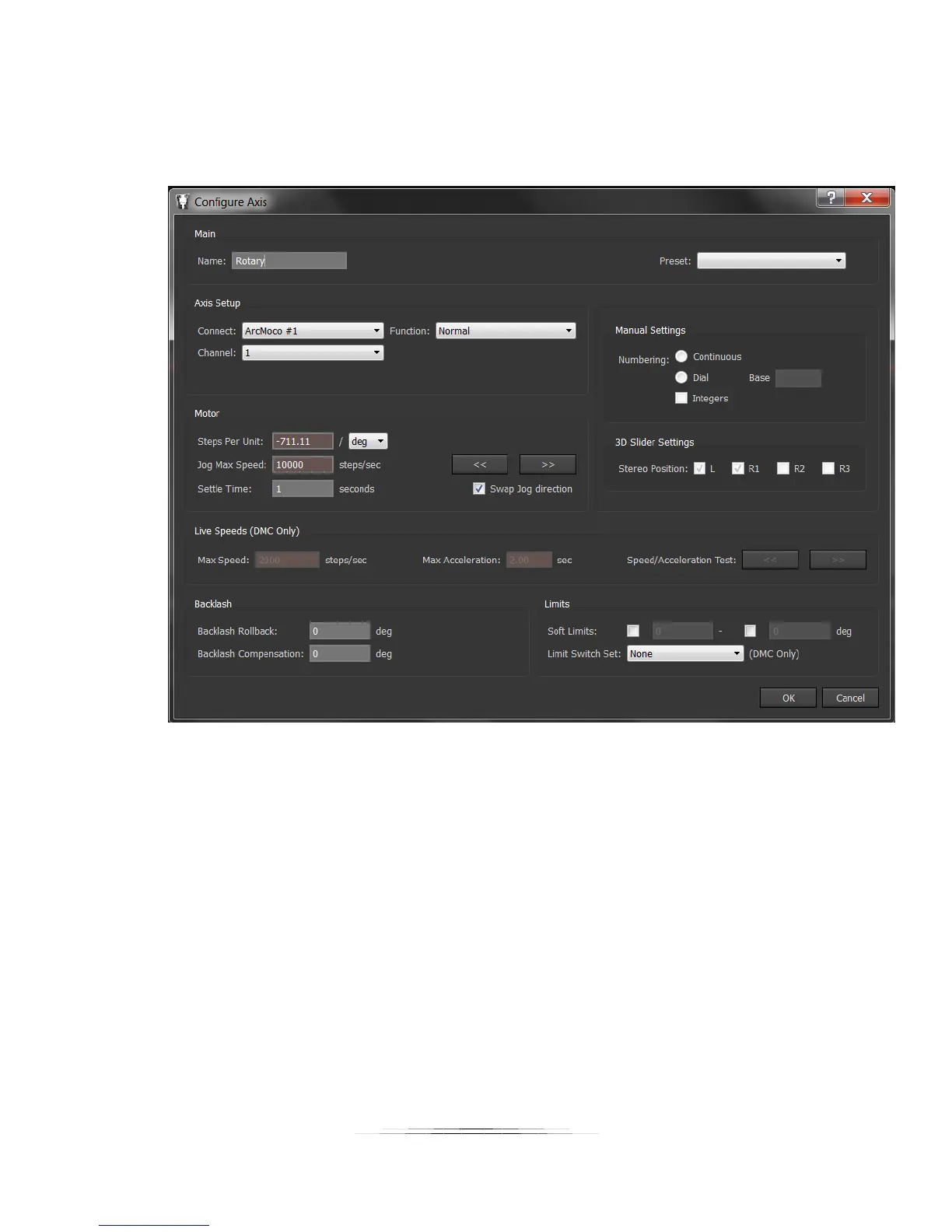
Here are the parameters that need to be changed:
Name: Rotary (or pan/tilt to make things easier to follow)
Connect: Leave at ArcMoco #1
Channel: 1 (This is the X-axis, the first motor available)
Steps Per Unit: -711.11 / deg (Yes, that is a negative in front! Otherwise it will go backward)
Settle Time: Whatever your application requires (one second in this example)
Swap Jog direction: Checked
Press OK!



 To Next Page