DeviceMaster Installation and Configuration Guide: 2000594 Rev. F Managing the DeviceMaster - 119
Managing the DeviceMaster
5. If a higher version of SocketServer is available and you want to update the DeviceMaster with the latest
software:
a. Update SocketServer using Uploading SocketServer with PortVision DX on Page 42.
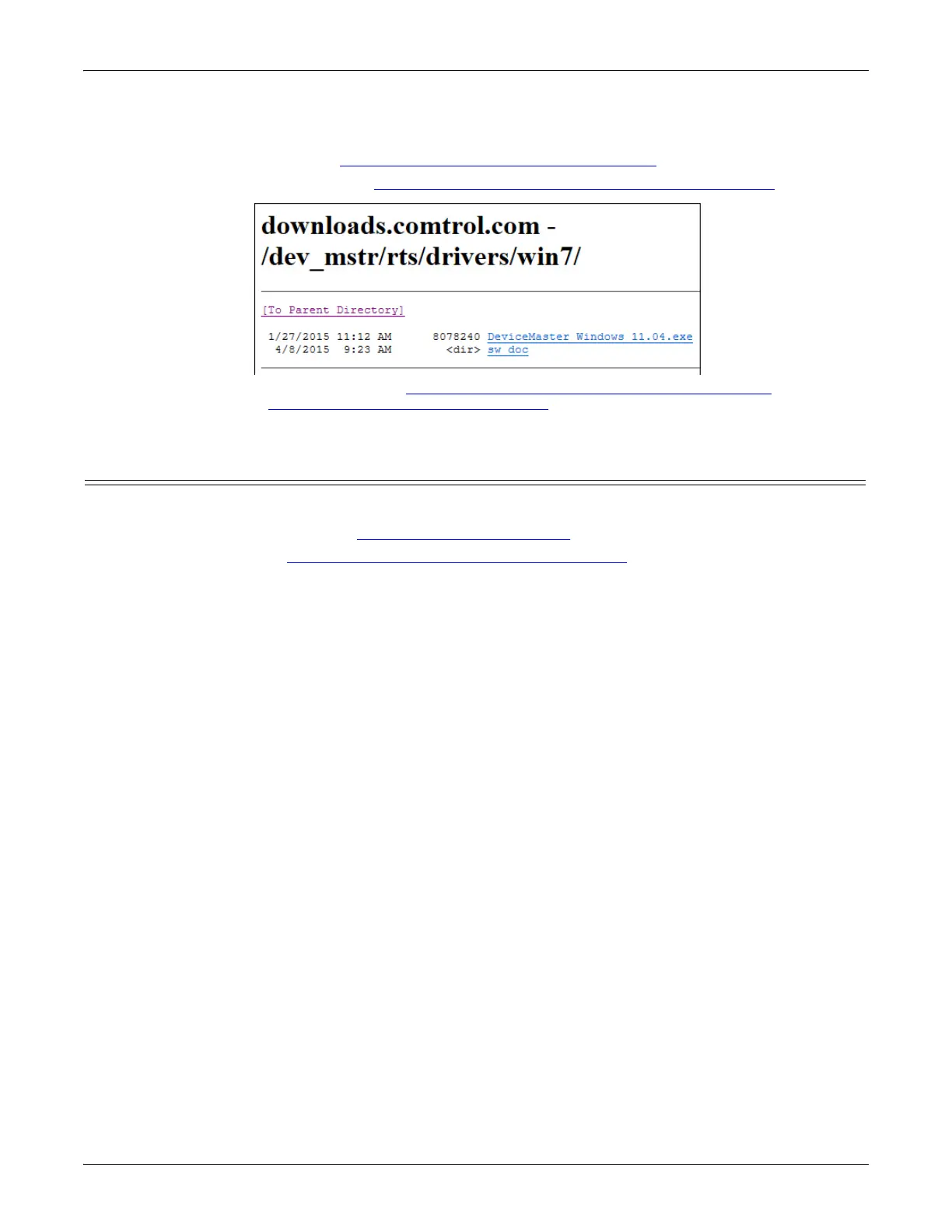
b. Download the latest driver from http://downloads.comtrol.com/dev_mstr/rts/drivers/win7.
c. Update to the latest driver using the DeviceMaster Device Driver (NS-Link) User Guide, which can be
downloaded using Locating Software and Documentation on Page 11.
Restoring Factory Defaults (Specific Models)
Use the following procedures to restore the DeviceMaster DIN rail models to the factory defaults.
To return to default port settings, see Restoring Serial Port Settings on Page 120.
Note: For other models, see Returning the DeviceMaster to Factory Defaults on Page 171.
If Technical Support advises you to restore the DeviceMaster factory defaults, depress the Reset/Restore switch
for greater than 5 seconds.
Restoring the DeviceMaster DIN rail models resets the following to their factory defaults:
• Port settings
• Network settings
• Password
• Telnet enable
• Start up time-out
•SSL enable
• Telnet time-out



 To Next Page