DeviceMaster Installation and Configuration Guide: 2000594 Rev. F RedBoot Procedures - 133
RedBoot Procedures
Establishing a Telnet Connection
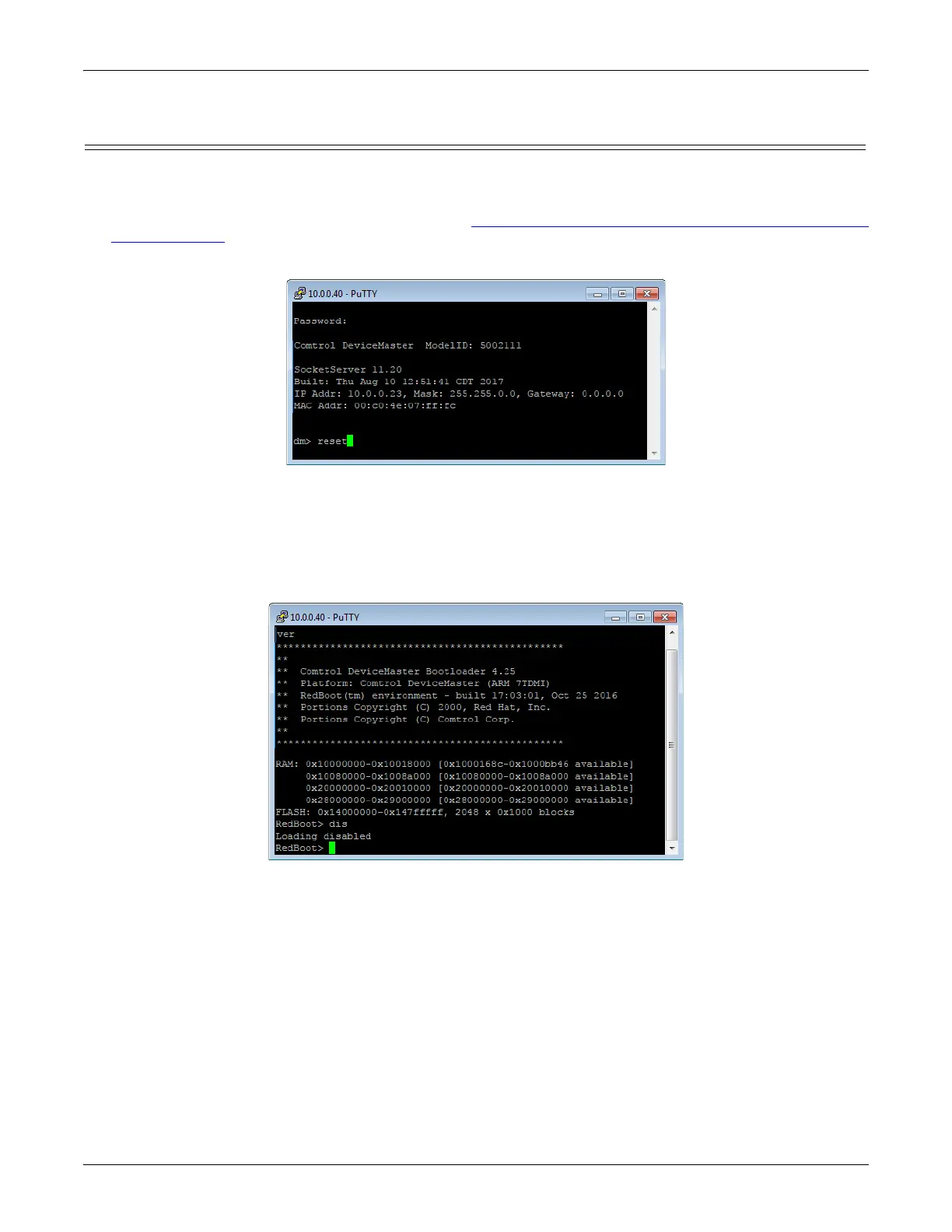
Use the following procedure to telnet to the DeviceMaster.
1. Open a telnet session, enter the DeviceMaster IP address.
If using Windows, you can use PortVision DX, see Accessing RedBoot Commands in Telnet/SSH Sessions
(PortVision DX) on Page 126.
2. Press the Enter key if you did not program a password or type the password and press Enter.
Note: The DeviceMaster does not come pre-programmed with a password.
3. Type reset, and close the session.
4. Open a new telnet session, enter the DeviceMaster IP address, and the password.
5. Type dis to disable the Bootloader.
6. Verify that the system responds with a Loading disabled message.



 To Next Page