DeviceMaster Installation and Configuration Guide: 2000594 Rev. F Device Driver (NS-Link) Installation - 49
Windows Installations
Windows Installations
This subsection provides an installation overview for the NS-Link device driver for Windows. For detailed
installation and configuration information, see the DeviceMaster Device Driver (NS-Link) User Guide for
Windows, which is available on the download site.
Supported Operating Systems
The NS-Link device driver for Windows supports Windows 2008 R2 through Windows 10.
If you are updating the driver or need to remove the NS-Link device driver, you can refer to the DeviceMaster
Device Driver (NS-Link) User Guide or the help system.
Note: Administrative privileges are required to install device drivers on Windows systems.
Installation Overview for Windows
The following NS-Link device driver installation and configuration procedures are discussed in this
subsection:
• Install the NS-Link device driver and DeviceMaster Drivers Management Console using the Installation
Wizard.
• Configure the COM ports using the DeviceMasterDrivers Management Console.
• Configure device properties using the DeviceMaster Drivers Management Console.
NS-Link for Windows Installation
1. If necessary, locate the NS-Link device driver and make it available to the host system. The driver
assembly is available at:
http://downloads.comtrol.com/dev_mstr/rts/drivers/win7.
Note: Although the download link displays win7 in the path, the driver supports the previously listed
Windows operating systems.
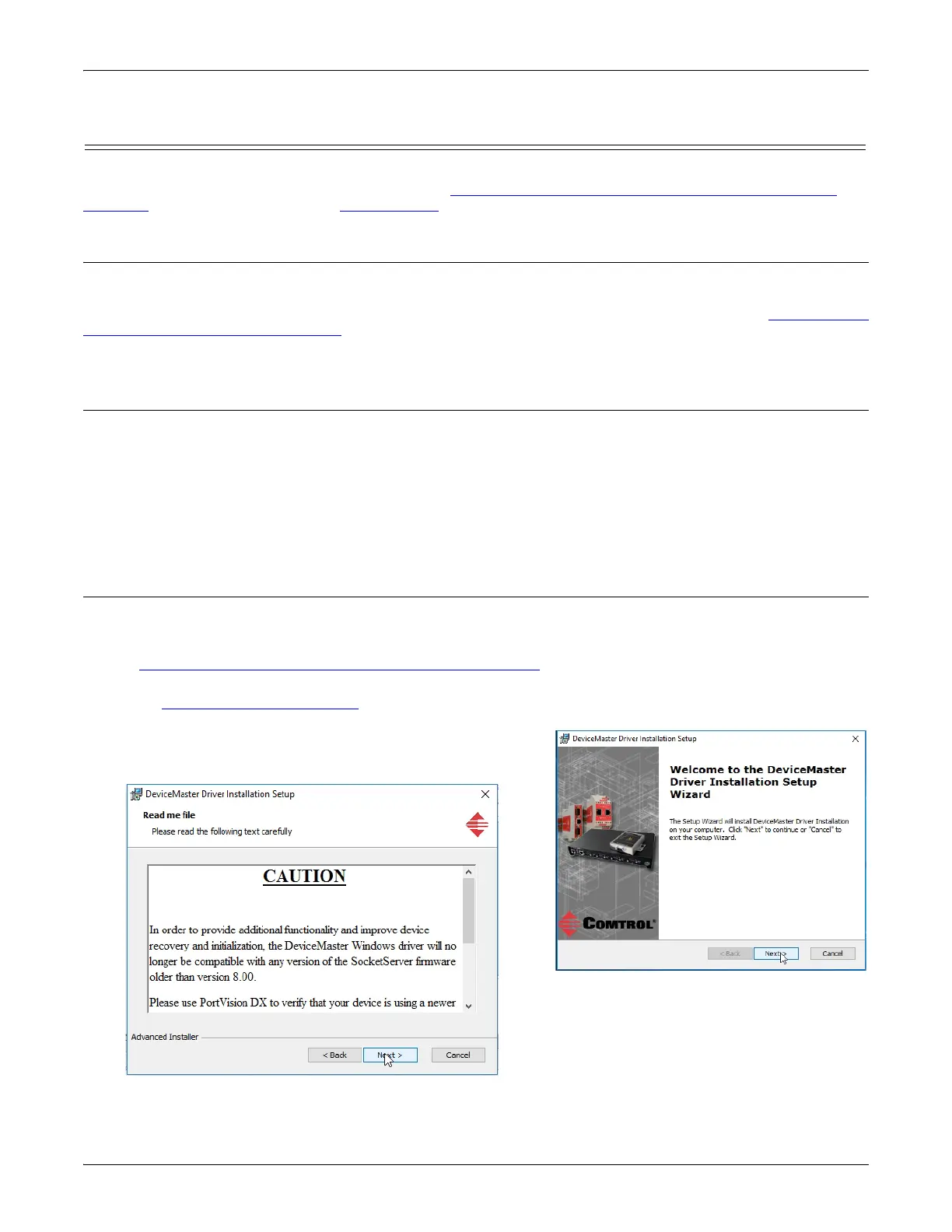
2. Execute the driver assembly DeviceMaster_Windows_x.xx.exe
file and click Next to start the installation.
3. If included in this driver version, read the caution or notice:



 To Next Page