DeviceMaster Installation and Configuration Guide: 2000594 Rev. F Hardware Installation - 25
Hardware Installation
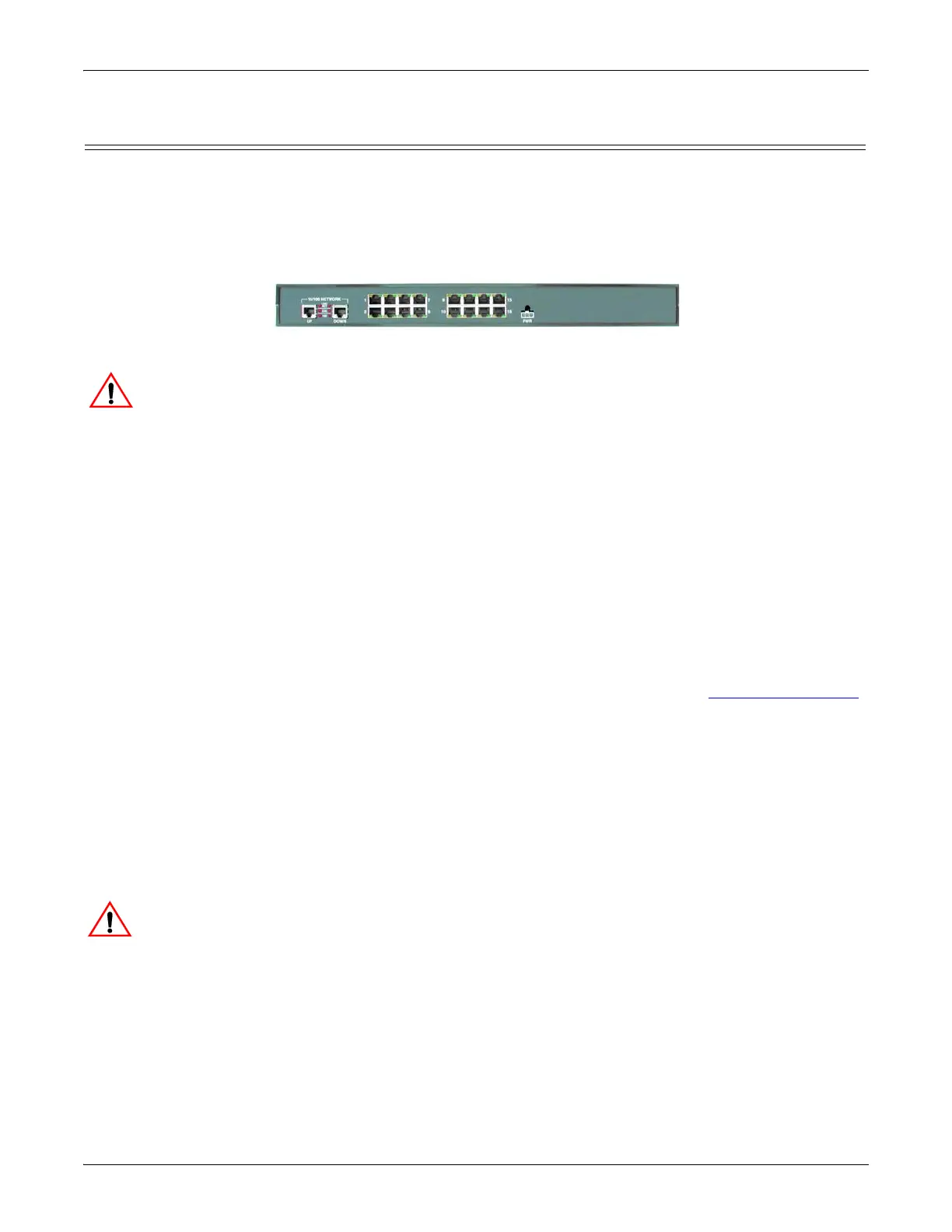
16-Port (DeviceMaster RTS - External Power Supply) Installation
Use the following procedure to install the DeviceMaster RTS 16-port with an external power supply.
1. Place the DeviceMaster RTS on a stable surface, or optionally mount the DeviceMaster in a rack.
Rack Installation:
a. Attach the L brackets to the interface using the screws supplied with the unit.
b. You can mount the unit facing in either direction.
c. Attach the L bracket into your rack.
Follow these guidelines when mounting the DeviceMaster RTS in a rack.
• If the DeviceMaster is installed in a closed or multi-rack assembly, the operating
temperature of the rack environment may be greater than the ambient temperature. Be sure
to install the DeviceMaster in an environment that is compatible with the maximum rated
ambient temperature.
• Make sure that the mechanical loading is level to avoid a hazardous condition; such as,
loading heavy equipment in the rack unevenly. The rack should safely support the combined
weight of all equipment in the rack.
• Slots and openings in the cabinet are provided for ventilation. To ensure reliable operation
of the DeviceMaster and to protect it from overheating, maintain a minimum of 1 inch of
clearance on all sides of the unit.
• AC power inputs are intended to be used with a three-wire grounding type plug, which has a
grounding pin. Equipment grounding ensures safe operation. Do not defeat the grounding
means and verify that the DeviceMaster is reliably grounded when mounting within the
rack.
Note: Do not connect multiple units until you have changed the default IP address, see Initial Configuration
on Page 33.
2. Connect the DeviceMaster RTS to the same Ethernet network segment as the host PC. If the
DeviceMaster serial number is below xxxx-030000 use one of the following methods to connect the cable.
Serial numbers above xxxx-030000, the Ethernet port are interchangeable.
• Ethernet hub or switch (10/100Base-T): Connect to the port labeled UP on the DeviceMaster RTS
using a standard Ethernet cable.
• Server NIC (10/100Base-T): Connect to the port labeled DOWN on the DeviceMaster RTS using a
standard Ethernet cable.
• Daisy-chaining DeviceMaster units: Connect the port labeled DOWN on the first DeviceMaster
RTS to the port labeled UP on the second DeviceMaster or other device using a standard Ethernet cable.
Do not connect RS-422/485 devices until the IP address is configured and an appropriate
port interface type has been configured (Step 5). The default port setting is RS-232.



 To Next Page