DeviceMaster Installation and Configuration Guide: 2000594 Rev. F Initial Configuration - 35
Installing PortVision DX
Installing PortVision DX
During initial configuration, PortVision DX automatically detects and identifies DeviceMaster units, if they
are in the same network segment.
1. Download PortVision DX: http://downloads.comtrol.com/dev_mstr/portvision_dx
.
Note: Depending on your operating system, you may need to respond to a Security Warning to permit
access.
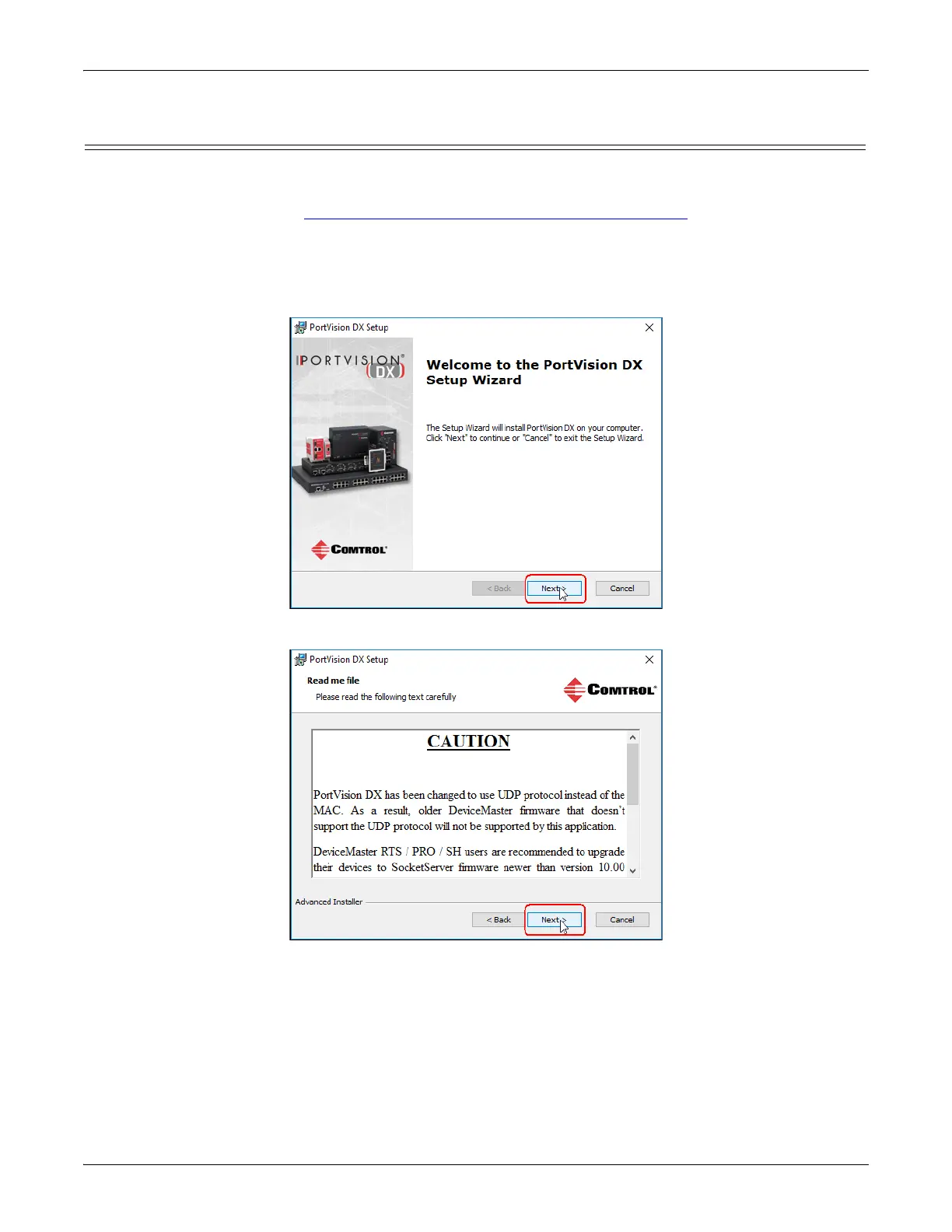
2. Execute the PortVision_DX[version].msi file.
3. Click Next on the Welcome screen.
4. Review the CAUTION - Read me file and then click Next.



 To Next Page