DeviceMaster Installation and Configuration Guide: 2000594 Rev. F Device Driver (NS-Link) Installation - 47
Device Driver (NS-Link) Installation
This section discusses the following topics:
• Linux Installations on Page 47
• Windows Installations on Page 49
Overview
The following subsections discuss procedures that need to be done before installing and configuring the NS-
Link device driver.
Before Installing the NS-Link Driver
Before installing the NS-Link device driver for the Linux and Windows operating systems, the following
conditions must be met:
• The DeviceMaster is connected to the network and powered on (Hardware Installation on Page 13).
• The network information has been configured in the DeviceMaster (Configuring the Network Settings on
Page 38).
• Checked to see if the latest version of SocketServer resides on the DeviceMaster (Checking the
SocketServer Version on Page 41 using PortVision DX or you can open your browser, enter the
DeviceMaster IP address to view the version on the Server Status page.
• If necessary, uploaded the latest version of SocketServer (Uploading SocketServer with PortVision DX on
Page 42.
Note: Technical Supports recommends that you update to the latest version of SocketServer before installing
any NS-Link device driver.
After NS-Link driver installation and configuration, the same ports can be configured as TCP/IP sockets
using an NS-Link version of the SocketServer web page (Socket Port Configuration on Page 61).
Linux Installations
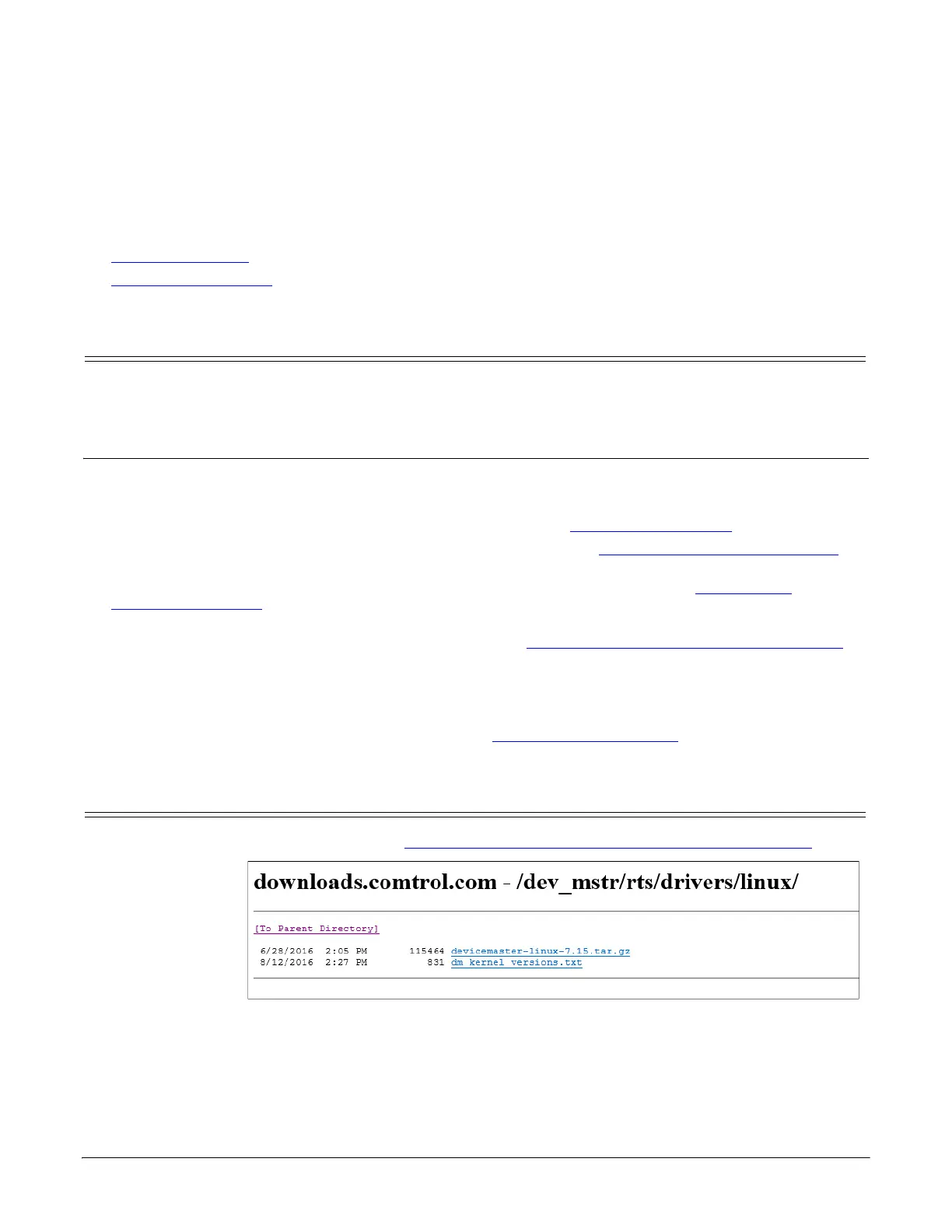
Download the latest device driver for Linux: fhttp://downloads.comtrol.com/dev_mstr/rts/drivers/linux.
Note: Although the download link displays rts in the path, the driver supports the DeviceMaster models
discussed in this User Guide.
Refer to the README file packaged with the Linux driver for driver installation and configuration
procedures.



 To Next Page