48 - Device Driver (NS-Link) Installation DeviceMaster Installation and Configuration Guide: 2000594 Rev. F
Linux Installations
Before you install the Linux NS-Link device driver:
1. Make sure that you have programmed an appropriate network address into the DeviceMaster.
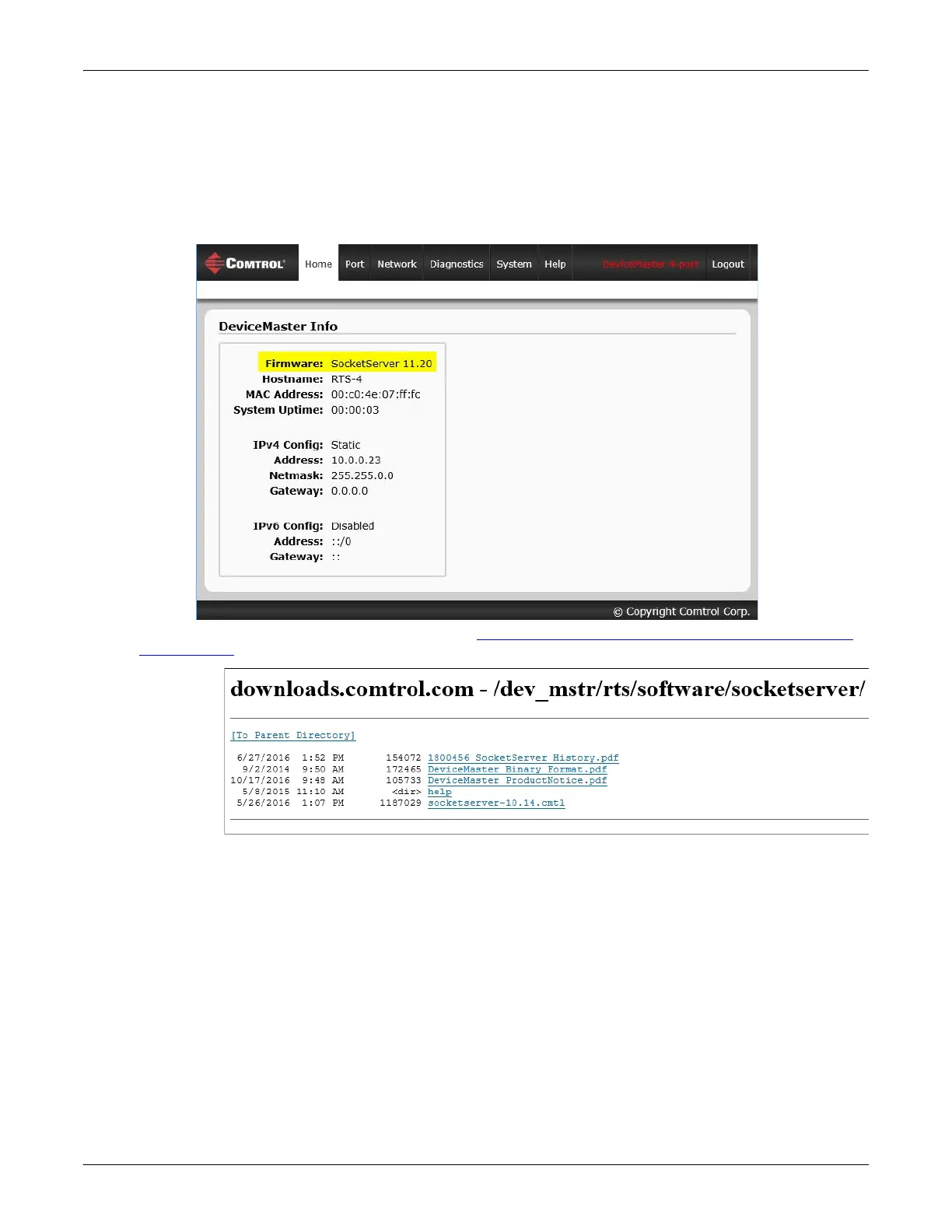
2. Make sure that you verify that you have the latest version of SocketServer loaded on the DeviceMaster.
If you do not want to install PortVision DX (Page 35) to check the SocketServer version, you can:
a. Open SocketServer to check the version by opening your browser and entering the IP address of the
DeviceMaster.
b. Check the download site for the latest version: http://downloads.comtrol.com/dev_mstr/rts/software/
SocketServer.
c. If necessary, download the latest version.
Note: Technical Supports recommends that you update to the latest version of SocketServer before installing
an NS-Link device driver.
3. Install and configure the Linux device driver using the Readme file packaged with the driver.



 To Next Page