DeviceMaster Installation and Configuration Guide: 2000594 Rev. F Troubleshooting and Technical Support - 161
Troubleshooting and Technical Support
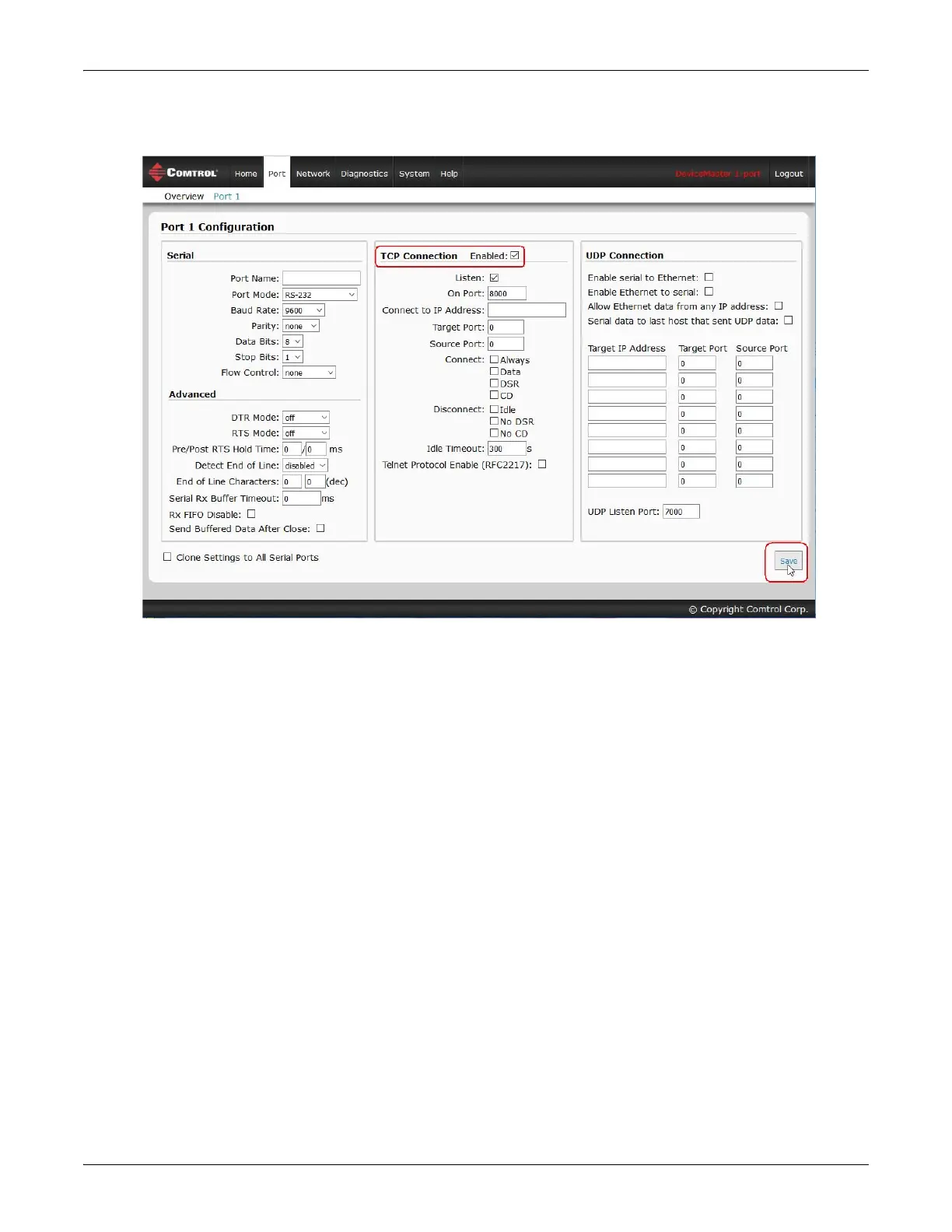
6. Under the TCP Connection Configuration section, click the Enable option, and leave all other settings on
this page at their default values.
Note: The Port number as it is needed later in this procedure. In this example, the port number is 8000.
7. Click the Save button.



 To Next Page