164 - Troubleshooting and Technical Support DeviceMaster Installation and Configuration Guide: 2000594 Rev. F
Troubleshooting and Technical Support
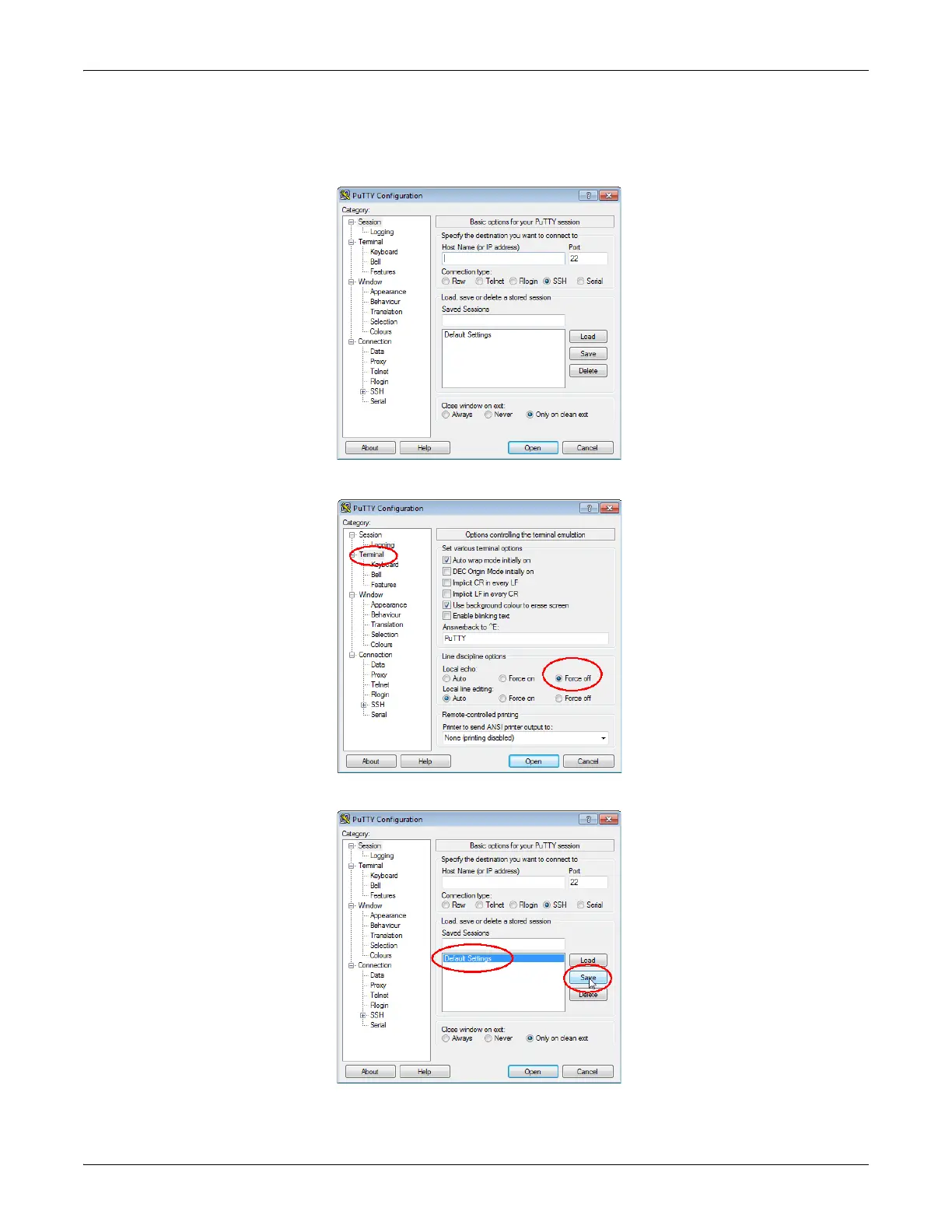
If 112233 displays, you need to disable local echo. Use the following steps to disable local echo.
a. Go to c: \Program Files (x86)\Comtrol\PortVision DX.
b. Execute PUTTY.EXE to open the application.
c. Click Terminal and click Force off for the Local echo option.
d. Return to the Session menu, highlight Default Settings and then click Save.
e. Click Cancel to close PuTTY.



 To Next Page